
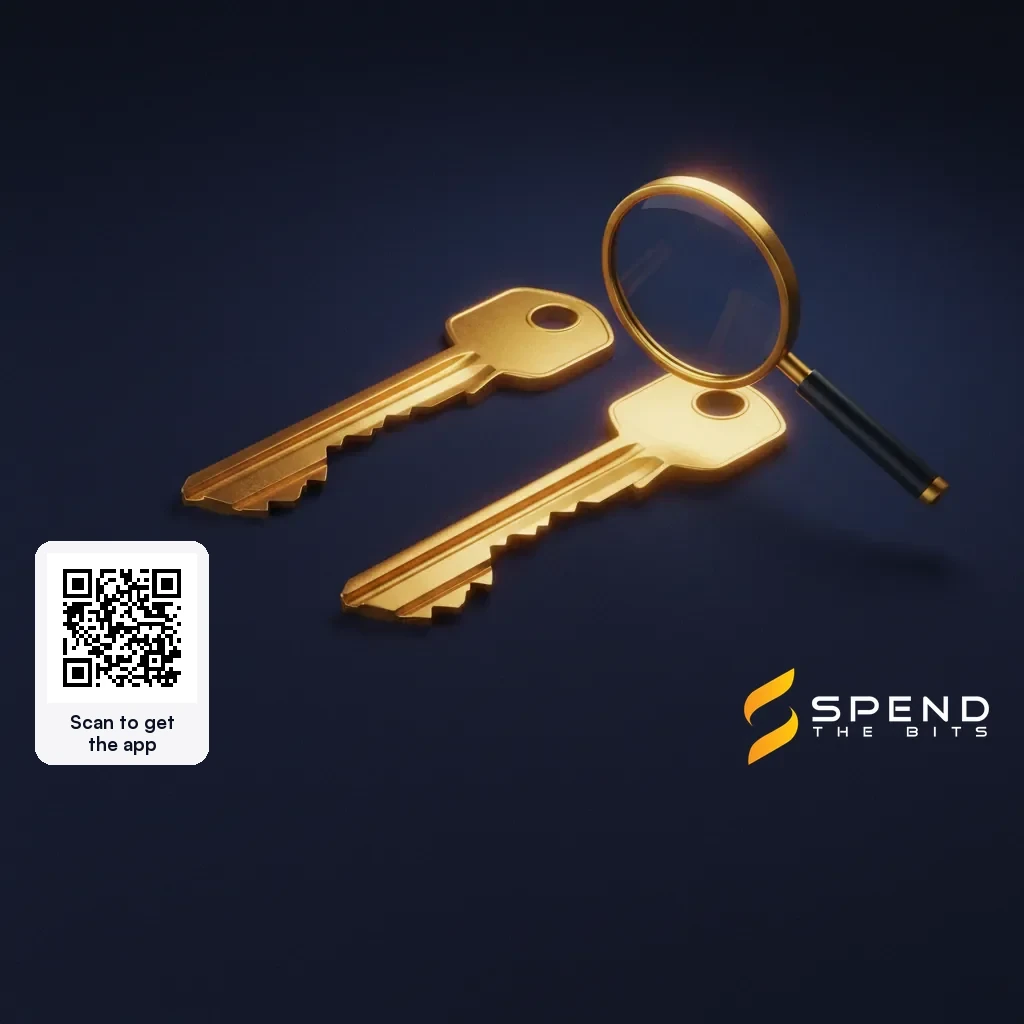
Letters that are twins but not the same
Domain names are no longer limited to the plain English alphabet. ICANN describes internationalized domain names as names that include characters used in the local representation of languages [3]. That is a good thing. It lets people everywhere use web addresses in their own scripts.
It also opens a door. Many alphabets contain letters that look exactly like Latin ones. The Unicode Consortium's security standard gives the example of "paypal" written with a Cyrillic small letter a, code point U+0430, in place of the Latin one [1]. To your eye the two words are the same. To a computer they are different names, which can be registered by different people.
Unicode calls these strings confusables, and it publishes data for deciding when two strings are visually confusable [1]. It even names the worst case. A whole-script confusable is a word written entirely in one alphabet that looks like a word in another, such as "scope" in Latin and its twin spelled in Cyrillic [1].
What punycode is, and why you sometimes see it
The internet's naming system was built for plain ASCII characters. ICANN explains that the Unicode form of a name needs special encoding before it goes into the DNS, and that the ASCII form of a label is called an A-label [3]. Its own example is a Hindi word whose A-label is written as xn--11b5bs1di [3].
That xn-- prefix is the tell. When a browser decides a name might be a trick, it can refuse to show the pretty Unicode version and show the coded A-label instead. Chrome's documentation gives a lookalike of a famous fruit brand, spelled with Cyrillic letters, that it displays as a string starting with xn-- [2].
So if you ever see xn-- at the start of a site's name in your address bar, slow down. It does not always mean fraud. Many honest sites use non-Latin names. But on a page asking you to connect a wallet or pay, it is a strong reason to stop and check.
How browsers decide what to show
Chrome checks each part of a hostname separately and decides whether to show it as Unicode or as punycode [2]. Its checks run in order, and any one failing means the coded form is shown [2]. Several of them target lookalikes directly.
It refuses to show labels that mix certain scripts, for example Latin with Cyrillic or Greek [2]. It flags mixed-script and whole-script confusables using the Unicode rules [2]. And it compares a label's skeleton, a simplified form used only for testing confusability, against a list of top domains. Chrome's example is a well-known search brand spelled with an accented e, which would be shown as punycode because it matches a top domain's skeleton [2]. Separately, Chrome can block navigations to lookalike URLs with a full-page warning [2].
These defences are good, and they catch the textbook attacks. But notice their limits. They mainly protect famous names on the top domains list. They live in the browser, not in the chat app, email client or wallet where you might first meet a link. And they do nothing about the simpler trick.
The simpler trick: no special letters at all
Most lookalike domain scams never touch another alphabet. They rely on habits of reading. A missing letter, a doubled letter, a swapped pair, an extra word such as "secure" or "app", or a different ending such as .co instead of .com. None of these trip a punycode check, because every character is ordinary.
The FBI's IC3 lists the same warning for business email fraud: check that links and sender addresses match the claimed sender, and watch for misspelled domains [6]. It applies just as well to wallet sites, bridges and payment pages. The FTC adds that a scam website can look real and come with ads, articles or a slick design to back it up [5].
Subdomains are another favourite. A link that reads like the real brand name followed by a long tail may actually belong to whatever sits just before the final ending. Read a web address from the right: the part just before the ending is the owner. Everything to the left of it is a label that owner chose.
Search ads deserve a special mention. A paid result can sit above the real site and carry a name that is one letter off. If you search for a wallet or bridge, check the address before you click, or skip search entirely for sites you use often.
Habits that work even when the screen lies
The best defence against a lookalike domain is not reading harder. It is not relying on reading at all. Bookmark the sites where you pay or connect a wallet, and use the bookmark every time. Or type the address yourself. A link in a message, an ad or a search result is where the trick usually starts.
Be suspicious of urgency. Ethereum's security page warns about phishing emails that send users to imitation websites [4], and about link previews on social media that can make a fake link look legitimate [4]. A message saying your wallet will be locked unless you act now is pressure, not information.
Never type a seed phrase into a website. Ethereum's guidance is blunt: anyone who has your recovery phrase can access all of your accounts [4]. No real wallet, bridge or support desk needs it. If you already paid a scam site, the FTC asks you to report it at ReportFraud.ftc.gov [5]. Our guide to self-custody stablecoins covers the basics of keeping keys safe.
Lookalikes in addresses that are not websites
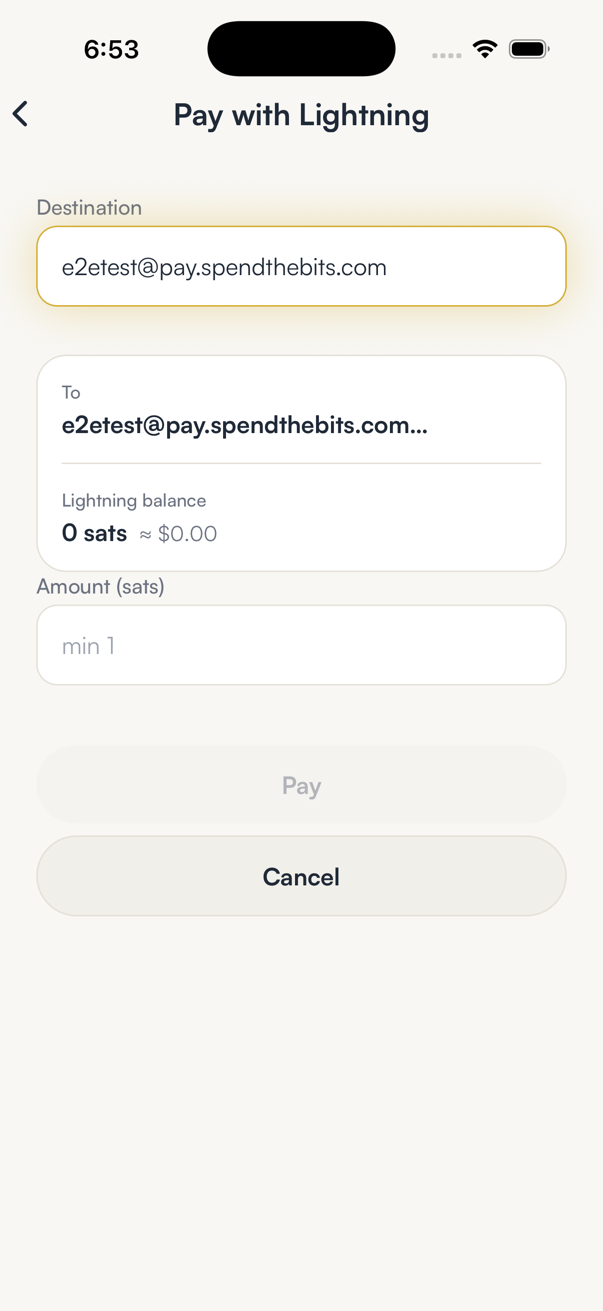
The same idea shows up in other kinds of address. A Lightning address looks like an email, with a name, an @ and a domain. The domain part decides who answers the payment request, so it deserves the same check as a website. A familiar name at an unfamiliar domain is a different payee.
Crypto wallet addresses have their own version, built from characters rather than letters from other alphabets. Scammers create addresses that share the first and last few characters with one you use. Our explainer on address poisoning covers that trick in detail.
AI agents meet lookalike domains too. An agent that pays per request reads a web address and a price, and it may not have any sense of whether the host is the one it used last week. That is a check to write into code, not leave to the model.
The rule for agents is the same one people should use. Keep a short list of the hosts the agent is allowed to pay, compare every new host against it character by character, and send anything new to a person. A lookalike domain that is one letter off the list should never be paid just because the rest of the request looks normal.
Where SpendTheBits helps
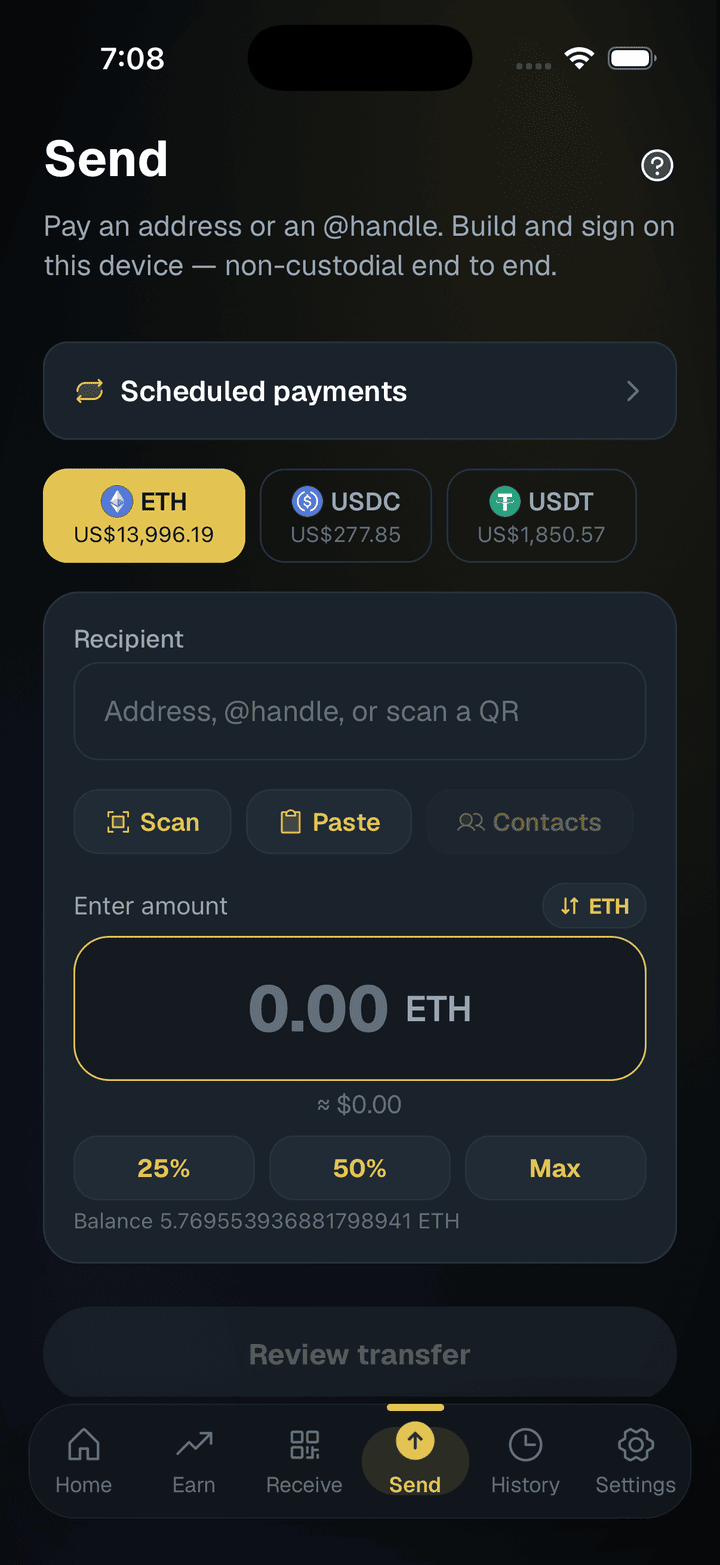
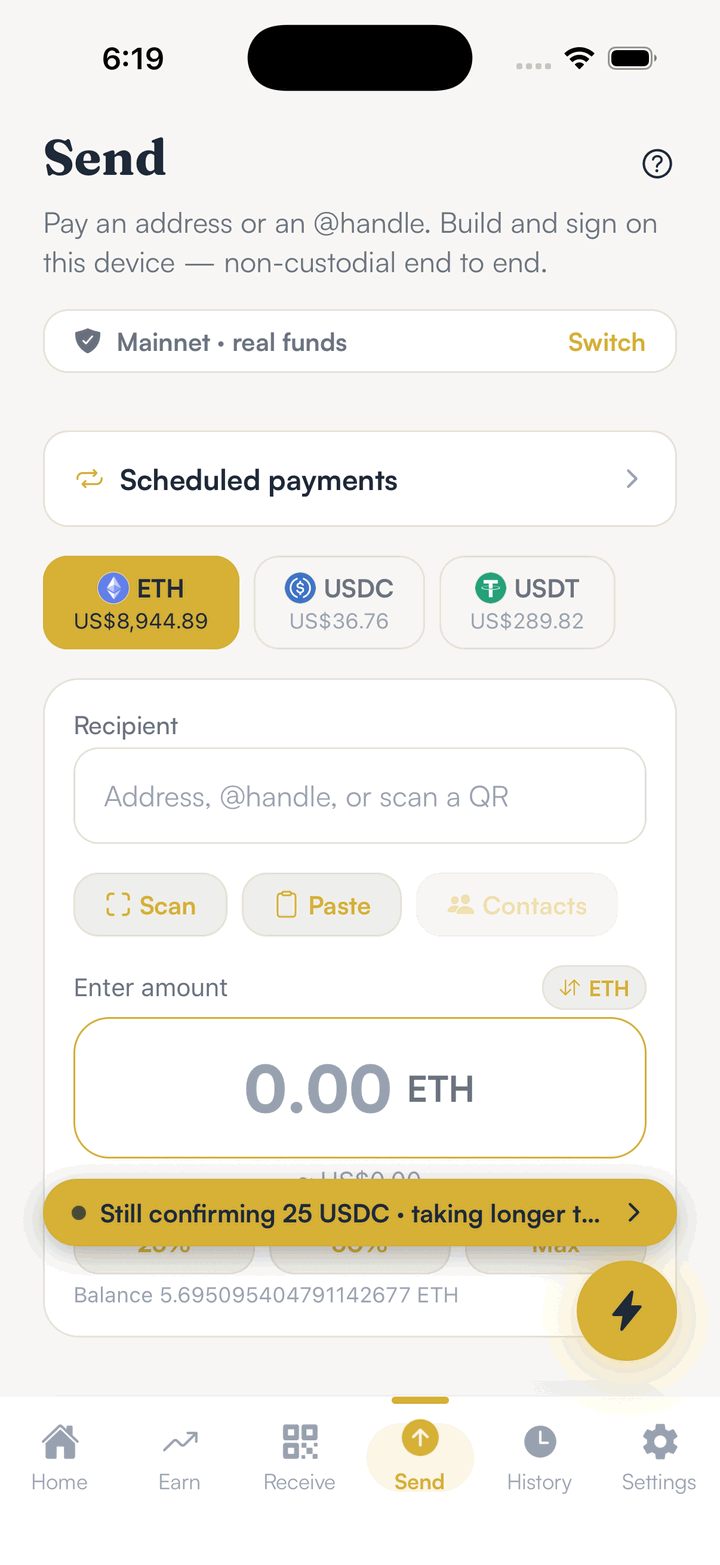
SpendTheBits is a self-custody wallet, and its checks focus on the moment before a payment is signed. On the Send screen it warns in plain words when an address looks almost identical to one you have paid or saved, when it is the first time sending to that address, and when an address has been publicly reported as a scam or wallet drainer.
For AI agents, SpendTheBits checks an agent's request for a lookalike web address before it reaches the owner, along with a new seller, a price outlier and a changed payout address, and the owner chooses whether unusual requests are shown or blocked. Those budget rules are cooperative: they apply when the agent checks with SpendTheBits first, and an agent that skips the check is limited only by the USDC at its own address. The free public scanner on the SpendTheBits site also flags a lookalike address among its reasons when it reads an x402 seller's payment request.
SpendTheBits Lightning addresses take the form handle@pay.spendthebits.com. If someone shares one with a different domain, it is not a SpendTheBits address. More on how the wallet protects sends is on the security page.
In the app · 3 steps
Check who you are paying before you sign
Lookalikes show up in web addresses, wallet addresses and Lightning addresses. Here is where the app helps you check each one.
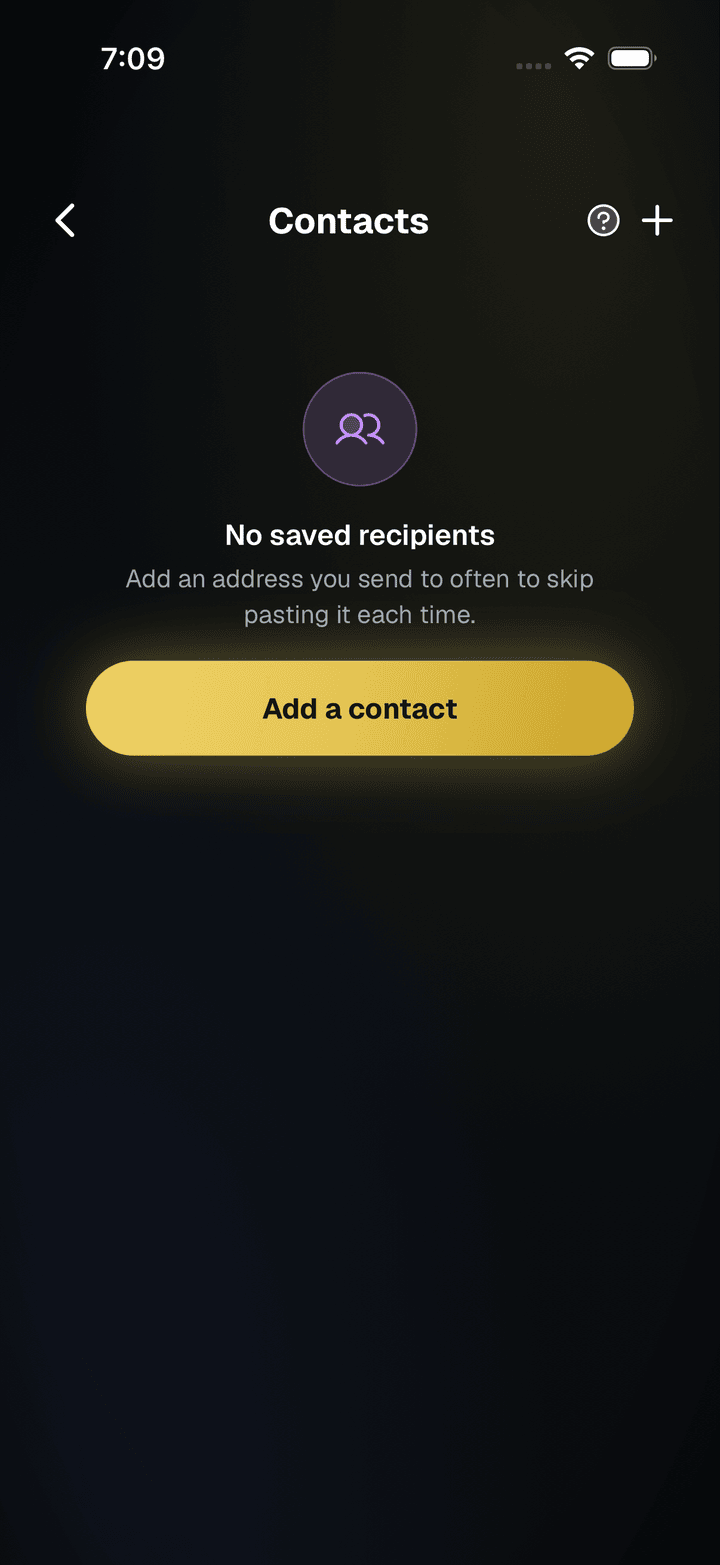
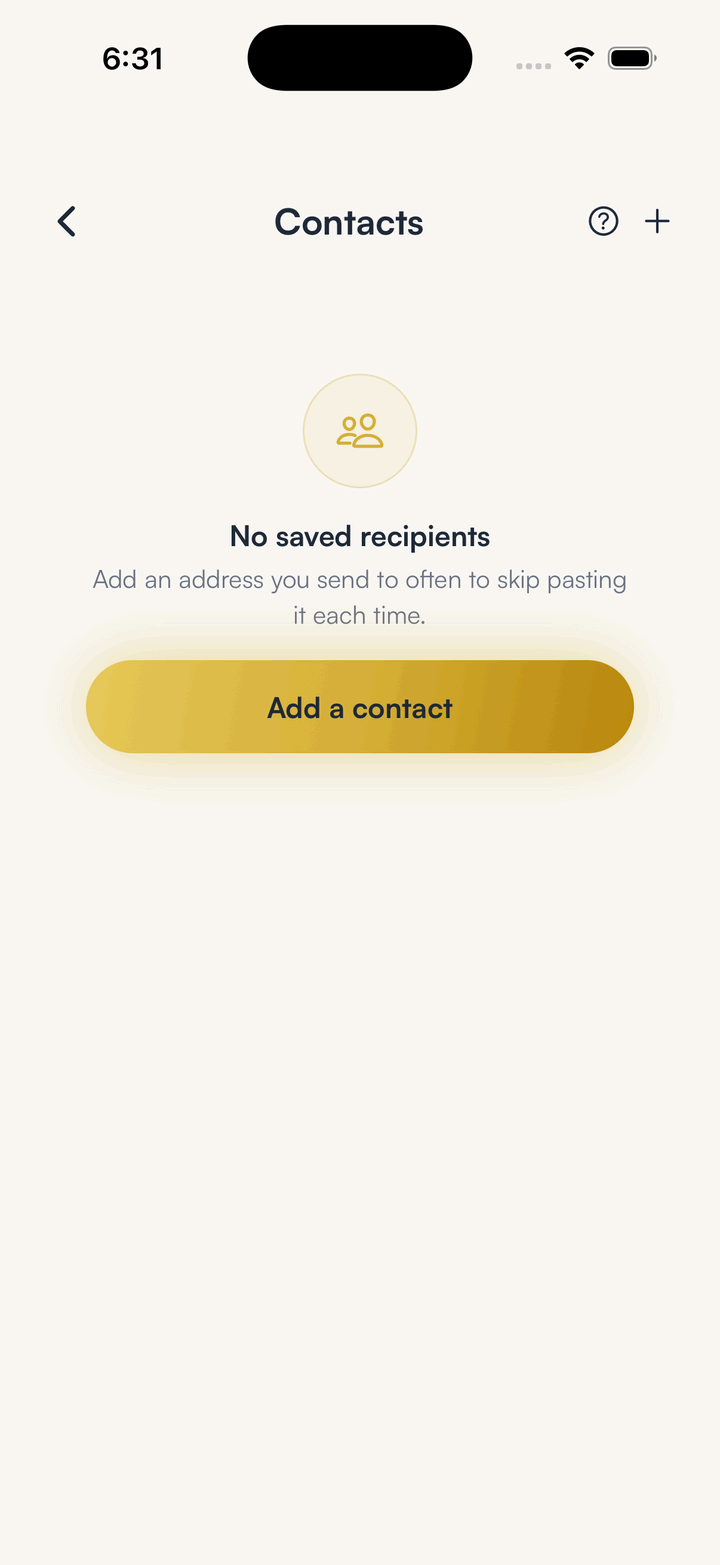
Pay people you have saved
Contacts keeps the addresses you use, so a near-copy stands out against the real one.
Read the warnings on Send
Send warns when an address looks almost identical to one you have paid, is new to you, or has been reported as a scam.
Check the domain on a Lightning address
On Pay with Lightning, read the part after the @ before you enter an amount.
Hold your own keys, keep the yield, skip the middleman.
SpendTheBits is a fully non-custodial wallet for 13 chains, free on iOS and Android.