

One field decides where the money lands
An x402 payment starts with the seller's Payment Required reply [1]. The specification lists what that reply carries for each accepted option: the scheme, the network, the amount, the asset and a payTo field, described as the recipient wallet address [1]. The buyer builds a signed payment from those details and sends it back [2].
Notice who chooses payTo. The seller does, on every single request. There is no registry that pins it to the seller's name. A client that paid a seller yesterday has no built-in reason to expect the same address today.
That is fine while the seller's server is honest and healthy. It becomes a problem the moment anyone else can edit what that server says.
Agents make this worse in one specific way. A person might notice that a familiar checkout page looks slightly off. An agent reads structured fields, not pages. If the JSON is well formed and the price matches, a naive client has nothing left to doubt. The weakest point in the whole flow is a single line of text that nobody reads twice.
How a payout address swap actually happens
Nobody needs to break any cryptography. The attacker only needs to change one string in a reply. There are several ordinary ways to get there.
A stolen deploy key or a leaked admin password lets someone edit the seller's config. A compromised dependency can rewrite responses on the way out. A hijacked domain or DNS record can send buyers to a copy of the server. A rogue insider can change the setting and wait. In each case the seller's name, the price and the product stay exactly the same.
Off chain, this is the classic invoice scam. The IC3 describes business email compromise as criminals taking over real email accounts, by social engineering or intrusion, to make unauthorized transfers [4]. It also notes that funds increasingly went to accounts at payment processors and crypto exchanges [4]. A payout address swap is the same move with the email removed.
The timing is often patient. An attacker who changes the address on a busy seller can collect many small payments before anyone looks. Each one is too small to trigger a complaint on its own. By the time the real seller notices that income has dropped, the money has already moved on, often through several hops.
Why the signature does not catch it
People sometimes assume a signed payment is a safe payment. It is a precise payment, which is different. The EIP-3009 typed data a buyer signs includes the from address, the to address, the value, a validity window and a nonce [3]. Once signed, nobody can redirect it.
The x402 exact scheme says the same from the other side: the facilitator cannot modify the amount or the destination [5]. That protects you from a thief in the middle. It does nothing about a bad address that was in the request before you signed.
Put plainly, the signature faithfully pays whatever address you agreed to. If the payout address swap happened before signing, the signature locks in the wrong payee. And on a public chain, a confirmed transfer cannot be undone by anyone but the person who received it.
This is also why a facilitator check is not enough on its own. A facilitator compares the signed payment with the requirements the server sent. If the server sent the wrong payee, the two match perfectly, and the payment is valid in every technical sense. Only the buyer, or software working for the buyer, can know that the payee is new.
The check that catches it: remember the last payee
The defence is memory. For each seller, keep the address you paid last time. Before signing, compare the new payTo with it. Same address, carry on. Different address, stop and ask why.
The x402 docs already point at this. They tell clients to re-run payment policy checks or ask the user for approval when terms such as the amount, the asset or payTo change on a retry [2]. Extend that rule beyond retries to every payment to a known seller.
Match on the whole address, not the first and last few characters. Lookalike addresses are built to pass a quick glance, as our guide to address poisoning explains. A full string comparison costs nothing and never gets tired.
Keep the record per seller and per network. The same seller may use different addresses on different chains, and that can be normal. What matters is that the pair you saw last time is the pair you see now. Store it the first time you pay, and update it only after a change has been confirmed.
What to do when the address changes
Sometimes the change is real. Sellers rotate keys, move to a new wallet or split payments through a contract. So the right response to a new address is not a hard no. It is a pause and a check on a channel the attacker does not control.
Follow the IC3's advice in spirit: confirm through a second channel [4]. For a person, that means the seller's known contact, not a link inside the same response. For an agent, it means sending the change to its owner instead of paying. A short delay costs a little time. A wrong payment usually costs the whole amount.
Sellers can help buyers here. Announce address changes in advance, publish them in more than one place, and keep the old address able to receive for a while. A buyer who sees the same new address in two places has a real reason to trust it.
For agents, write the rule into code rather than the prompt. A prompt can be argued with by text the agent reads on a web page. A comparison in code cannot. If the stored payee and the new payee differ, the function returns stop, and no amount of persuasive text in a response can change that outcome.
What SpendTheBits checks before an agent pays
SpendTheBits builds this check into its agent spend controls. Before an agent's request reaches the owner, SpendTheBits checks it for a payout address that changed, along with a seller the owner has never paid, a price far above that seller's usual price, a lookalike web address, a duplicate request and an authorization that stays valid too long. The owner chooses whether an unusual request is shown to them or blocked.
These are budget rules, and they are cooperative: they apply when the agent checks a payment with SpendTheBits first. An agent that skips the check is limited only by the USDC at its own address. That is why the agent's spending limit is the USDC the owner puts there, which the chain enforces. More on that setup is on the agents page.
Every answer SpendTheBits gives an agent is written to the owner's Agent activity record, allowed, waiting for the owner or blocked, with the rule that decided. So if an agent was stopped because a seller's payee changed, the owner can see which seller, when, and which rule fired, and then confirm the change through a channel they trust.
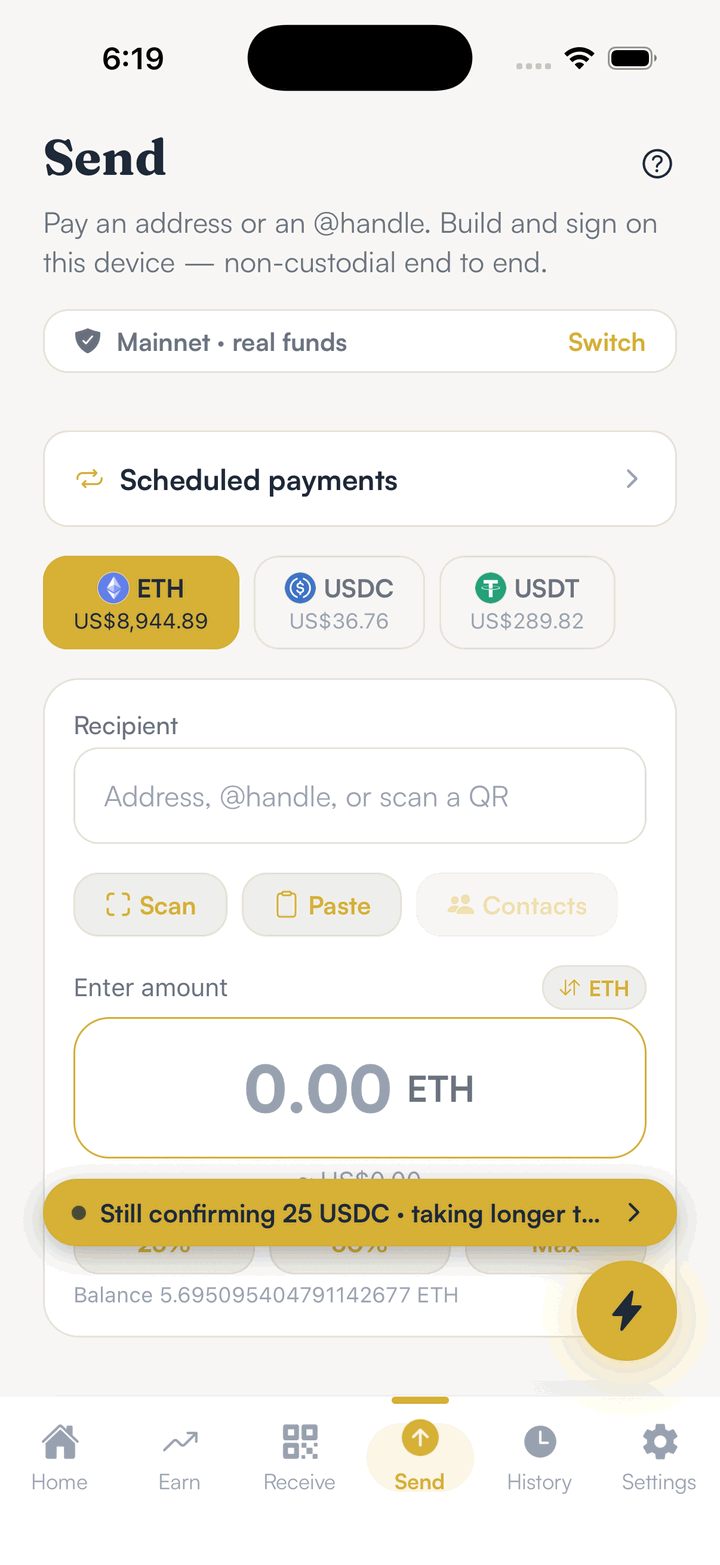
For builders, SpendTheBits runs public test sellers on test networks that misbehave on purpose, including one with a changed payout address, so you can confirm your agent refuses it. They never settle a payment. People paying by hand get a related warning on the Send screen when an address looks almost identical to one they have paid or saved. See the security page for the rest.
In the app · 3 steps
Keep your payees straight
A changed payee is easiest to catch when you know who you paid before. Here is how that looks in the app.
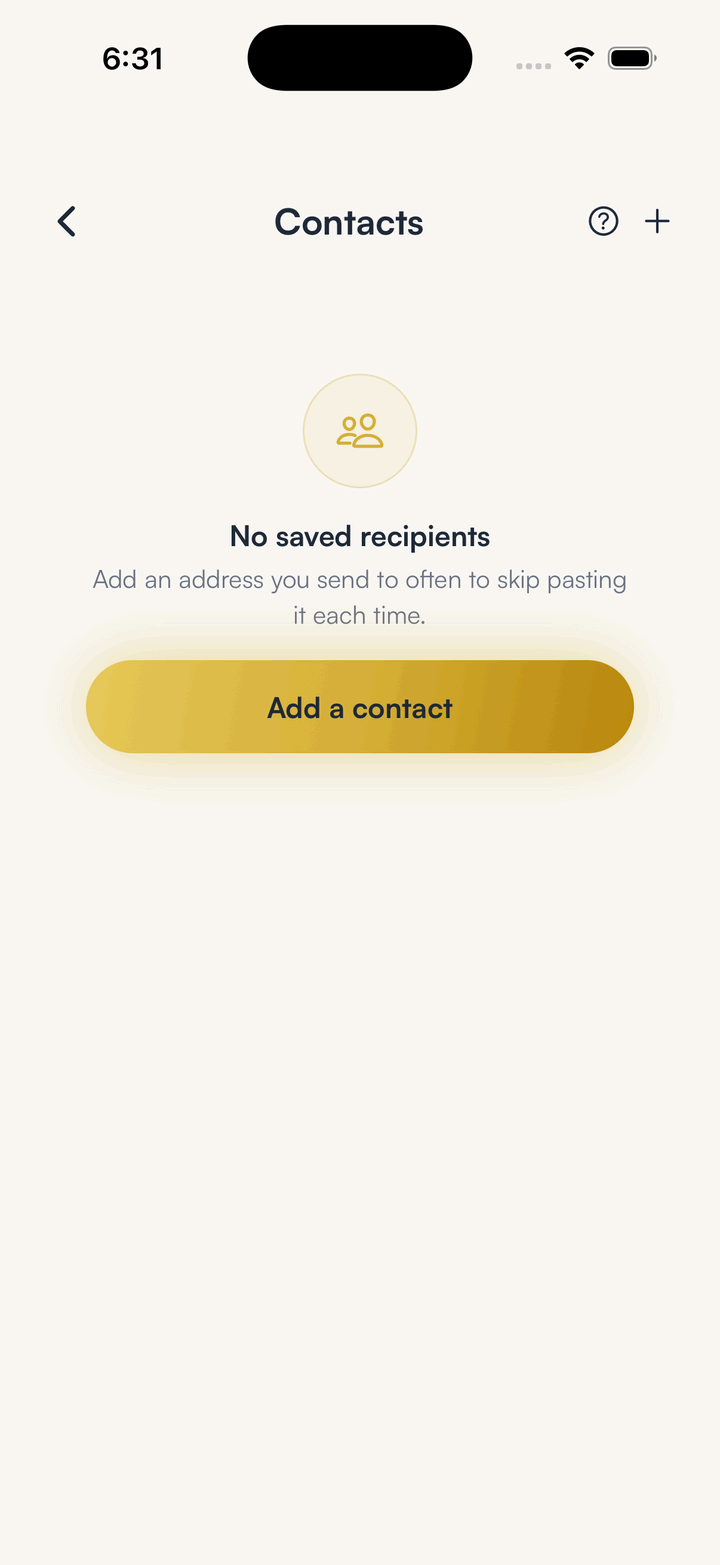
Save the people and sellers you pay
Contacts keeps the addresses you use, so a lookalike stands out against the real one.

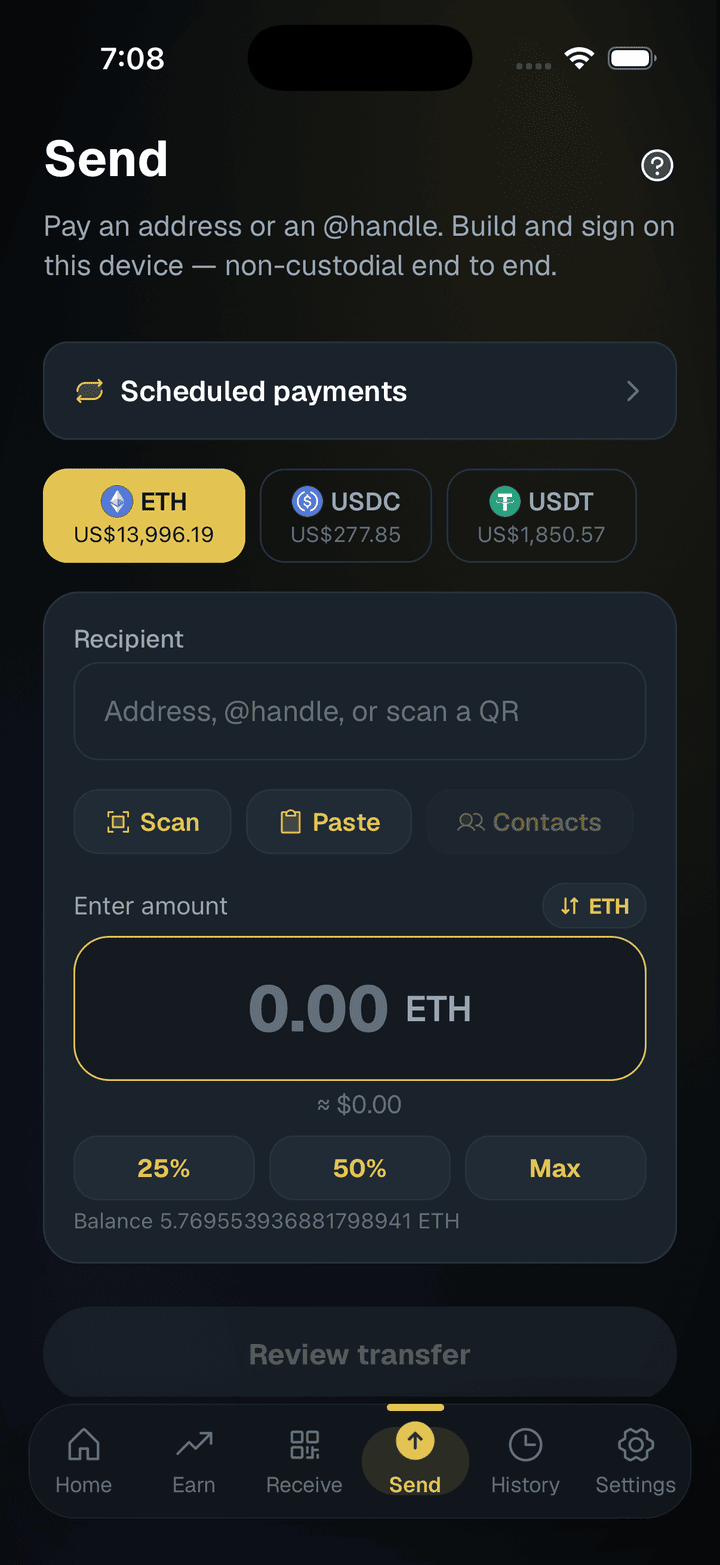
Let Send check the address
The Send screen warns when an address looks almost identical to one you have paid or saved, or is new to you.
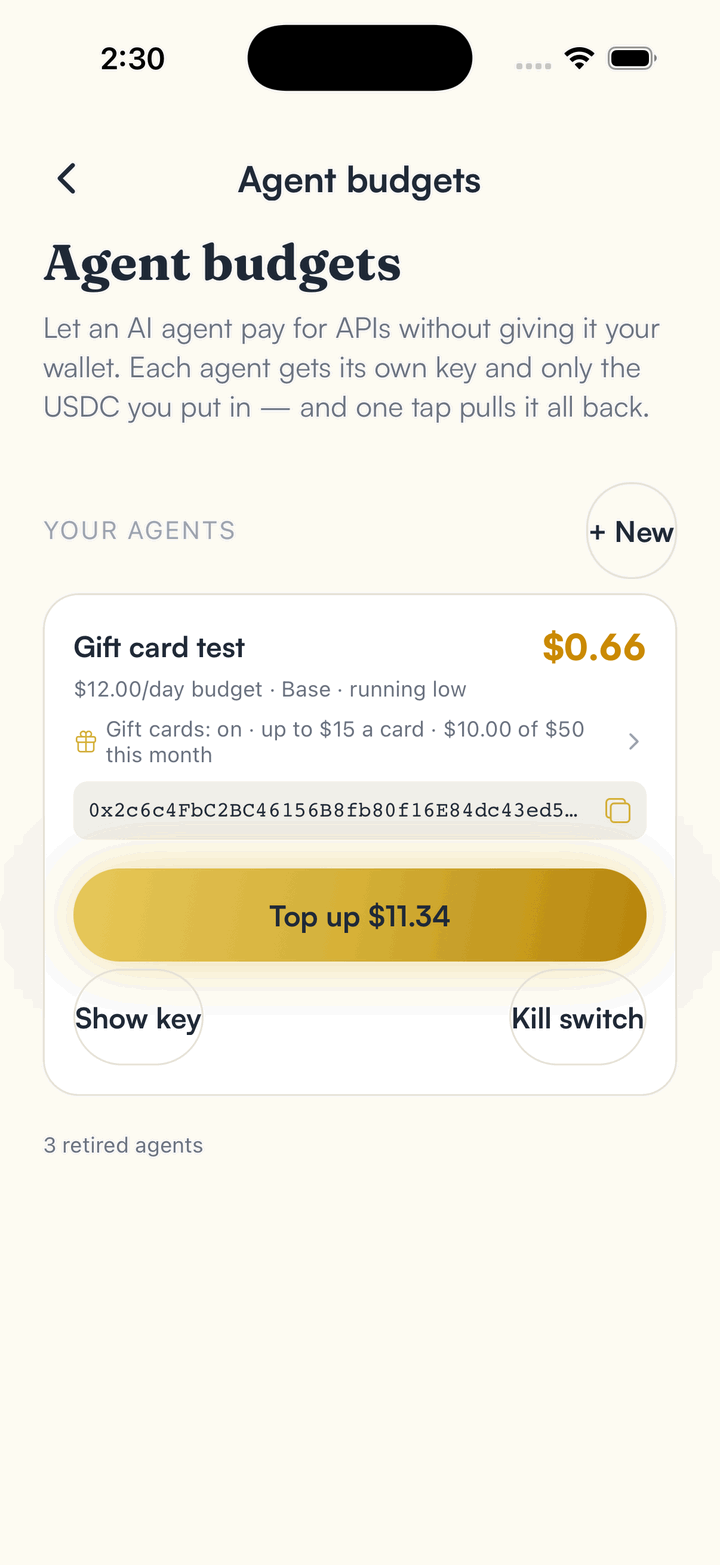
Give agents their own small budget
An agent pays from its own key and only the USDC you put there, so a bad payee can cost no more than that.
Hold your own keys, keep the yield, skip the middleman.
SpendTheBits is a fully non-custodial wallet for 13 chains, free on iOS and Android.