

What an ERC-20 approval actually writes on-chain
The approve function lets you allow a spender to withdraw from your account multiple times, up to a set amount [4]. A companion function, allowance, returns how much that spender may still take [4]. A third function, transferFrom, is how the spender actually moves your tokens once permission exists [4].
Think of it as a standing instruction filed with the token contract, not with the app. Revoke.cash describes the same thing as a mapping inside the token contract that records who you approved and for how much [1]. When a contract later tries to spend your tokens, the token checks that mapping. If the spender has permission, the tokens move. If not, the transaction fails [1].
Two details matter for safety. First, calling approve again overwrites the current allowance with the new value [4]. That is why cancelling is just another approve call. Second, the standard notes a known race condition around changing allowances, and says clients should set the allowance to zero before setting a new value for the same spender [4]. Good interfaces do this for you, but it explains why you sometimes see two prompts in a row.
Why an unlimited approval outlives the app that asked for it
Many apps ask for an unlimited amount. The ethereum.org guide explains the motive: platforms request permission to spend an unlimited number of tokens to save users small repeat costs later, so you approve once and pay the network fee once [3]. It is convenient, and that convenience is the trap.
Once a platform holds unlimited rights over a token in your wallet, it can spend all of that token even after you have moved your funds out of the platform and back into your own wallet [3]. A malicious actor who gets access can then pull funds into their own wallet, leaving you no recovery option [3]. The guide is blunt that the only protections are to avoid untested new projects, approve only what you need, or revoke regularly [3].
Time does not help you. The same guide says contract permissions have no expiration date, and a permission you grant can be used even years later [3]. Disconnecting your wallet from a site does not remove the permission either, because the permission lives in the token contract, not in the website session [3]. So an app you tried once in a past year can still hold a live key to your balance.
Signed permits: approvals with no transaction at all
There is a second way to grant spending rights, and it leaves no on-chain trace at the moment you do it. EIP-2612 adds a permit function to ERC-20 tokens. It lets you change the allowance by signing a message, instead of sending a transaction yourself [5]. The signed data follows the EIP-712 typed-message format, which wallets already display [5].
The design has a real benefit: you can use a token without holding the chain's gas coin, because someone else can submit your signature [5]. The cost is that the signature itself is the permission. The standard says the caller of permit can be any address, since the definition never refers to the sender [5]. A relayer holding your signature effectively has a free option to submit it or hold it back [5].
The standard offers one built-in limit: a deadline. The owner can restrict how long a permit is valid by setting the deadline to a time in the near future, but it can also be set to a maximum value so the permit effectively never expires [5].
How drainers use approvals and what makes them dangerous
Approvals are a core part of how decentralized apps work. Without them, a lot of DeFi would not be possible [1]. The same pattern is what scammers lean on. Revoke.cash lists two common tricks: a direct approval to a contract the scammer controls, and a signature that lists your assets for sale on a marketplace for nothing [1]. In the first case the scammer takes money straight from your wallet [1].
Honest projects get hurt too. It keeps a checker with a list of known exploits so you can see whether you hold approvals to affected contracts [1].
The threat mix has shifted. In March 2026 the Revoke.cash team wrote that malicious approvals are no longer the biggest threat, and that scammers now lean on deceptive transactions, address poisoning, phishing ads and impersonation [2]. That does not make old approvals harmless. It means that when you revoke token approvals, you are doing one habit among several, and keeping approvals to a minimum limits the damage a scammer can do [1].
Find and revoke token approvals in four steps
Open one, choose connect wallet, and use the same address you want to audit [3]. Make sure the network in your wallet matches the network on the site, because you only see contracts for the chain you selected [3].
Next, read the list. It shows every contract allowed to touch your tokens and its spending limit [3]. Pick the ones you no longer use or do not recognise.
Then click revoke. Your wallet will show a new transaction, and you pay a network fee for the cancellation to succeed, which can take from one minute to several [3]. Under the hood, this is the approve call again with the amount set to zero [1]. Finally, refresh the tool after a few minutes, reconnect, and check the revoked contract is gone [3]. Revoking should not cost you funds, and it does not touch staking or lending positions you already hold [3]. Repeat the check on every chain you use. For the safe-handling basics around this, see our guide to self-custody.
Two details in the guide save a wasted trip. It says you will only see smart contracts related to the network selected, so check each chain you use one at a time [3]. If you are not sure which spender to remove, the guide says you can revoke all of them, and that it won't create any problems for you [3]. The cost is that you will have to grant a new set of permissions the next time you interact with any of these contracts [3]. After the revoke goes through, it advises you to refresh the revoking tool after a few minutes and connect your wallet again to double check the list [3]. Once you click on revoke, the guide says you should see a new transaction suggestion in your wallet [3]. It adds that you will have to pay the fee for the cancellation to be successful [3]. It also notes that, depending on the network, this can take from a minute to several to be processed [3].
Where SpendTheBits fits: warn before you sign, revoke with a public tool
Before you sign, it flags a request that would grant a contract unlimited spending approval, and it flags a spender it does not recognise. That catches the bad prompt at the moment it is cheapest to refuse. Our security overview explains how signing stays on your device.
What it does not have is an in-app screen for revoking approvals given in other apps. Because the wallet is self-custodial, the same address can revoke old approvals with a public tool such as Revoke.cash. The wallet uses one EVM address on every EVM chain it supports, so the same key controls that address on each of them. That means you should run the check on each chain where you have used the address.
Pair the habit with other limits. A cap on how much can leave per send is a different control from an approval, but both reduce the blast radius of one bad click, as we explain in our piece on spending limits and allowlists. If your phone is ever compromised, our guide on what to do if your phone is hacked covers the next moves. And for the gas side of cleanup, see how gasless USDC transfers work, since revoking itself needs network gas.
In the app · 3 steps
Protect the wallet that holds your approvals
Revoking happens in a public tool. These screens limit the damage if an approval is abused.
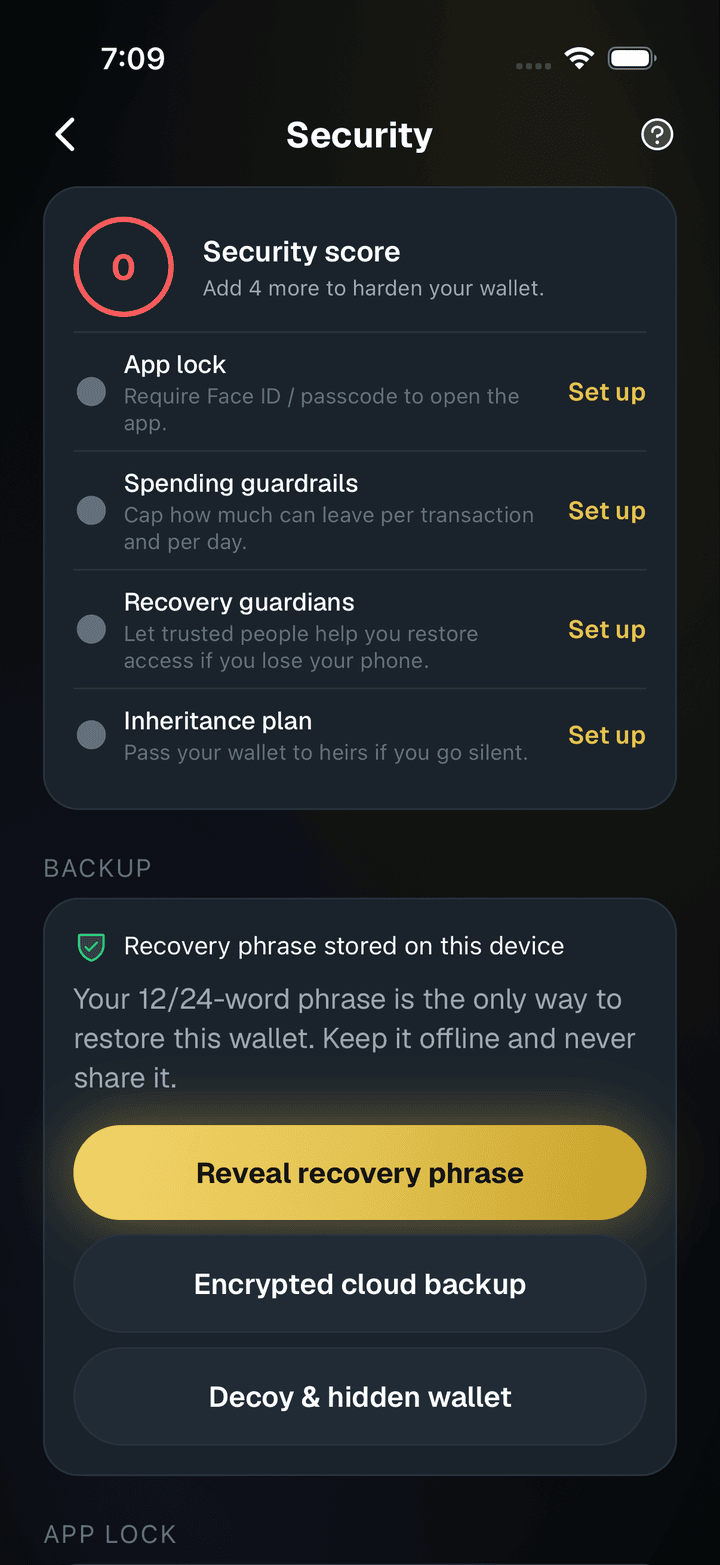
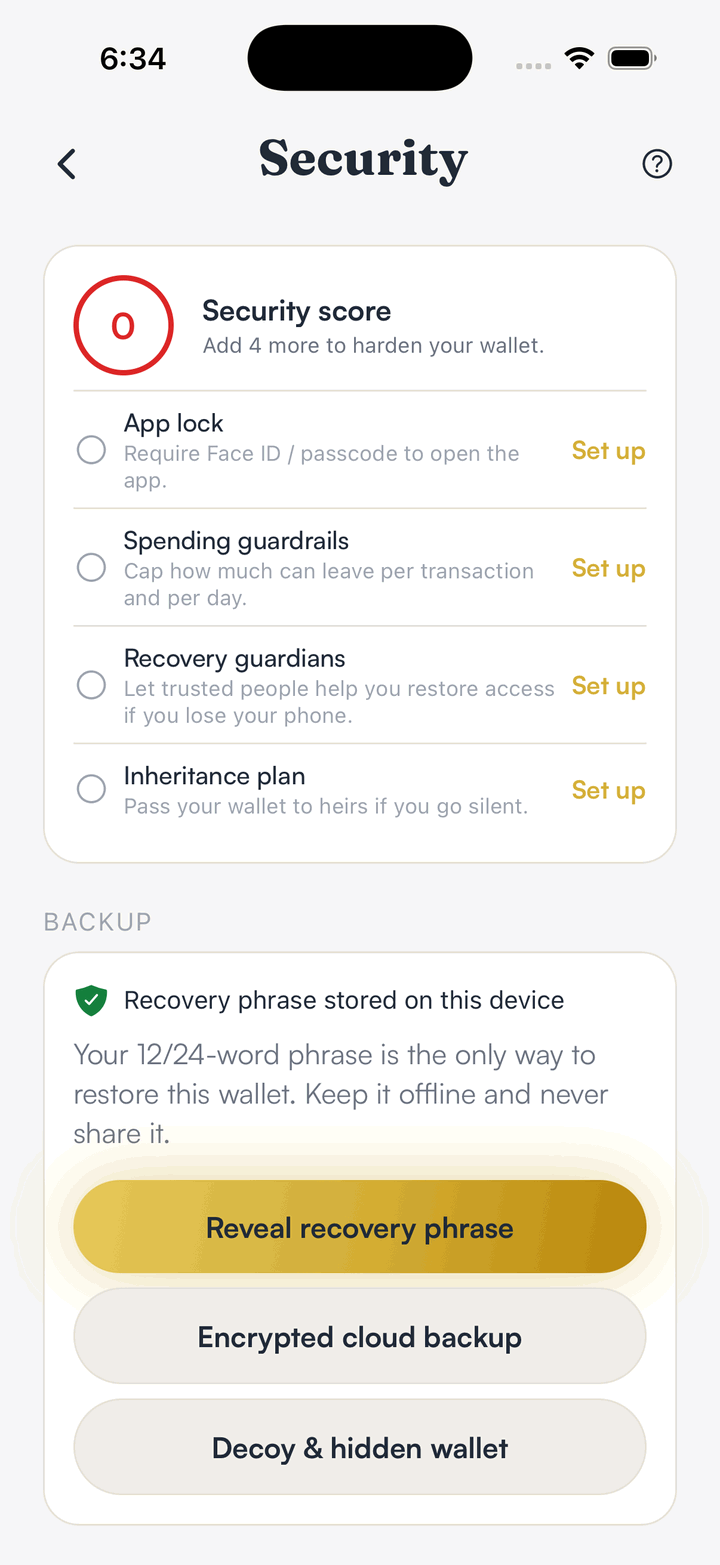
Check your security score
Security lists the protections that are on and the ones to set up next.
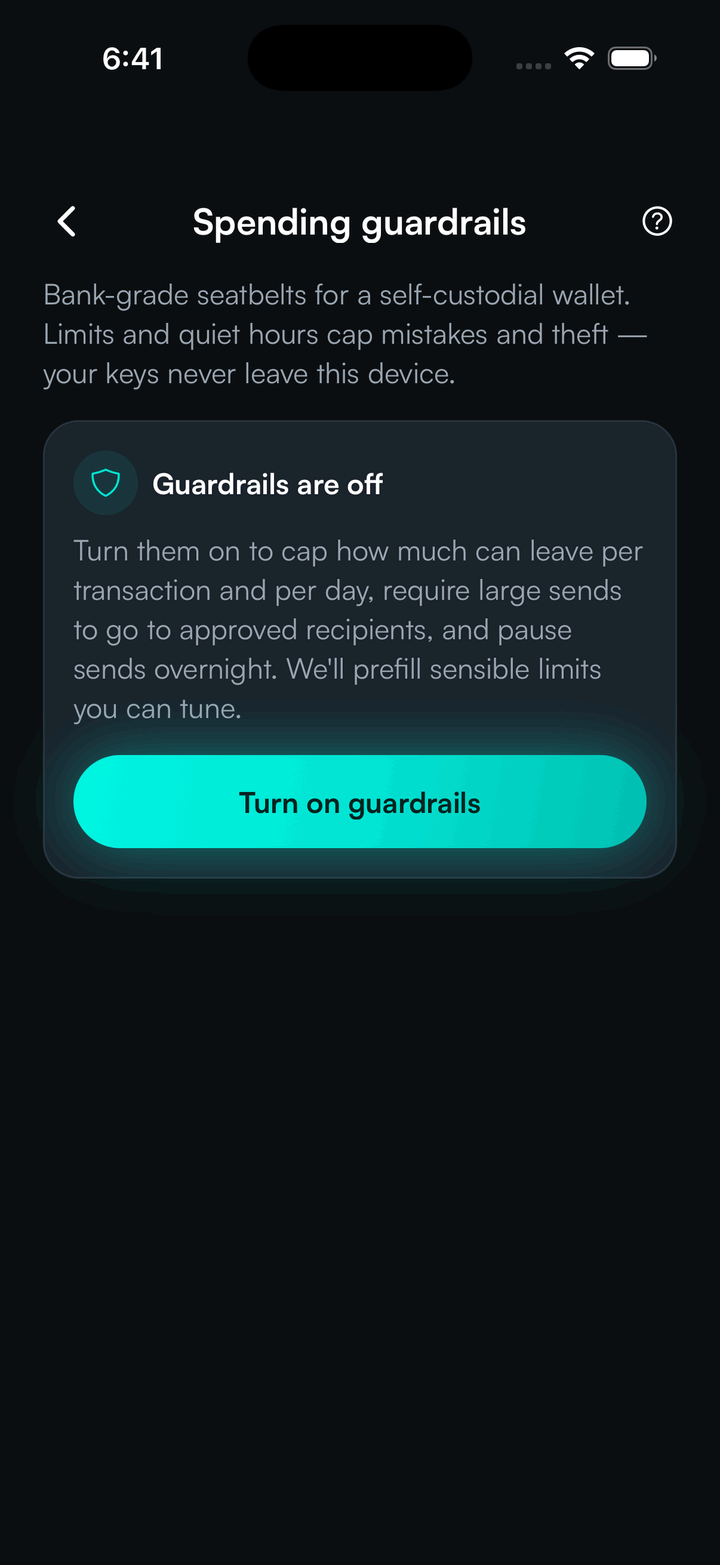
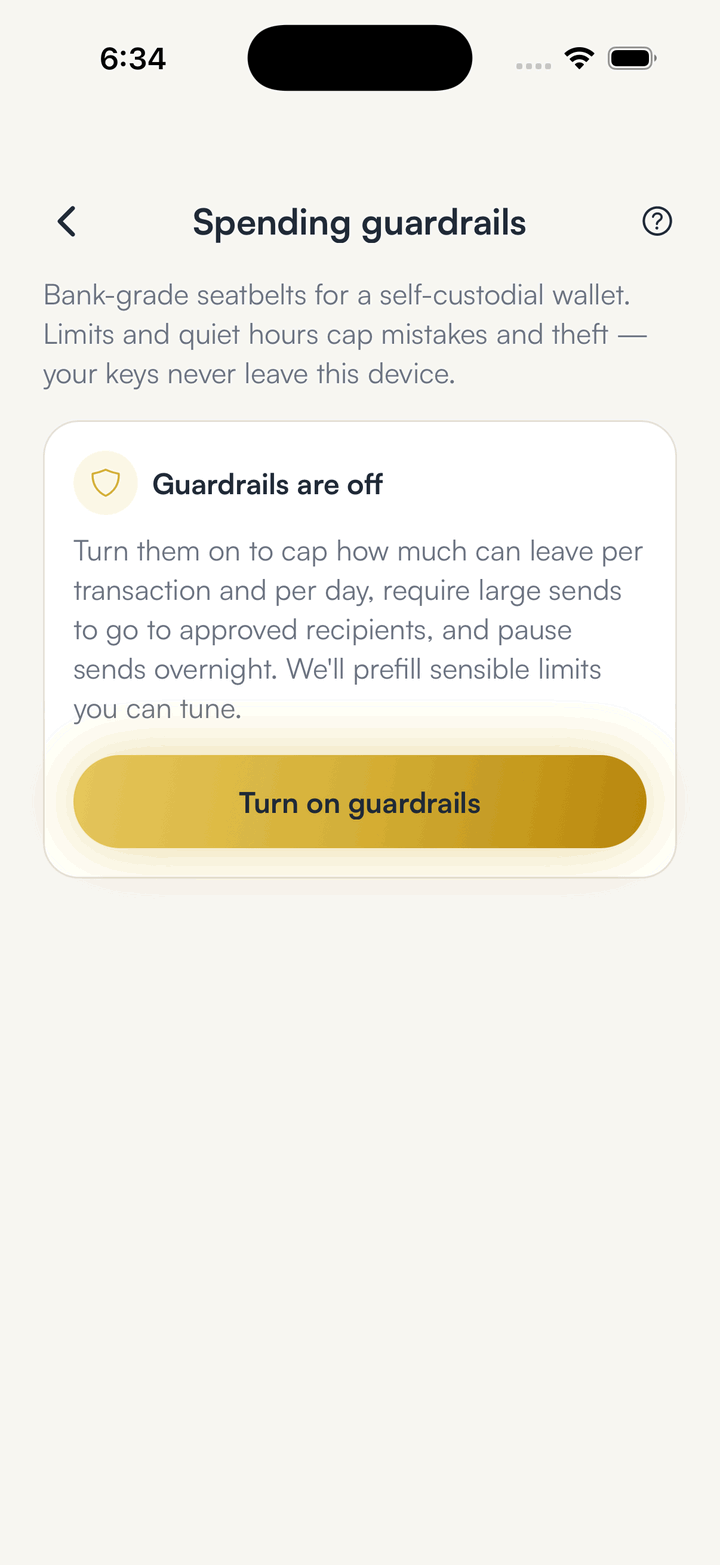
Turn on spending guardrails
Caps limit how much can leave per transaction and per day.
Read the recipient before you sign
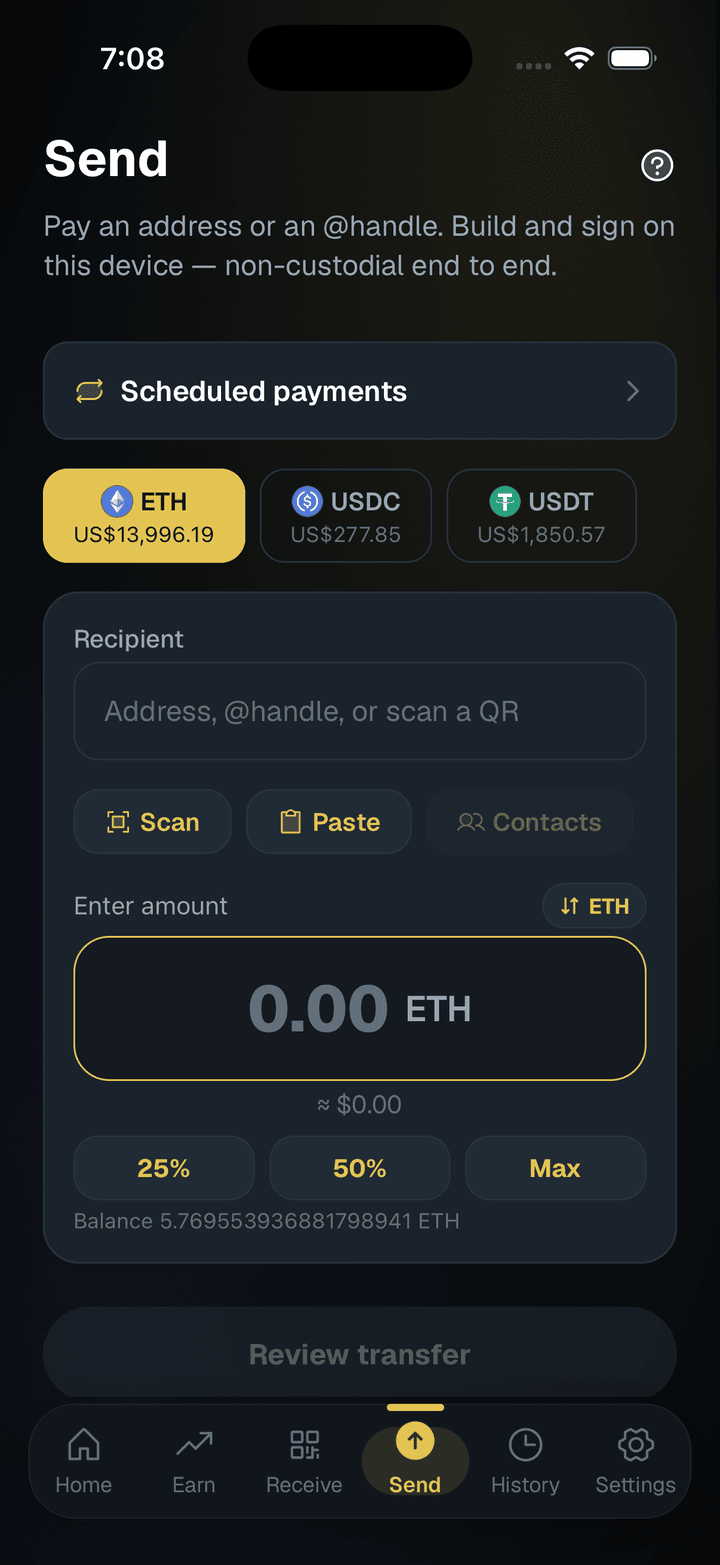
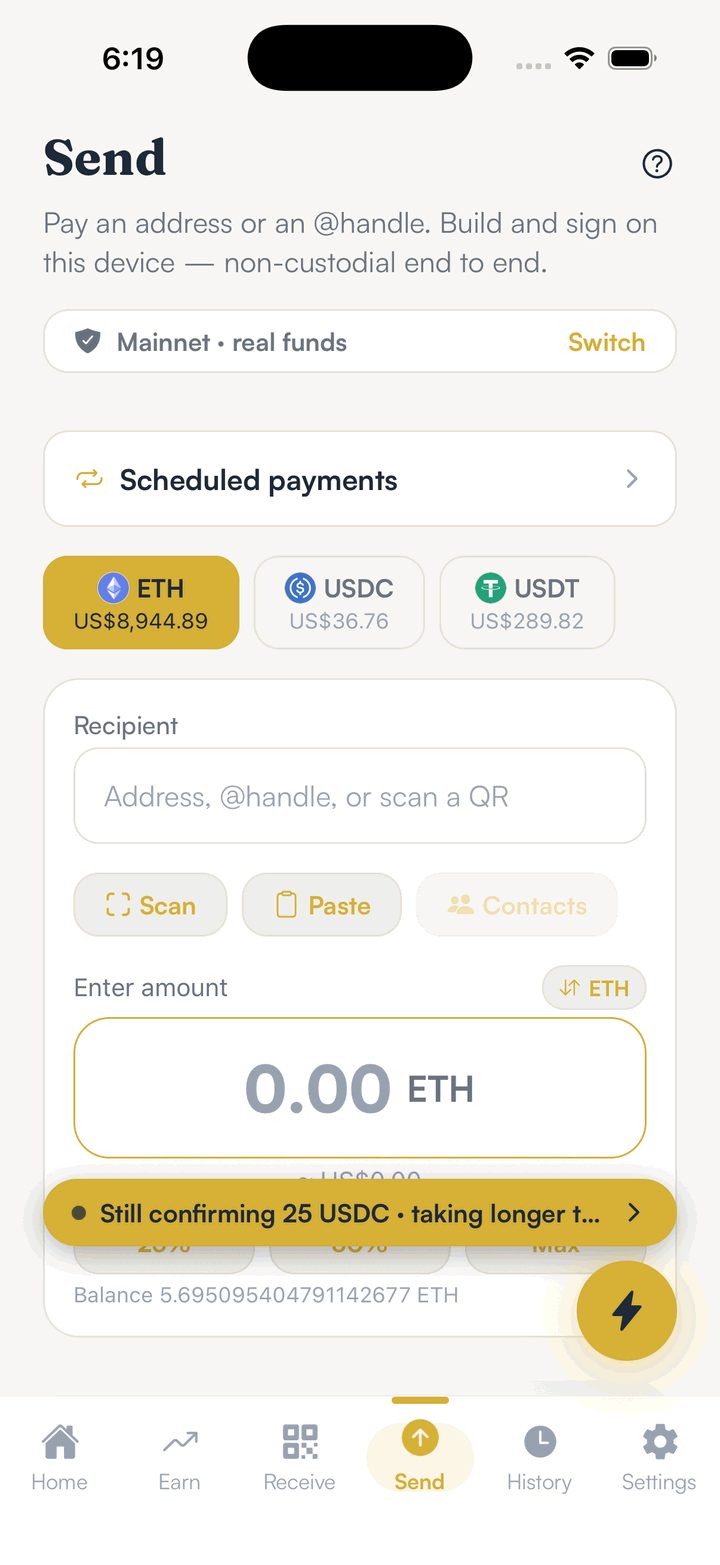
Paste or scan the address, then check it on the review screen before you approve.
Hold your own keys, keep the yield, skip the middleman.
SpendTheBits is a fully non-custodial wallet for 13 chains, free on iOS and Android.