
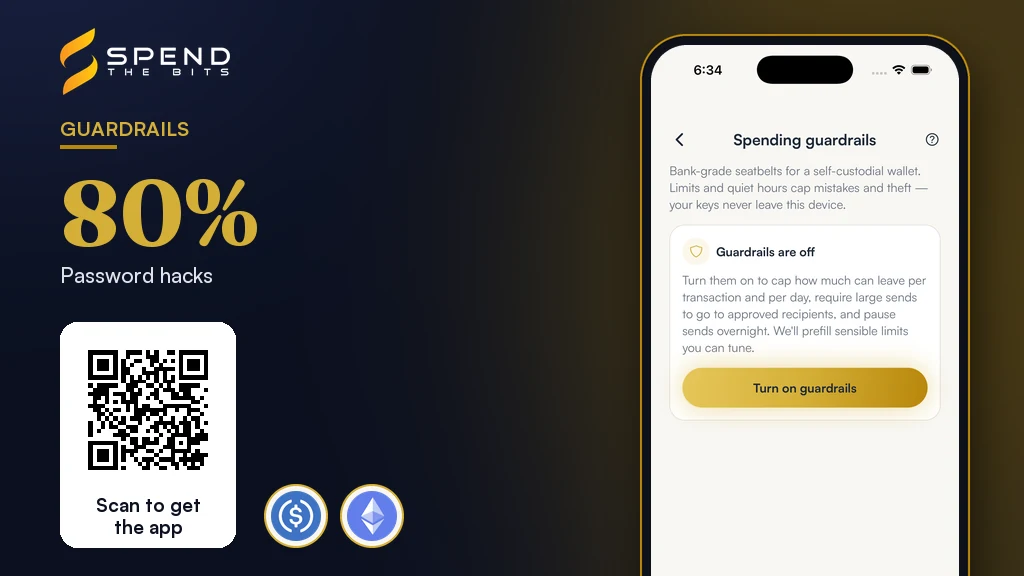
The Zero-Protection Reality of Raw Self-Custody
Traditional bank accounts have legal protections [1]. Crypto payments cannot be undone, and they have no government insurance [1]. Once a transaction goes to the blockchain, no central power can undo the mistake [4].
Without safety tools, a stolen key means a thief can drain your whole balance in seconds. This is why raw self-custody is highly risky for families and long-term holders who require peace of mind. Implementing Crypto spending limits on your wallet ensures that even if your device is compromised, your total exposure is strictly capped.
By choosing a wallet that supports local restrictions, you build a fortress around your digital assets. These limits do not require a third party to hold your funds or manage your transactions. Instead, they act as a guard that watches your outgoing funds based on your rules. Protecting your funds starts with realizing that you are your own bank and must build your own security guardrails [4]. You can learn more in what is a non-custodial wallet.
When you hold your own keys, you are the only one who can protect your digital cash. Standard cryptocurrency accounts have no government backing [1]. If a platform goes out of business or your wallet is compromised, the government has no obligation to help you get your money back [1]. You cannot call a bank to reverse a bad payment or retrieve a lost password [1]. This is why SpendTheBits operates as a fully non-custodial wallet. The backend only stores public transaction data and cannot access your private keys.
The Sneaky Threat of Phished Approvals
Many modern token designs use signed approvals to interact with smart contracts [3]. You do not need to make many transactions. But this easy way creates a big risk if you sign for a limit that has no cap. If you click a bad link, a bad contract can quietly drain your whole wallet [2].
Phishing scams are common and often send users to fake sites that look like real ones [2]. For instance, airdrop scams lure you in with free assets but prompt you to sign a transaction that compromises your account [2]. Once you approve the transaction, your funds are sent directly to the scammer's wallet address [2]. This is why setting strict transaction limits is essential when interacting with any smart contract.
Safe wallets ask you to limit your spend to what you need for that one trade [2]. This simple practice shields your remaining balance from being swept away by a compromised contract. Read more about keeping your stablecoins safe in our guide to self-custody.
Phishing schemes often use fake token airdrops to trick users into signing malicious approvals [2]. To protect your wallet, SpendTheBits uses Scam Sentinel to check each address before you send funds. The system also locks up new tokens. This stops a fake asset from looking like a real balance. This prevents you from interacting with deceptive smart contracts that might drain your assets. Combining these local warnings with signed messages helps you keep your tokens secure from complex scams.
Setting Daily Caps and Per-Send Limits
One of the most effective ways to secure your assets is to implement daily and per-send caps. Your crypto wallet should have a daily cap, just like a debit card has a cash limit. Having Crypto spending limits in place means that even if a thief steals your phone, they cannot empty your life savings in one go. They will be stopped by the daily cap you established.
A safe wallet sets these limits on your device before it builds or sends a transaction. Your keys stay private and in your hands, yet you still get the safety of spend limits. You can explore these features in detail in our guide on how to set spending guardrails.
For families and long-term holders, having a daily cap provides a critical window of time to react. If you see transactions you did not make, you can act before the next daily limit resets. These steps turn your wallet from an easy target into a safe personal vault. It allows you to sleep soundly knowing your funds are protected by automated local rules.
The Power of Allowlists and Cooldowns
An allowlist is a safe list of addresses you trust, like your hardware wallet. By sending large transfers only to verified addresses, you stop sending funds to scammers. If someone gets into your wallet, they cannot send your crypto to a strange address. This is a vital tool for preventing devastating losses from social engineering.
To make an allowlist work well, you must set a wait time for any new address. If you add a new address to your allowlist, the wallet must make you wait to send funds. This cooldown prevents an attacker from instantly adding their own address and draining your funds. It forces a pause, giving you ample time to detect the intrusion and stop the transaction.
This delay is especially useful against fast-moving scams that rely on a sense of urgency [2]. Scammers often pressure victims to act quickly before they have time to think [2]. A mandatory cooldown breaks this psychological pressure by forcing a physical delay in the system. It ensures that every major transaction is made with deliberate care and absolute certainty.
When you establish these rules in SpendTheBits, you protect your assets from unauthorized outgoing sends. The wallet lets you set up an allowlist that is required for any transfer above a chosen amount. If you add a new destination address to this list, you must wait out a cooldown period before sending funds. This local restriction prevents a bad actor from instantly draining your balance to a new address. If an intruder attempts to bypass this, they will be blocked during the transaction preparation phase.
Quiet Hours and Delaying the Loosening of Rules
Quiet hours are scheduled blocks of time, such as late at night, when all outgoing transactions are completely blocked. Most people do not make real business payments at three in the morning. This is when thieves strike. By locking down your wallet during these hours, you ensure that your funds cannot be moved while you are asleep. It adds an extra layer of defense when you are least active.
But spend limits and quiet hours only work if a bad user cannot turn them off. A thief with your phone cannot just raise your limits. Doing so takes time and sends you an alert. To prevent this, any request to loosen your Crypto spending limits must be queued behind a significant delay. This delay gives the rightful owner time to receive notifications and block the changes before they take effect.
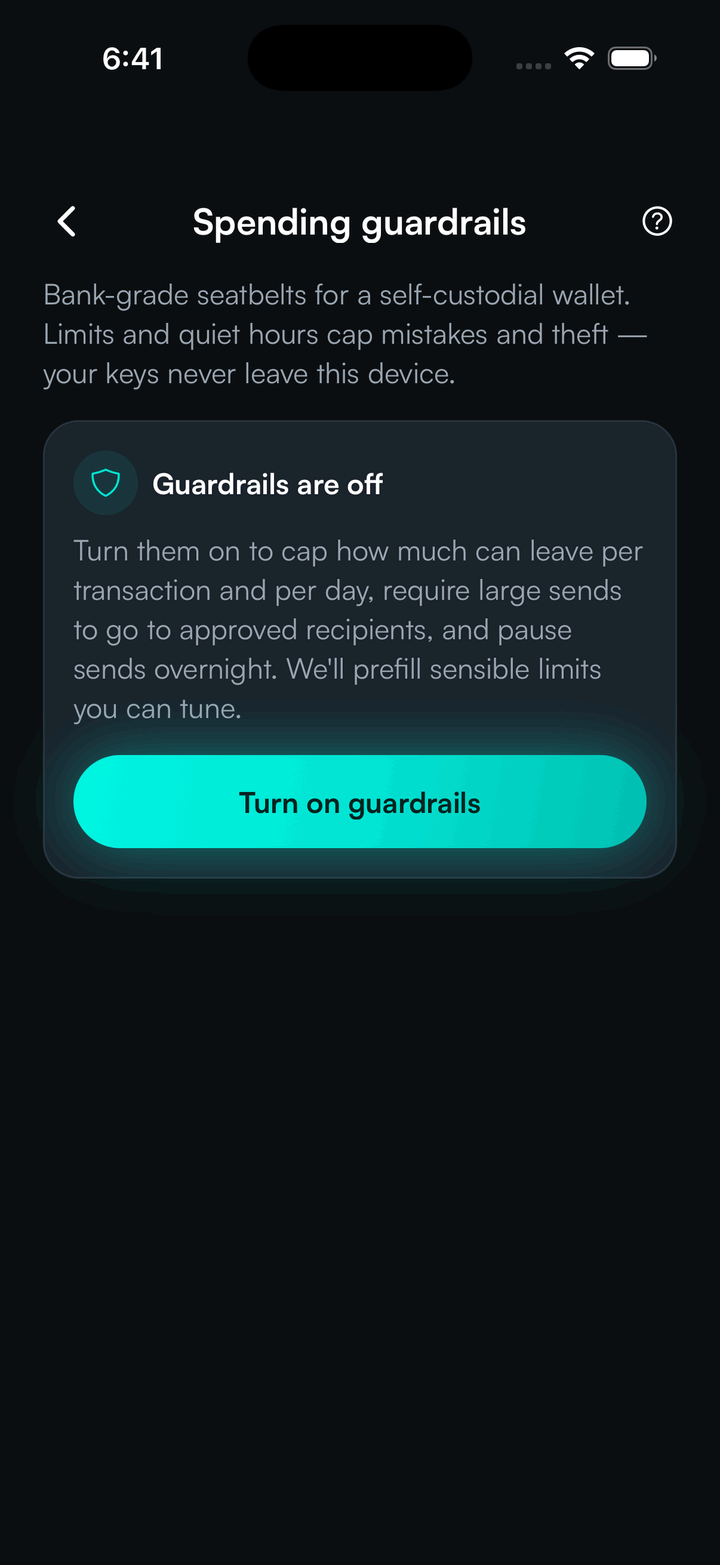
At SpendTheBits, these security guardrails are fully live and opt-in for all users. Any request to ease these rules has a two day wait, and the owner gets an alert. These rules are enforced during transaction preparation and before relaying, without custody.
Emergency Freeze and Non-Custodial Recovery
When an active security breach occurs, every second counts. Having a one-tap emergency freeze switch allows you to instantly block all outgoing transactions from your wallet. This kill switch acts before a transaction goes out, which stops attacks right away. If you suspect your device has been compromised, triggering a freeze buys you valuable time to secure your keys. You can learn about this in how to freeze your wallet.
A freeze cannot stop a thief who has your master seed phrase. They can just import it into a new wallet. This is why secure backup and non-custodial recovery methods are so vital for long-term safety. Old backup ways are easy to lose or steal, but new social recovery is safer.
This allows you to restore your wallet through trusted guardians without ever exposing your keys to a third party. We also support an inheritance switch. It asks you to check in every ninety days by default. These tools ensure your family's digital wealth remains safe and accessible, no matter what happens.
With SpendTheBits, social recovery provides a secure alternative to writing down seed phrases. The system splits your recovery key into special guardian shares with a custom threshold. You can initiate the recovery process yourself, or let your trusted guardians start it. If an unauthorized recovery is initiated, you can cancel it at any time. The server only stores ciphertext and never sees your actual key. Additionally, the inheritance switch requires a check in every ninety days to ensure your wealth remains with your family.
In the app · 3 steps
Set spending limits in SpendTheBits
Limits are rules the app checks before anything is signed. Here is where to find them.
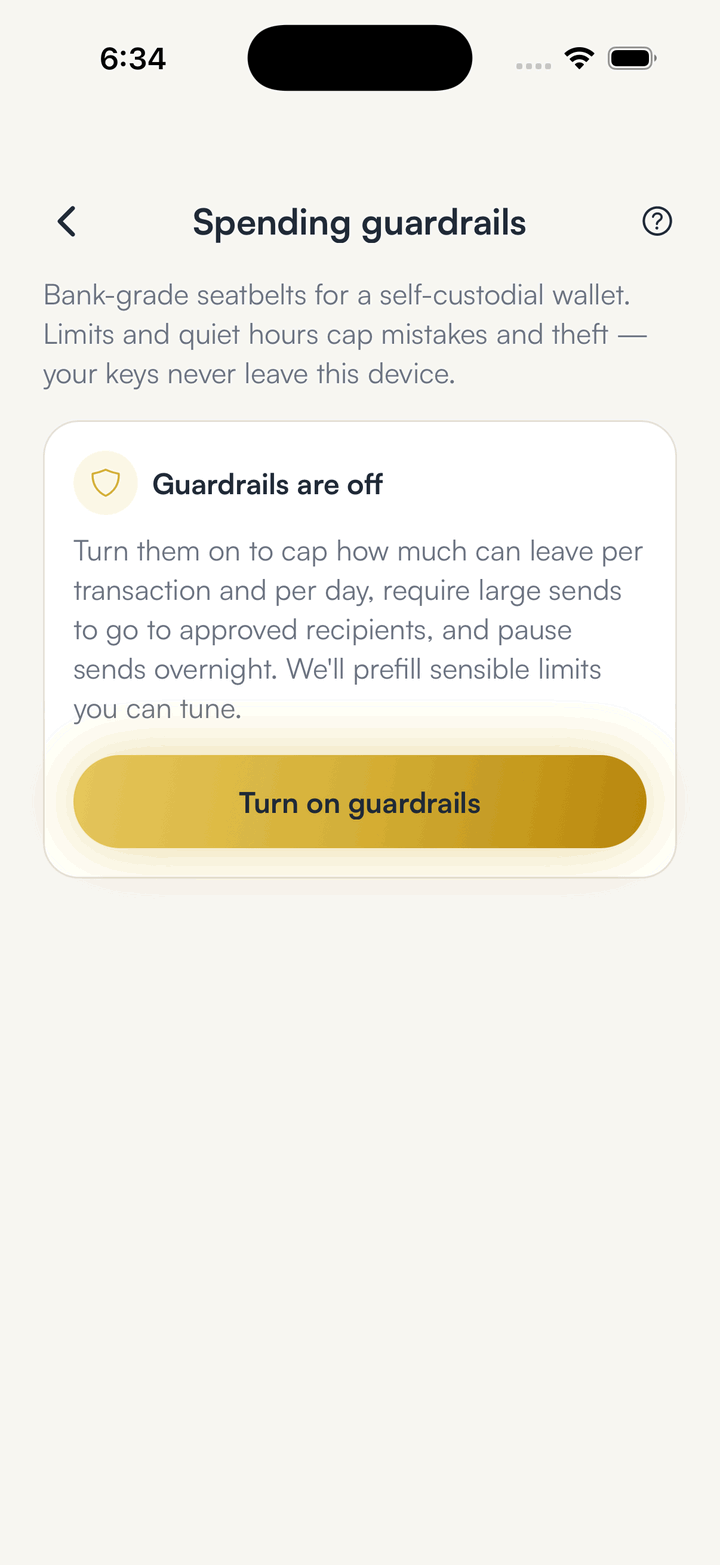
Open Guardrails
Guardrails holds the caps, the allowlist and the quiet hours in one place.
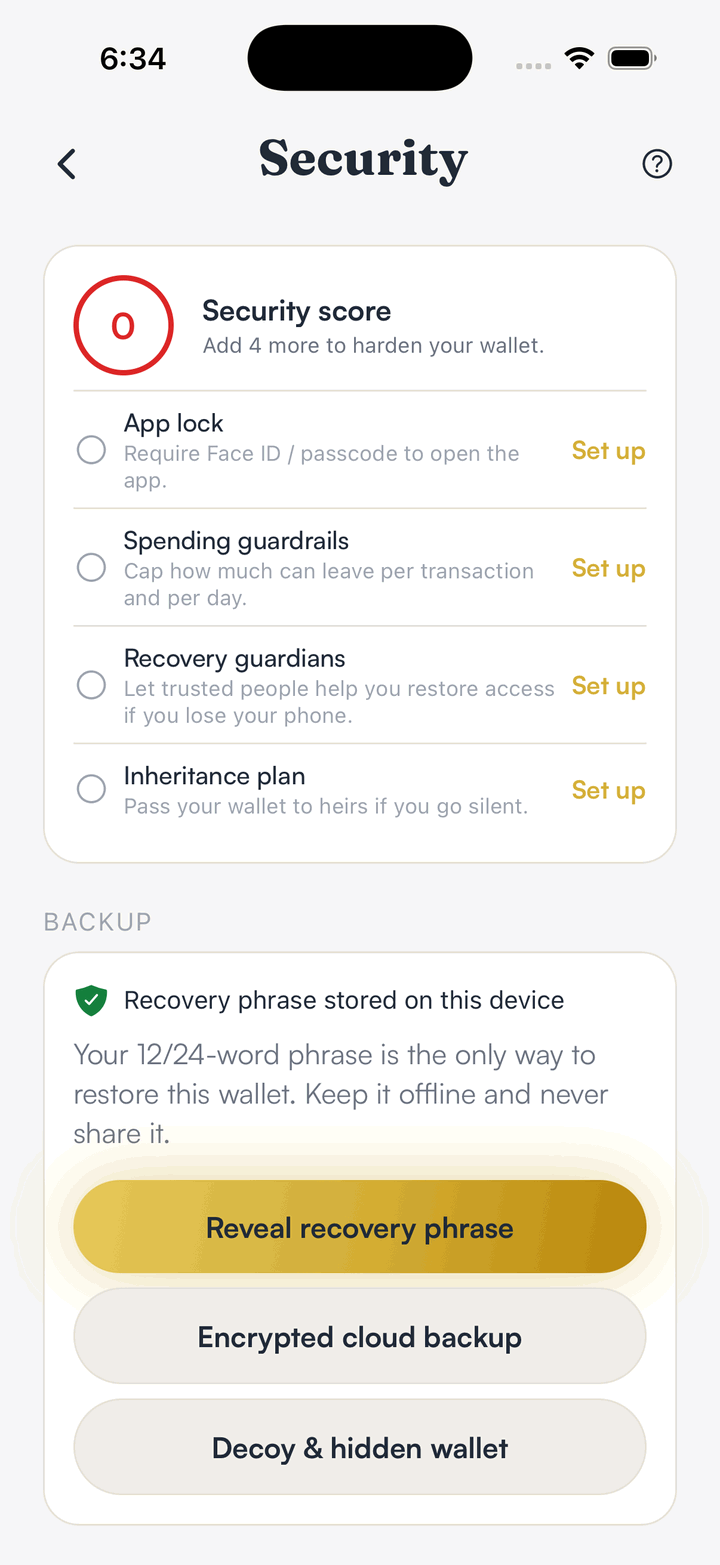
Check your security score
The security screen shows which protections are on and what to turn on next.
Review before you sign
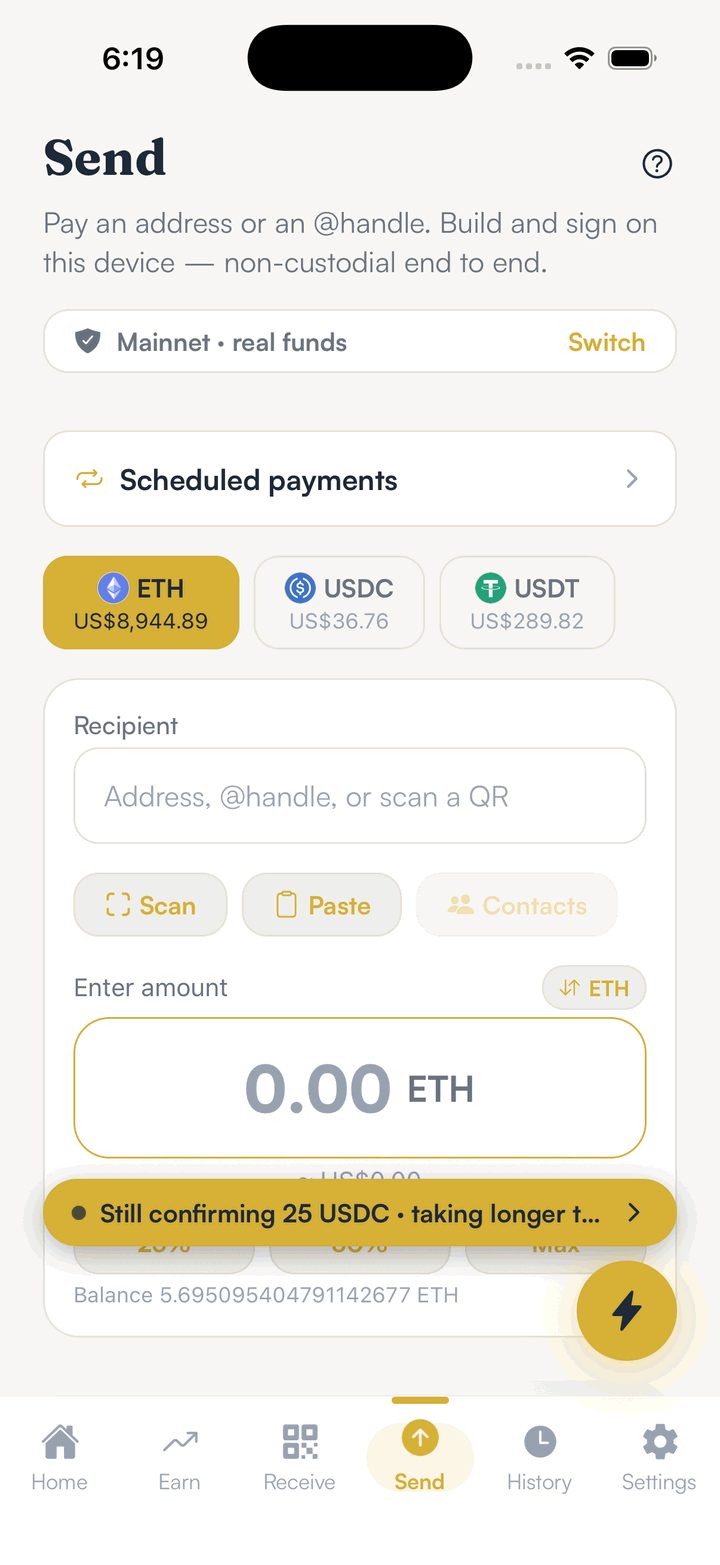
Every send shows a review screen first, so a limit can stop it before you approve.
Hold your own keys, keep the yield, skip the middleman.
SpendTheBits is a fully non-custodial wallet for 13 chains, free on iOS and Android.