
What a vault share actually is
Start with the basic plumbing. A vault built on the ERC-4626 standard takes one underlying token and gives you shares in return. The standard says those shares are themselves a token, and they stand for a claim on a fraction of everything the vault holds [4]. You do not hold USDC inside the vault any more. You hold a receipt that the vault will redeem for USDC later.
Arc's Earn docs say you receive vault shares when you deposit USDC, and the shares appreciate as the lending protocol generates returns [1]. When you deposit USDC into an Earn vault, you receive vault shares, and those shares appreciate over time as the underlying lending protocol generates returns [1]. To leave, you redeem the shares, and they come back as your deposit plus whatever the protocol earned.
That design has one useful consequence. There is no payout schedule and no coupon. Per Arc's Earn docs, the shares appreciate over time as the underlying lending protocol generates returns, and redeeming them returns your deposit plus any returns [1]. If the lending protocol earns less this week, the share price rises more slowly. If something goes wrong, it can stop rising or even fall.
The standard is careful about the word fee. It defines a fee as an amount of assets or shares the vault charges the user, and it notes that fees can exist on deposits, yield, assets under management or withdrawals [4]. So two vaults that look alike can pay you very different amounts, depending on what the manager takes off the top.
How vaults are listed on Arc through Earn
Arc is an EVM-compatible network, though its docs note some unique differences to review before building [1]. Earn is an App Kit tool that lets an app offer ways to earn on USDC and EURC, with vaults powered by underlying DeFi lending protocols [1]. Earn handles vault discovery and share-to-asset conversion, so an app need not wire up each vault contract by hand [1].
The docs show the idea in a short code sample: the app asks Earn to explore vaults on a chain, sorted by observed yield, then deposits into one [1]. Treat the sort as an order, not a recommendation. The top of the list is often the riskiest, since higher numbers usually mean looser limits or more exposure.
Earn is also described as non-custodial. Deposited USDC lives in the vault contract, and the integrator chooses which vaults to deposit into [1]. That last phrase matters. Somebody picked the vault list you are looking at, and that choice is part of your risk. A listed vault has been chosen, but a listing is not a safety audit.
The mechanics are easy: deposit, hold shares, redeem. The hard part is judging the vault behind the listing, which is where Morpho's design comes in.
Morpho Vault V2 and the curator
Morpho describes Vault V2 as a permissionless vault framework for curated lending strategies [2]. The word curated is the key. Someone decides which yield sources the vault may use, and someone decides how much can go into each one. Those people are not you, and they are not the protocol.
The docs split the work into four roles. The Owner sets top-level permissions and has no direct control over assets or risk settings. The Curator configures adapters, caps and fees, and most of its actions are timelocked. The Allocator moves assets into enabled adapters. The Sentinel can react to danger by pulling assets back, lowering caps or revoking a pending change [2].
An adapter is a smart contract that knows how to talk to one yield source and report what the vault's money there is worth right now [2]. The allocator tells the vault how much to send to which adapter. In Morpho Vault V2, an allocator sends vault assets to adapters, and each adapter supplies them to a specific yield source [2].
In Morpho Vault V2, the curator configures adapters, caps and fees, and most of those actions are timelocked [2]. Vault V2 supports a performance fee on yield and a management fee on total assets, each with a hard ceiling written into the docs [2]. Those are ceilings, not typical settings, and they apply to the vault you pick. Check the actual fee on the vault page before you deposit, because the docs describe only the limits.
Caps, timelocks and the limits on a curator
A good curator does not just chase yield. Vault V2 lets the curator cap risk using abstract identifiers, each standing for a common risk factor such as a collateral asset or market setup. Caps can be absolute, a fixed amount, or relative, a share of total assets [2]. The docs give examples like a fixed ceiling on one collateral type, or a rule that no more than 20% of the vault may sit in markets using a new oracle [2].
These limits only help if they cannot be quietly loosened. That is the job of the timelock. Actions that could hurt users, such as raising caps, enabling new adapters, setting fees or configuring gates, wait behind a configurable delay of zero to three weeks [2]. During that time, anyone can see the pending change, and a Sentinel can revoke it before it takes effect [2].
Notice the asymmetry. Moves that reduce risk, like lowering a cap, can happen immediately. Moves that add risk must wait [2]. That is a sensible design, but a delay of zero is allowed, and a delay only helps if someone is watching. Most depositors are not.
So read the timelock setting as part of the vault's risk profile. A vault with a long delay gives you time to leave if you dislike a change. A vault with no delay asks you to trust the curator completely, which is a different bet.
Gates, illiquid markets and exits that stall
Now the part most guides skip: what can stop you from getting out. Vault V2 supports optional gates, external contracts that decide who may receive shares, send shares, receive assets or deposit assets [3]. Morpho's docs flag that some gate implementations can affect the vault's non-custodial guarantees by blocking certain users from depositing or withdrawing [2]. A gate on sending shares, for example, can lock users out of exiting [3].
A second, quieter risk is liquidity. In Morpho Vault V2, user deposits and withdrawals flow through the main vault contract, which holds the idle assets, and if idle assets are insufficient to cover a withdrawal the vault pulls from a designated liquidity adapter [2]. It keeps idle assets and can name a liquidity adapter to pull from [2]. If idle cash runs short, Vault V2 lets users call forceDeallocate to move assets from an adapter back to the vault's idle pool, so they can exit by swapping vault receipt tokens for a direct position in an underlying protocol [2].
That backstop has costs. The docs describe a flash-loan workflow, which is technical, and a small penalty of up to 2% [2]. Gates can also interfere: the docs warn that a gate on depositing could block the in-kind route [3]. In plain words, an emergency exit exists, but it may be slow, awkward or costly.
None of this means vaults are bad. It means the word non-custodial describes who holds the keys, not whether you can leave on your own timing. Before depositing, check whether the vault uses gates, whether they were given up for good, and how much sits idle.
Why yield is variable, and how SpendTheBits handles it
Where does the return come from? Not from the vault itself. It comes from borrowers paying interest in the underlying lending protocol [1]. Borrow demand rises and falls, so the rate does too. Vault V2 even lets the allocator set a maxRate that caps how fast total assets may grow [2]. The number you see today is a snapshot of the recent past, not a promise about next week.
That is why we only talk about observed or historical APY, measured from real share-price growth. SpendTheBits Earn works this way: idle stablecoins go to vetted vaults, including Aave v3 and ERC-4626 vaults such as Morpho and Sky, and each vault carries a 0 to 100 Yield Safety Score. Yields in the app are observed from real share-price growth, never promised.
Your deposit stays under your own address, since SpendTheBits is fully non-custodial and its backend cannot move funds. The Earn fee is a small share of the yield only, never the deposit, collected at withdrawal and skipped when gas would exceed it. To learn more, see how to read an earn vault before you deposit, what the Yield Safety Score means and our comparison of Aave and Morpho. On stablecoin risk, read is USDC safe. Automatic sweeps of idle money are not live yet, so deposits are your choice.
In the app · 3 steps
Read and use an Earn vault in SpendTheBits
Earn is a tab of its own. Here is what to look at before a deposit.
Open Earn
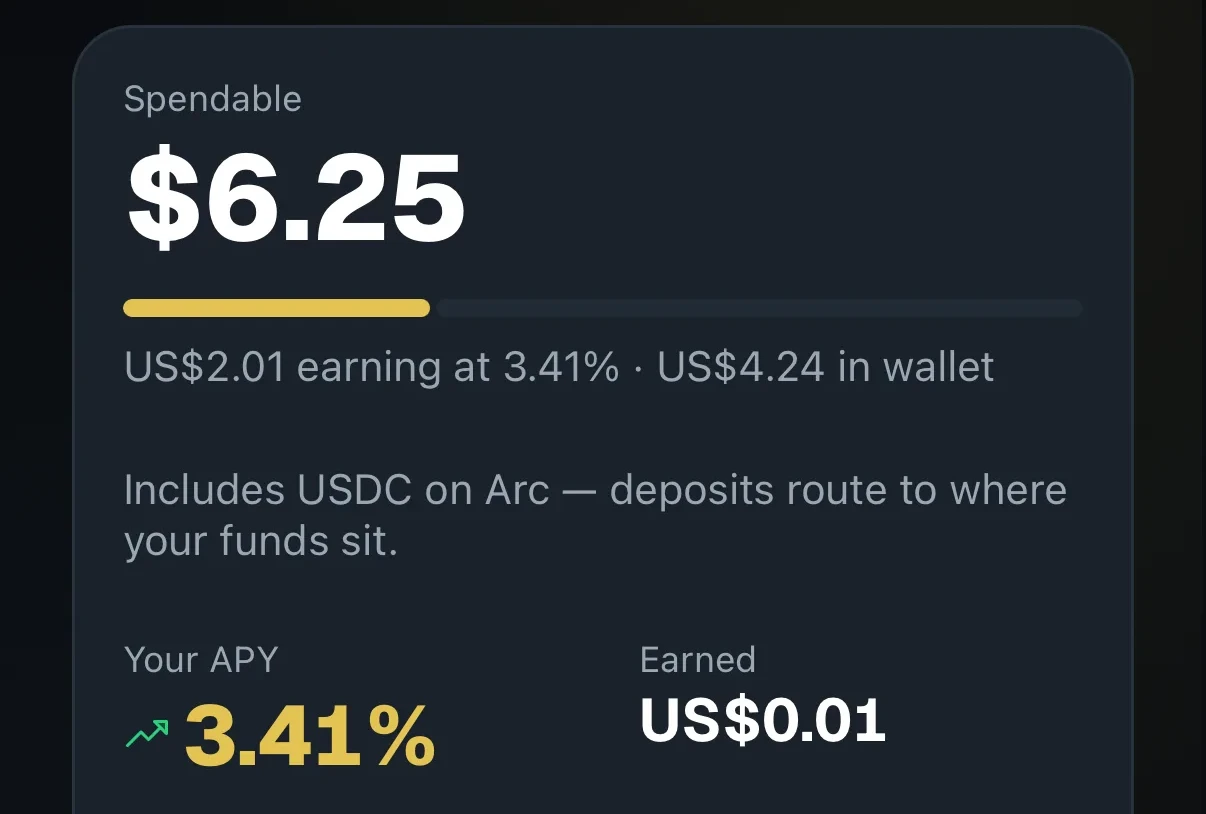
Earn shows what you hold, what is earning and the vaults on offer.
Check the network
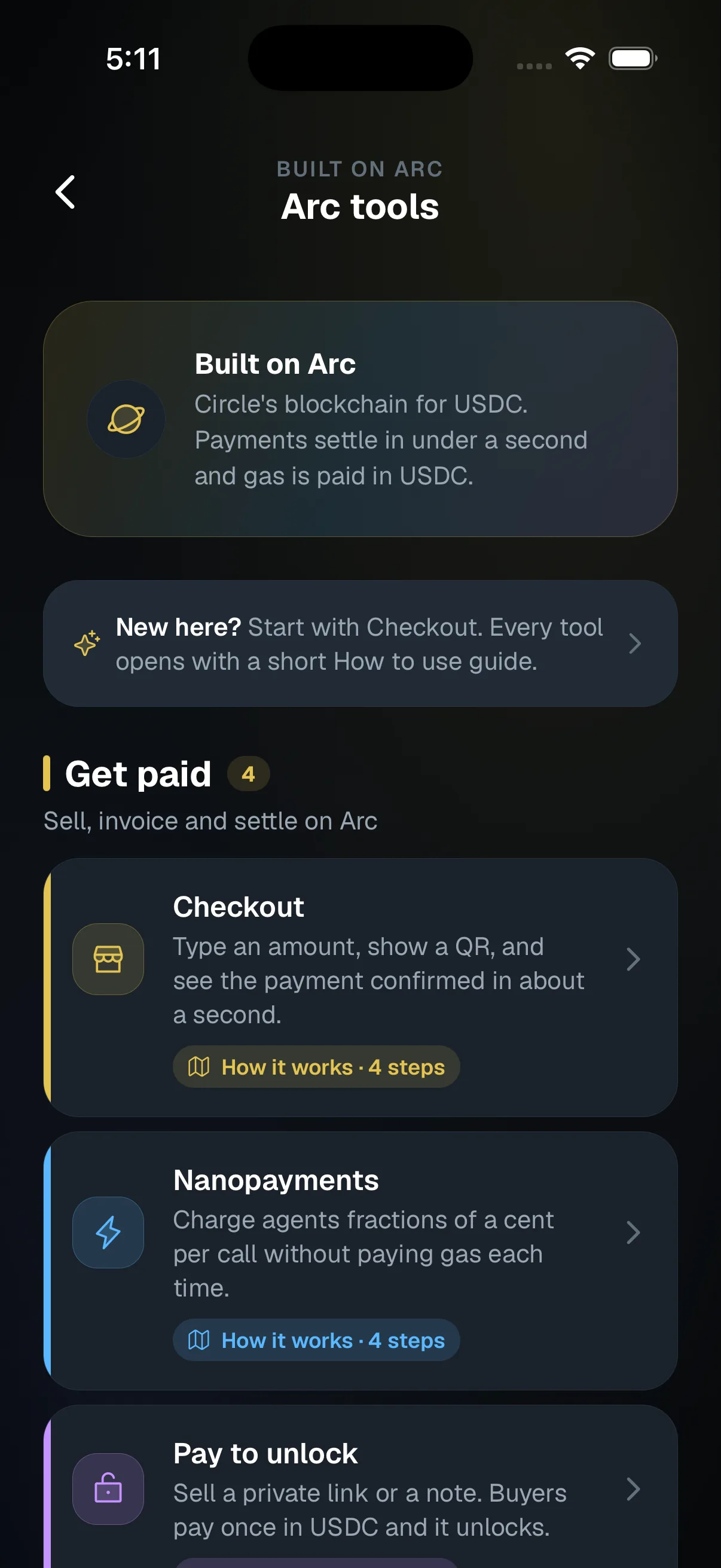
Arc vaults hold USDC on Arc, where gas is paid in USDC too.
Keep some ready to spend
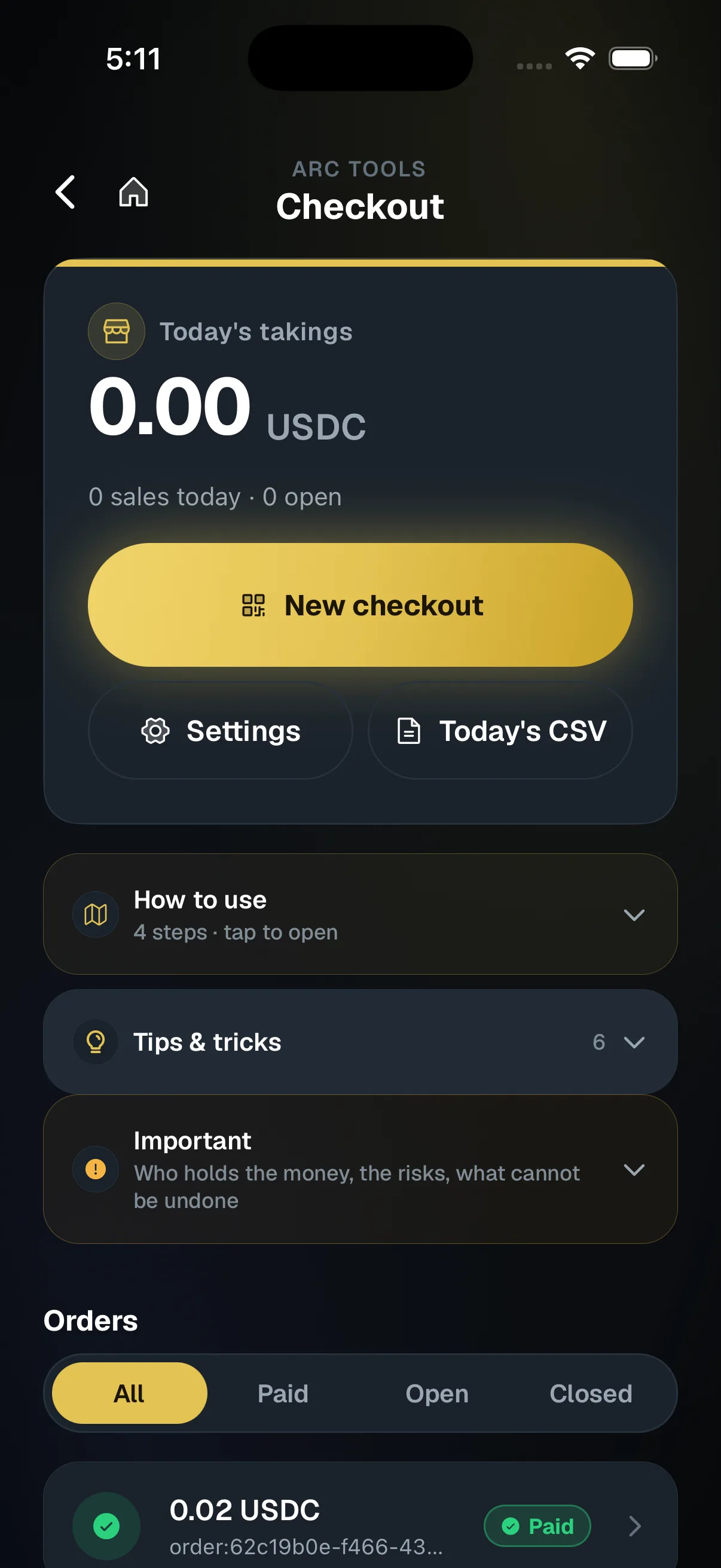
Money in a vault is lent out. Keep what you need for payments, like checkout refunds, in your wallet.
Hold your own keys, keep the yield, skip the middleman.
SpendTheBits is a fully non-custodial wallet for 13 chains, free on iOS and Android.