
What a cross-chain move really costs
Every move has up to three parts. The first is the network fee on the source chain, paid to submit the burn. The second is Circle's own charge for a Fast Transfer, which depends on the chain the USDC leaves from [2]. The third is the app's service fee, if the app takes one.
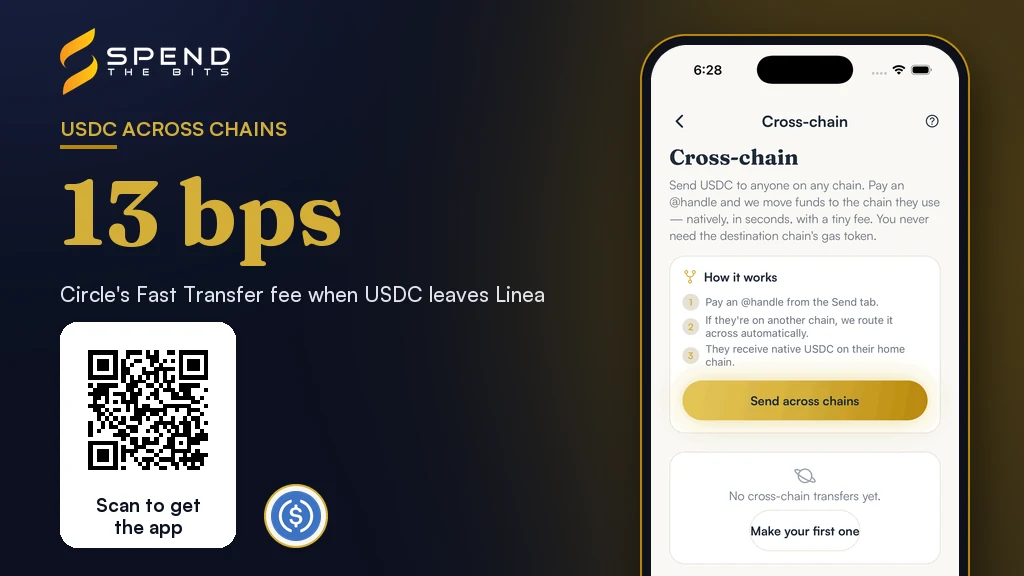
Circle publishes its side. A Fast Transfer leaving Base costs 1.3 basis points, leaving Arbitrum 1.4, and leaving Linea 13 [2]. Circle says Standard Transfers are free [2]. They are slower: Circle quotes 15 to 19 minutes on Ethereum and layer 2s, against roughly 8 to 20 seconds for Fast [1].
Circle also warns that these numbers can change at any time and should never be hardcoded [2]. Our bridge reads the live figure for each route before it builds a transfer. If Circle's service does not answer, it falls back to the last good reading.
SpendTheBits also takes a small service fee on a cross-chain move. It is a fraction of a percent, and the Fees screen in the app always shows the current rate. The point is not that any one part is large. The point is that the total is real money, paid up front, while the reward for moving arrives slowly.
Why the rate on each side is the real question
Most people move USDC for yield. A vault on one chain pays more than a vault on another, so the money should go where it earns most. That is only true when the gap is real and lasts long enough to repay the move.
Lending rates are not fixed. On Aave, the rates paid to suppliers are calculated from the state of each reserve, and they rise and fall with how much of it is borrowed [3]. A Morpho vault is a curated lending strategy [4], so its rate depends on where the curator places the deposits. The number you see today is an observed APR, not a promise about next month.
So the useful question is simple. How many days of the extra rate does it take to earn back what the move costs? If the answer is a few weeks, the move is probably fine. If it is several years, the rates will almost certainly change before you get there.
In our own worked example, moving 1,000 USDC to a vault that pays one percentage point more gains about 10 USDC a year. In that example, a move that costs one USDC pays back in a little over a month. The same move on a balance of 50 USDC would take years to pay back, by our arithmetic.
Two mistakes we saw before the guard existed
We learned this from our own users. A suggestion card in our Earn tab once told a user that a better vault was open on the same chain. In our records, the user tapped it and moved about 6,191 USDC.
By our count, that move cost about 31 USDC, and the higher rate was worth roughly 12 USDC a year. That is a payback of more than two and a half years. The card showed the better rate and never showed the payback.
We saw a second version of the same mistake on the Bring your USDC home card. It offered one of our users a move of 903 USDC from a chain where our best vault had an observed 3.2% rate to a home chain where our best vault had 0.3%. The move would have cost money and then earned less every year after.
Neither card was wrong about the numbers it showed. Each one simply left out the number that mattered. Both cards now carry the same guard, and both state the payback in plain words.
How the Bring your USDC home card decides
The card lives in the Earn tab. It appears when you hold USDC on a chain other than your home chain. That often happens after you withdraw from a vault on another chain, because a withdrawal pays out on the chain where the vault lives.
Before it shows anything, our server runs a short list of checks. First, it prices the move with the same figures the review screen will use: Circle's rate for the route plus our service fee. Second, it hides dust. If the cost would eat more than a tenth of the balance, the card stays silent.
Third, it runs the break-even guard. For each of the two chains it finds the best nominal rate of any USDC vault you can actually use there. A vault open only to staff does not count for anyone else, and a chain with no vault counts as earning nothing. If home pays less than where the money already sits, the card is not shown. If the extra yearly earnings do not cover the cost inside a year, it is not shown either.
Nominal, not risk adjusted, is a deliberate choice. The cost of the move is real money, so it has to be weighed against real money earned, not against a safety score.
When the card does appear, it explains itself in your own numbers: the rate at home, the rate where the money sits, roughly how much more you would earn in a year, and how many days the cost takes to pay back. If neither chain has a vault, the move has nothing to do with yield. The card then simply offers to gather your balance in one place, still priced before you tap.
One last check covers gas. The burn is a transaction on the source chain, so the card tells you when you hold none of that chain's gas coin. Where Circle's paymaster is switched on, the network fee can come out of the USDC you are moving instead.
Moving into a vault on another chain
The same thinking applies in the other direction, when a vault on a different chain looks better than anything near your money. Our Move and Earn route compares the vault you picked with the best vault already on the chain where your USDC sits. If the nearby one earns as much or more, it tells you no bridge is needed.
This route compares risk-adjusted rates, using the Yield Safety Score you can read about on our Earn page. If the gap is real, it adds up the transfer costs and checks how long the extra rate takes to repay them. By default our code refuses a route that needs more than about two months, and suggests a larger amount or staying put.
It also checks that you will have gas for the deposit on the other side before the burn happens. That way your USDC does not arrive and sit idle because the second step cannot run.
When the move is a payment, not a yield decision
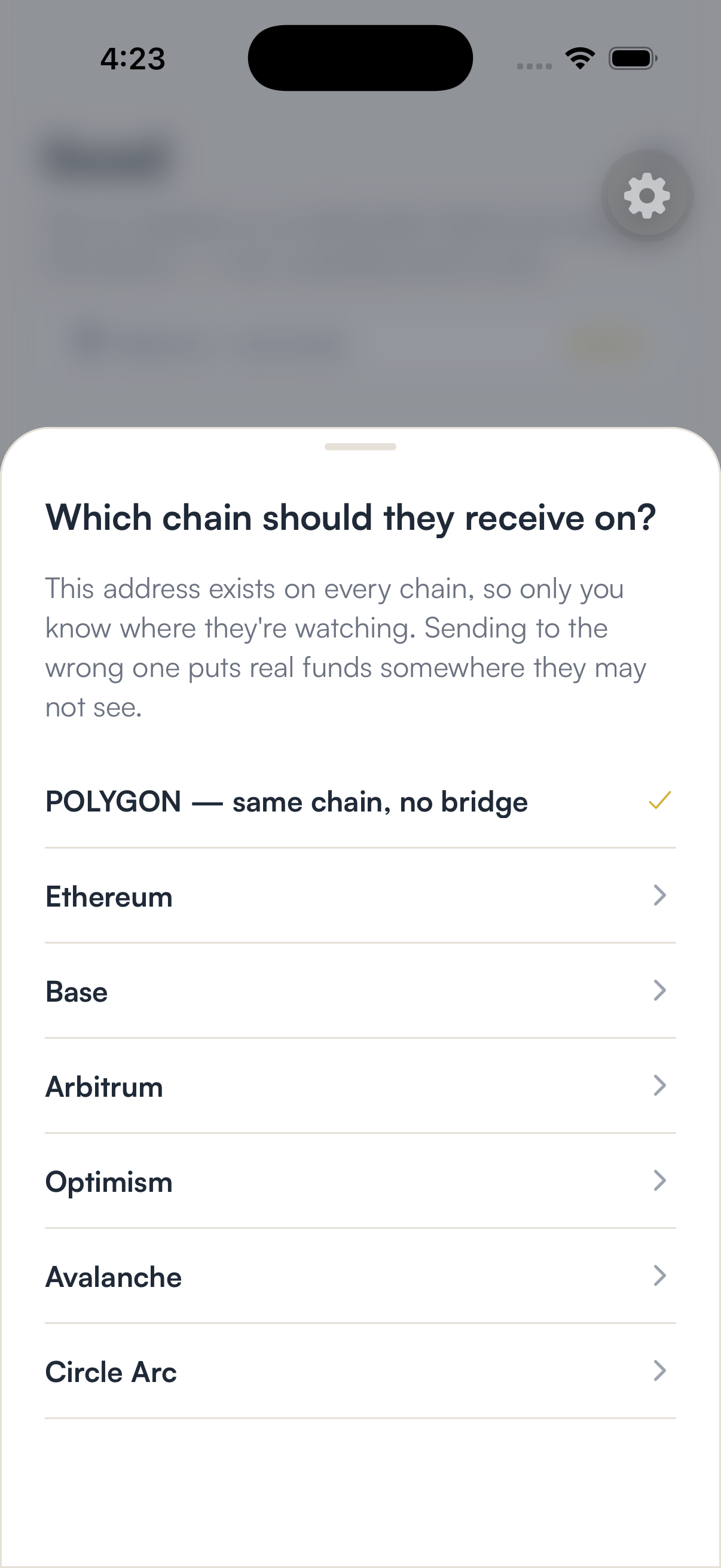
Not every move is about earning. Sometimes you are paying someone who watches a different chain. The Send across chains flow on our Bridge page handles that case. You pick the chain they receive on, sign the burn on your own device, and Circle mints native USDC to their address on the other side [1].
Nothing sits with us in between. Your device signs, our server relays and tracks the transfer, and our service fee is taken in USDC. If you send to Arc, the network fee there is also paid in USDC, because Arc charges all transaction fees in its native USDC [5]. Our piece on USDC as gas on Arc explains what that changes for a wallet.
For a payment, the break-even question does not apply. What matters is speed and cost: a Fast Transfer usually lands in seconds, while a Standard Transfer is free but takes longer [1].
A short checklist before you move USDC between chains
Ask what the money will do on the other side. If it will only sit in a wallet, a move makes sense for spending or tidying up, not for yield.
Compare rates you can actually reach on both chains, and treat each one as observed, not promised.
Price the whole move: the source network fee, Circle's rate for that route, and any service fee. Then count the days it takes to earn that back.
Leave small balances alone unless you need them elsewhere. When you do decide to move USDC between chains, follow our guide to bridging USDC, or withdraw from Earn first if the money is still in a vault.
In the app · 4 steps
Move USDC between chains in SpendTheBits
Here is where cross-chain moves live in the app, and where the Bring your USDC home card shows up when a move is worth it.
Open Cross-chain
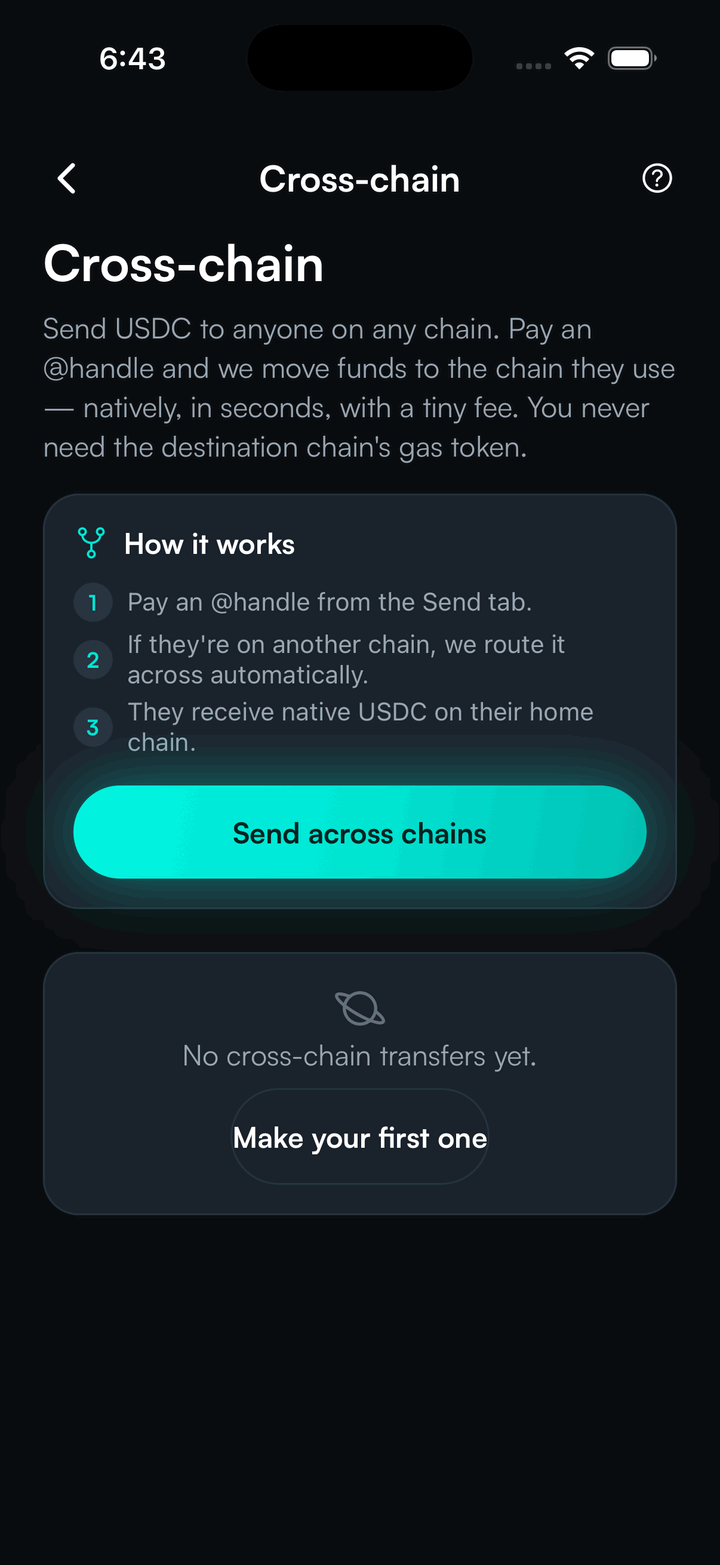
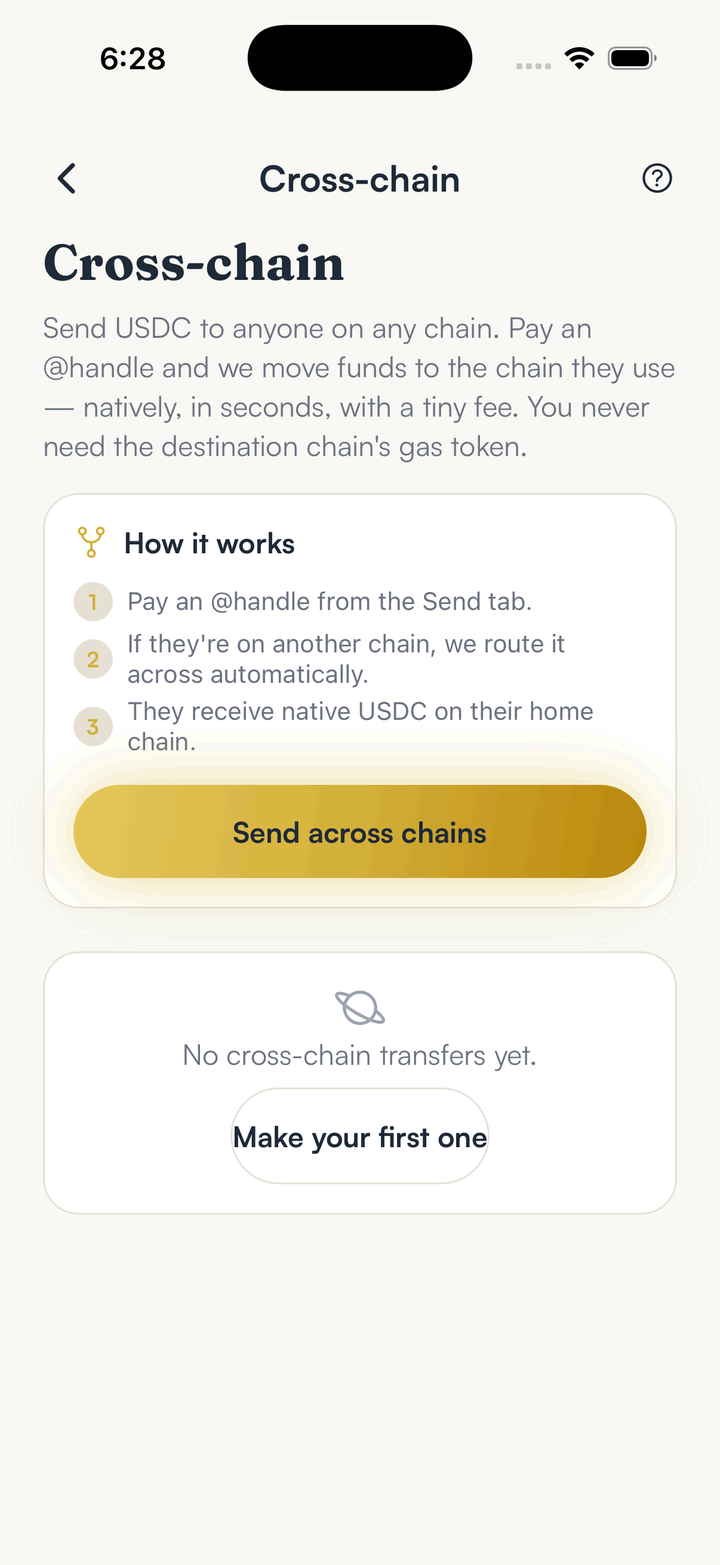
From the Bridge, the Cross-chain screen explains the flow. Tap Send across chains to start a transfer.
Pick which USDC to send
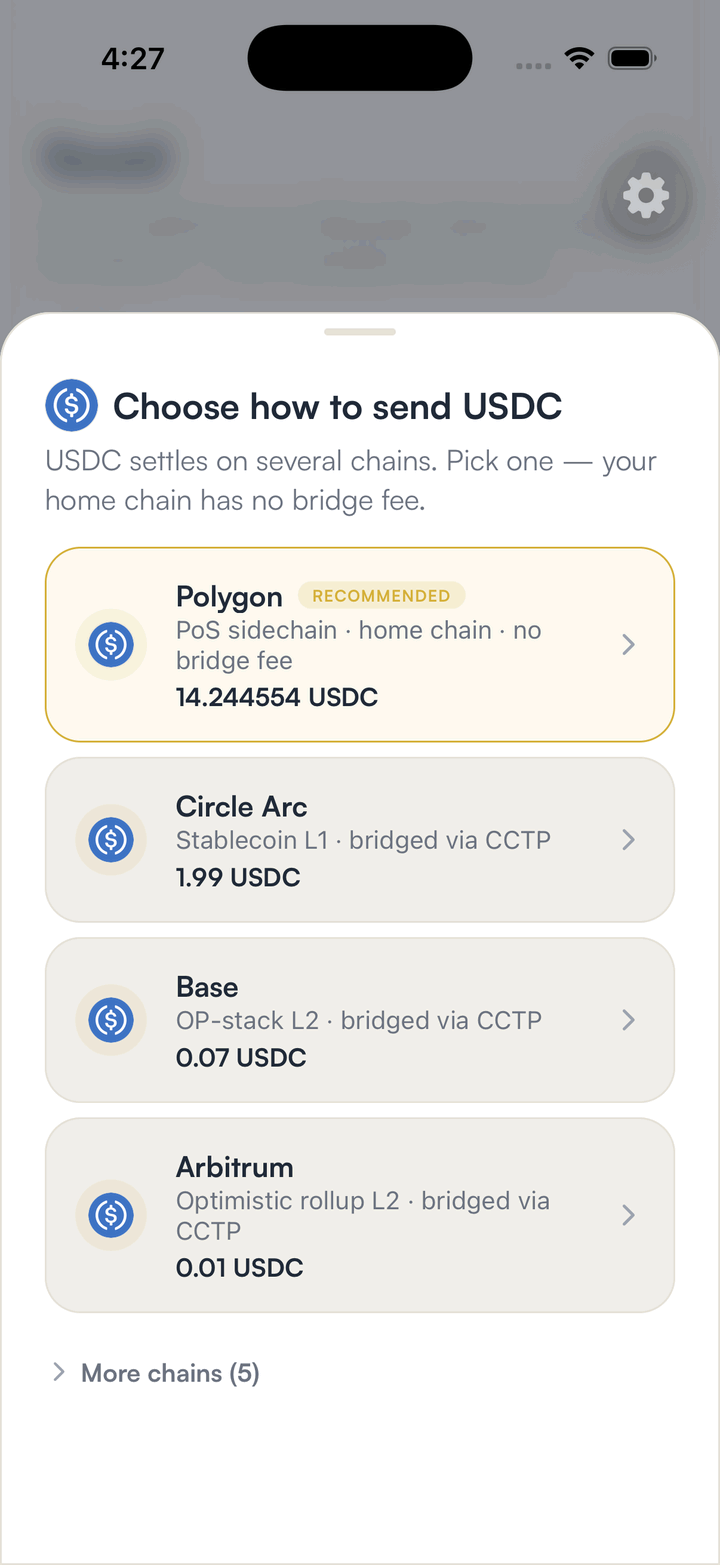
Your USDC is listed chain by chain, with the balance on each. Your home chain needs no bridge at all.
Choose where it should arrive
Pick the chain the recipient watches. The review screen then shows the full price before you sign on your device.
Let the Earn tab tell you when to bring it home
When USDC sits away from your home chain and moving it pays off within a year, the Earn tab shows a Bring your USDC home card with the price and the payback in days.
Hold your own keys, keep the yield, skip the middleman.
SpendTheBits is a fully non-custodial wallet for 13 chains, free on iOS and Android.