
Why a bare address is the wrong way to get paid
Pasting a wallet address into an invoice is the simplest thing to try, but an address on its own carries no payment details. It does not encode an amount, a token or a network. Anyone who pays has to supply those from memory, and each choice is a place for a mistake.
Standard payment URLs exist to fill that gap. The Ethereum format describes itself as a standard way of representing payment requests in ether and ERC-20 tokens as URLs [1]. Its stated aim is that a wallet opens with the correct parameters, and the user only confirms the payment [1]. The customer reviews and approves instead of typing details by hand.
Even a good request treats the amount as a suggestion. The Ethereum standard notes that the indicated amount is only a suggestion, which the user is free to change [1]. That means you still check what actually arrived. A request cuts down on mistakes, but it does not replace verifying the payment on your side, and the sections below come back to that point.
What a payment request QR actually contains
A payment request QR encodes a URL. Scan it, and the customer's wallet reads the recipient, the amount and the asset from the link. The Ethereum format says such URLs embedded in QR codes, hyperlinks, emails or chat messages allow a wallet to be invoked with the correct parameters, to be confirmed by the user [1].
For a token like USDC, the request asks the wallet to call the transfer function of the token contract with a beneficiary address and an amount in atomic units [1]. When you accept USDC payments this way, the format also allows an optional chain ID, written after an at sign [1]. If no chain ID is present, the client's current network setting remains effective [1].
That last rule is worth noticing. When the link leaves out the chain, the wallet falls back on whatever network it is set to at that moment, so the link itself does not settle which network the payment lands on. Naming the chain in every request removes that ambiguity. Our guide to receiving crypto walks through the same idea from the wallet side, and the payments hub shows how requests fit into the wider product.
Same job, three formats: EIP-681, BIP-21 and Solana Pay
Each major chain family has its own URL standard. For Bitcoin, BIP-21 proposes a URI scheme for making Bitcoin payments, meant to let users pay by clicking links on webpages or scanning QR codes [3]. A Bitcoin URI carries an address and can add an amount, a label and a message [3]. Amounts are written in decimal BTC with a period as the separator [3].
Solana Pay covers Solana. Its transfer request carries a recipient and can add an amount, a token mint, a label, a message and a memo [2]. The spec says the standard draws inspiration from BIP 21 and EIP 681 [2]. One of its own examples is a request for 0.01 USDC, which names the USDC token mint [2]. If the amount is left out, the wallet must prompt the user for it [2].
The three differ in detail. EIP-681 can carry a chain ID after an at sign [1], and the Solana Pay spec shows a USDC request that names the token by its mint [2]. BIP-21 writes the amount in decimal BTC [3]. Where a format cannot name the asset safely, SpendTheBits keeps the bare address on the QR and shows the amount in words. For the wider picture, see how stablecoin payments work across borders.
Why the chain matters as much as the amount
USDC is not one token on one network. Circle's documentation describes it as a dollar-backed stablecoin that runs on multiple blockchains, with tokens controlled by a smart contract on each chain [4]. To accept USDC payments on the right token, note that Circle publishes a separate USDC address for each supported mainnet and testnet blockchain [4].
This is why a request should name the network. The Ethereum URL format lets you put the chain ID in the link, so the wallet knows which network is meant [1]. A customer who pays on a network you are not watching may leave you with a recovery problem, so decide which chains you accept and say so in the request.
It also helps to know which token you expect. Circle notes that X Layer has a separate bridged USDC, labeled USDC.e, that is not issued or backed by Circle [4]. If you want Circle-issued USDC, check the contract address against Circle's published list before you share it [4]. Our note on native versus bridged USDC explains the difference in more depth.
How to confirm the payment actually arrived
A payment is real when it is confirmed on the chain, not when a customer says they sent it. If you accept USDC payments on Solana, the spec is explicit: applications should ensure that a transaction has been confirmed and is valid before they release goods or services [2]. The same rule is sensible on any chain. Wait for the transfer to show up, check the amount and the token, then hand over the product.
Solana Pay also lets a request carry reference values. Because Solana validators index transactions by these account keys, references can be used as client IDs before the payment transaction is known [2]. The getSignaturesForAddress RPC method can then be used to locate transactions this way [2]. In practice each order can get its own reference.
On other chains, the check is manual or tool-based. Compare the incoming transfer to your request: right asset, right chain, right amount. Because the amount in a request is only a suggestion [1], an underpayment can slip through if you do not look. Our help article on spotting fake transfers covers look-alike tokens that pretend to be a real payment.
Keep the request link honest: security basics
Because these transfers cannot be reversed, the request itself becomes the thing to protect. The Ethereum standard warns that irreversible transactions can be initiated with parameters from such URLs, so the integrity and authenticity of the URLs matter greatly [1]. Changing either the recipient address or the amount can be a profitable attack, and users should only use URLs from authenticated sources [1].
For a business, that suggests a few plain habits. Share payment links only through channels you control. Do not let a customer copy an address from an old email thread. Treat any change to your payment details as suspect until you have confirmed it another way. The standard also covers names: hexadecimal interpretation of an address must take precedence over ENS lookups, to prevent malicious redirection of payments [1].
Your own wallet setup matters too. Its backend stores public data only and cannot move, freeze or reverse your funds.
How SpendTheBits handles the request side
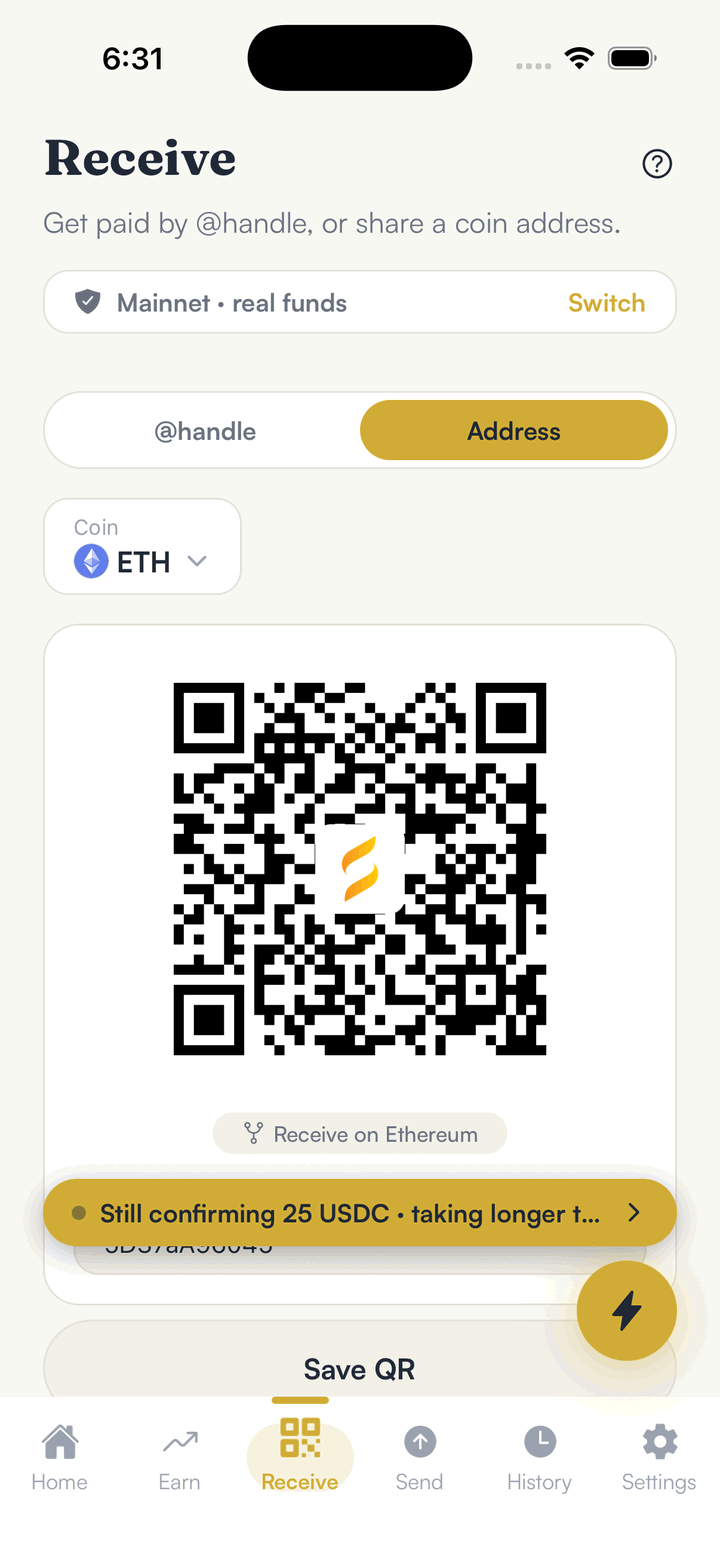
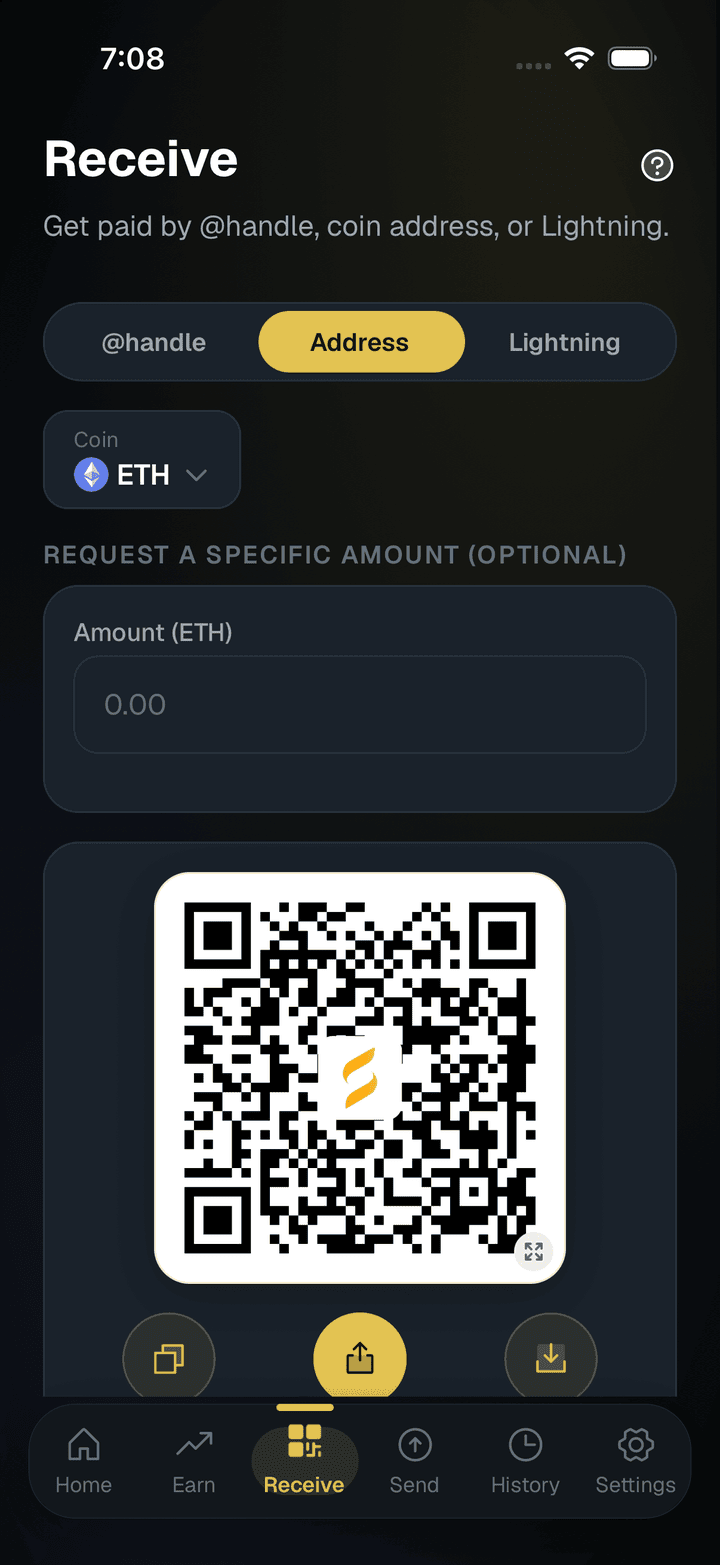
SpendTheBits is a self-custody wallet, not a payment processor, so the money never passes through us. On Receive, you can request a specific amount. The QR then names the asset and, on EVM chains, the chain, using EIP-681 on Ethereum-style chains, BIP-21 on Bitcoin and Solana Pay on Solana. Where a format cannot name the asset safely, the QR keeps the bare address and the amount is shown in words.
Payment requests are also shareable links. The person paying confirms the payment, and the link tracks the request without ever holding money. That fits the invoice flow many small businesses already use: send a link, watch for the payment, deliver the goods. For a fuller walkthrough, see how to send a crypto invoice link.
The wallet uses one EVM address, derived from your seed, on every EVM chain it supports, so the same key controls that address on each of them. If funds land on a chain you would rather not hold them on, our bridge moves native USDC between chains with Circle CCTP, for a small fee under 1%. Autopay and money streams are not live for real settlement yet, so a one-off request is the right tool today.
In the app · 3 steps
Get paid in USDC
Share an address or a @handle, or send a payment request.
Share your address or QR
Receive shows your address as a QR code, for a @handle or a coin address.
Send a payment request
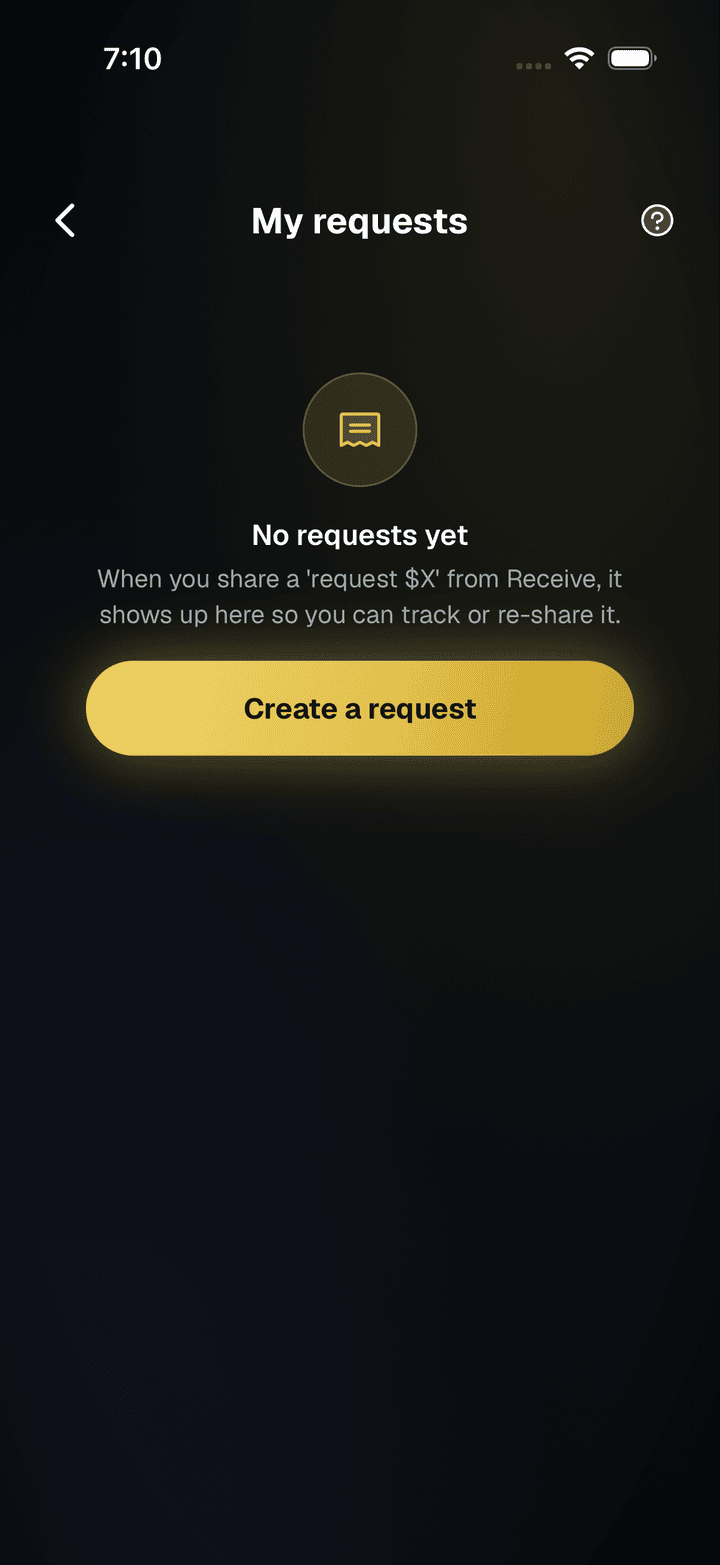
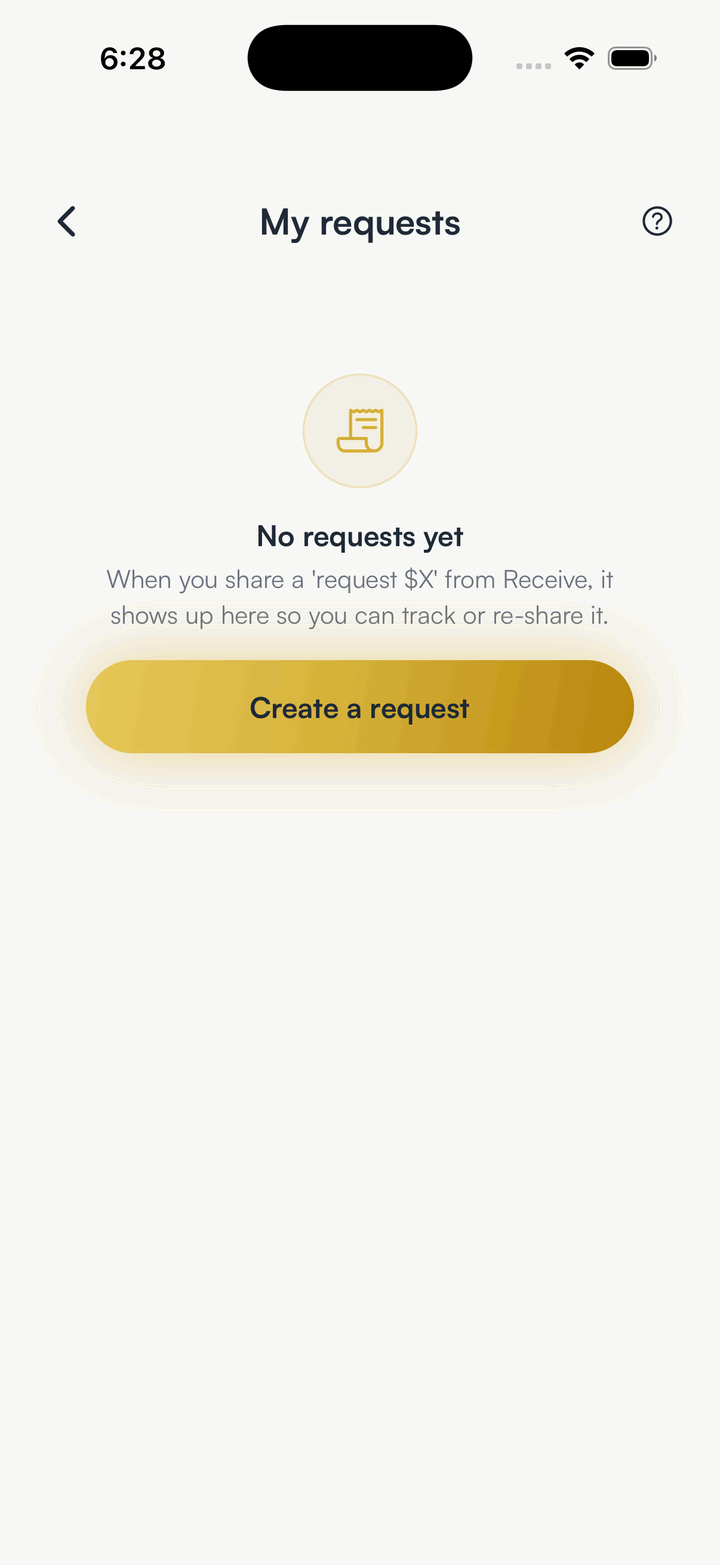
Requests track what you asked for and let you re-share the link.
See payments arrive
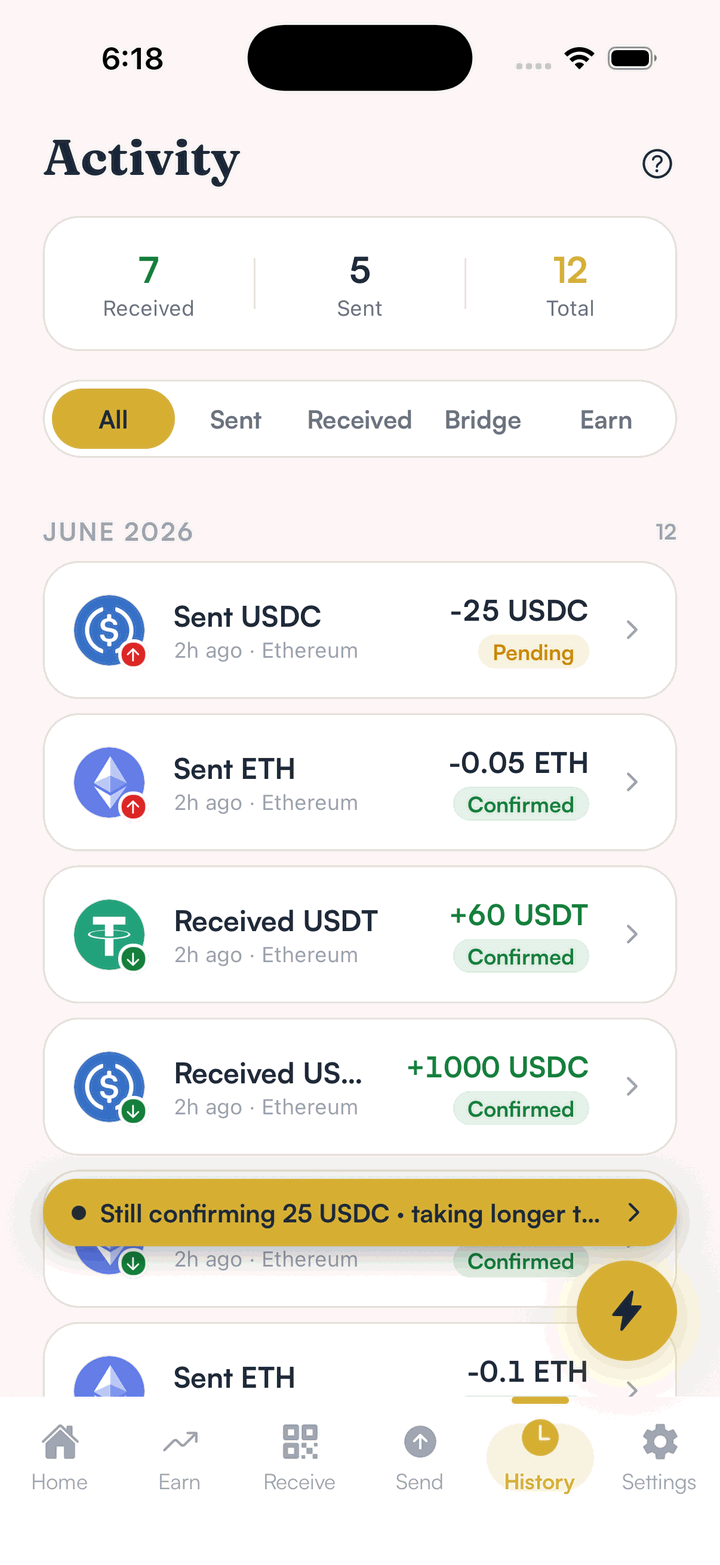
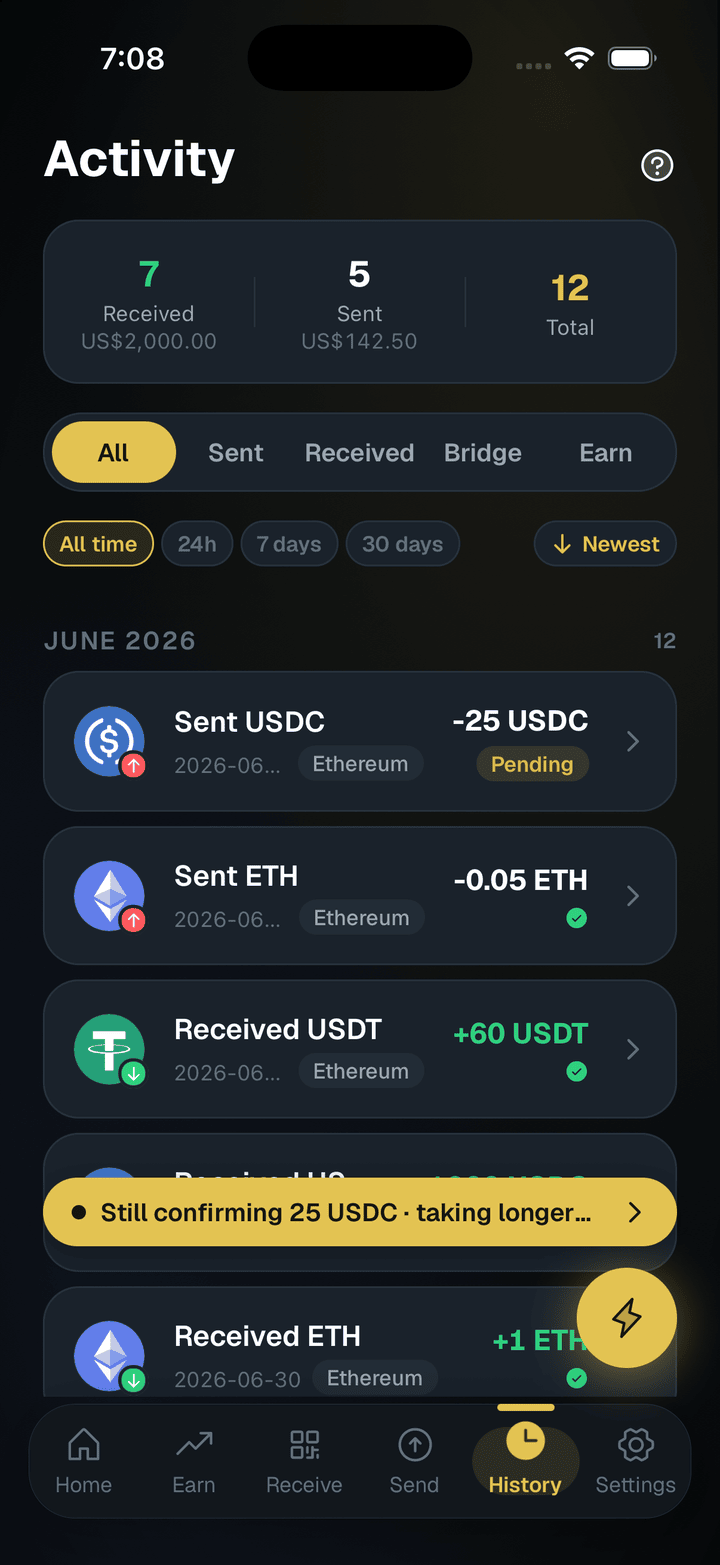
Incoming USDC shows in Activity once it confirms.
Hold your own keys, keep the yield, skip the middleman.
SpendTheBits is a fully non-custodial wallet for 13 chains, free on iOS and Android.