

Four things people mean by stop
When someone says stop the agent, they usually mean one of four things. Stop the program from running. Stop a service from trusting the agent's key. Move the money out of the agent's reach. Cancel what the agent has already signed. These are different actions, with different owners and different speeds.
Stopping the program is in your hands, if you run it. Stopping a service from trusting a key is in that service's hands. Moving money depends on who holds a key that can sign for it. Cancelling a signature depends on the token's rules and on time. A switch that does only the first or second can leave the other two wide open.
So the first question to ask of any stop button is simple. Which of these four does your AI agent kill switch do?
A key is the account
On Ethereum and the chains that copy its design, an externally owned account is controlled by anyone with its private key [1]. The ethereum.org docs put it bluntly: your private key is what you use to sign transactions, so it grants you custody over the funds tied to your account [1]. The money is not inside the agent. It sits on the ledger, and whoever holds the key can move it.
That has a hard consequence. If an agent's key has been copied, switching the agent off in a dashboard does nothing to the copy. The copy can still sign a transfer of everything at the agent's address. Revoking a key at a service means that service stops honouring it. It does not change what the key can sign on chain.
The real stop for funds is to move them out, using a key you still control, to an address the agent cannot touch. Until that happens, the balance at the agent's address is exposed to anyone with its key. This is also why a small balance is the most honest limit there is.
It also matters where the key lives. A key on the same device as the stop button can be used to sweep funds in one step. A key on a server, or inside someone else's tool, needs that machine and whoever runs it to act before the money is safe.
Signatures already handed out
Agents that pay over x402 with USDC sign an EIP-3009 authorization rather than sending a transaction themselves. Someone else submits it. The authorization carries two times, validAfter and validBefore, that set the window in which it can be used [2]. Inside that window, whoever holds it can submit it, and your kill switch does not change that.
Windows can be long. The signing example in the EIP-3009 document sets validBefore one hour ahead [2]. An agent that signed a payment just before you pressed stop may still see that payment settle within its window. The standard does define a cancelAuthorization function, but it is marked optional, so not every token offers it [2]. You can check whether a given authorization was used with authorizationState, which reports whether its nonce has been spent [2].
The practical lesson is to keep windows short before anything goes wrong. A signature that lives for a minute makes a stop button work almost at once. A signature that lives for a day makes it a polite request. Keep a list of what each agent signed and when each signature expires. Then the question of how long until you are safe has an exact answer: the latest validBefore among the signatures still unused.
Approvals and payments already in flight
Some agents also grant token approvals. Under ERC-20, approve lets a spender withdraw from your account multiple times, up to the approved amount [3]. That permission stays until it is changed. Calling approve again overwrites it, so setting it to zero is how you take it back [3]. A kill switch that never touches approvals leaves every approved spender free to keep pulling. For the steps, see our guide to revoking token approvals.
Then there are payments already sent. The x402 docs are careful here. An HTTP timeout or a lost response does not prove a payment failed [4]. Once the payment header has gone out, the outcome is unknown, and a payment authorization expiring is not evidence that a transaction already broadcast has failed [4].
So after you press stop, reconcile. Look up the agent's address on a block explorer, list what settled in the last hour, and compare it with what you expected. Do not assume the switch reached back in time.
Cooperative limits and limits the chain enforces
Most agent controls are cooperative. A service checks a payment against a budget when the agent asks it to. The x402 specification itself lists client-side budget management as out of scope [5], so these rules live in software around the protocol. They are useful, because a well-behaved agent asks every time. They bind only an agent that asks.
A limit the chain enforces works differently. The plainest one is the balance at the agent's address: the chain refuses to move money that is not there. Another design puts the agent's funds in a smart contract that checks every payment against rules written into the contract itself. That binds even a misbehaving agent, but only if the contract is correct, so it needs careful testing and review before it holds real money.
A sound setup uses both. Cooperative rules catch mistakes and odd requests early. The balance, or a contract, sets the worst case when the agent stops cooperating. For more on budgets the chain enforces, read our guide to agent wallet spending limits.
A stop plan you can set up today
Before anything goes wrong: give every agent its own key, never your main wallet's key. Keep only a small balance at its address and top it up as needed. Ask for short validity windows on every signature. Avoid unlimited token approvals. Write down where each agent's key lives.
When you press stop: switch the agent off so it gets no new answers. Move the remaining funds out with a key you control. Set any approvals to zero. Then reconcile what settled while you were acting, and keep watching until every signature the agent issued has expired or been used.
Afterwards: assume the key is burned. Do not reuse it. Create a new agent with a new key, and only fund it once you know what went wrong.
Practise the plan once. Run it on a test network with a test agent: switch it off, sweep it, zero an approval, and time each step. The first real emergency is a bad moment to learn that the key lives on a laptop nobody can find.
What an AI agent kill switch does in SpendTheBits
In SpendTheBits, a self-custody wallet, each AI agent gets its own key, created on the owner's phone, never derived from the seed phrase and never sent to SpendTheBits. The agent's spending limit is the USDC the owner chooses to put at the agent's address, so the chain itself enforces it. Owners choose what each agent's key may do and when it stops working.
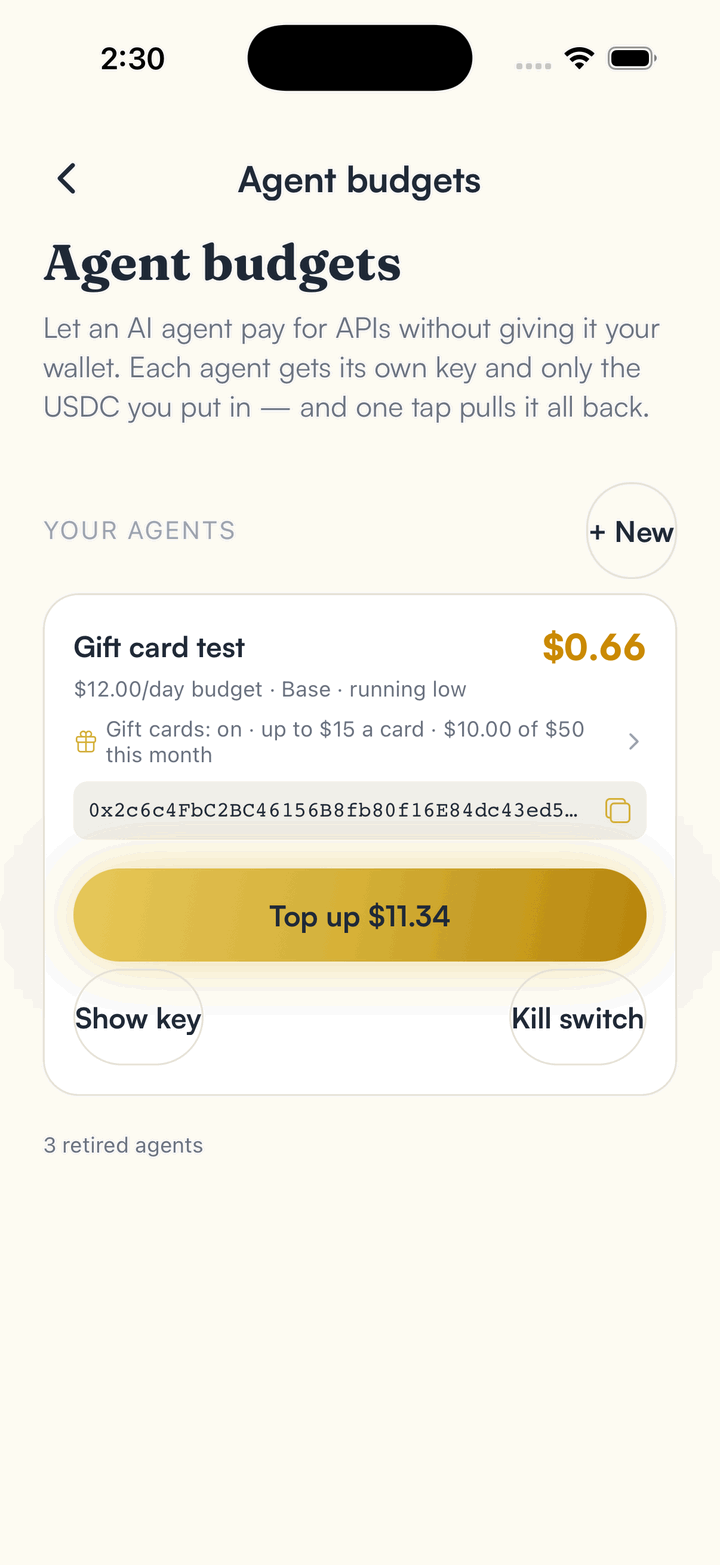
The owner can switch an agent off at any time. When the agent's key is on the same phone, its remaining USDC is sent back to the owner in the same step. Otherwise it stays at the agent's address until swept from the phone that holds the key. Stop all agents switches every agent off at once and moves no money. Budget rules are cooperative: they apply when an agent checks a payment with SpendTheBits first, and an agent that skips the check is limited only by the USDC at its address.
An on-chain wallet that enforces an agent's limits is not available in SpendTheBits. It exists only as tested code and test-network deployments, is not audited and holds no user funds. For the owner's own wallet, see how to freeze your wallet, and for agents start at the agents page.
In the app · 3 steps
Stop an agent, and protect your own wallet, in SpendTheBits
Agent budgets hold the switch for each agent. Guardrails and Freeze protect the owner's own wallet.
Switch an agent off
Open Settings, then Agent budgets, and use the kill switch on an agent. If its key is on this phone, its remaining USDC comes back in the same step.
Cap your own wallet
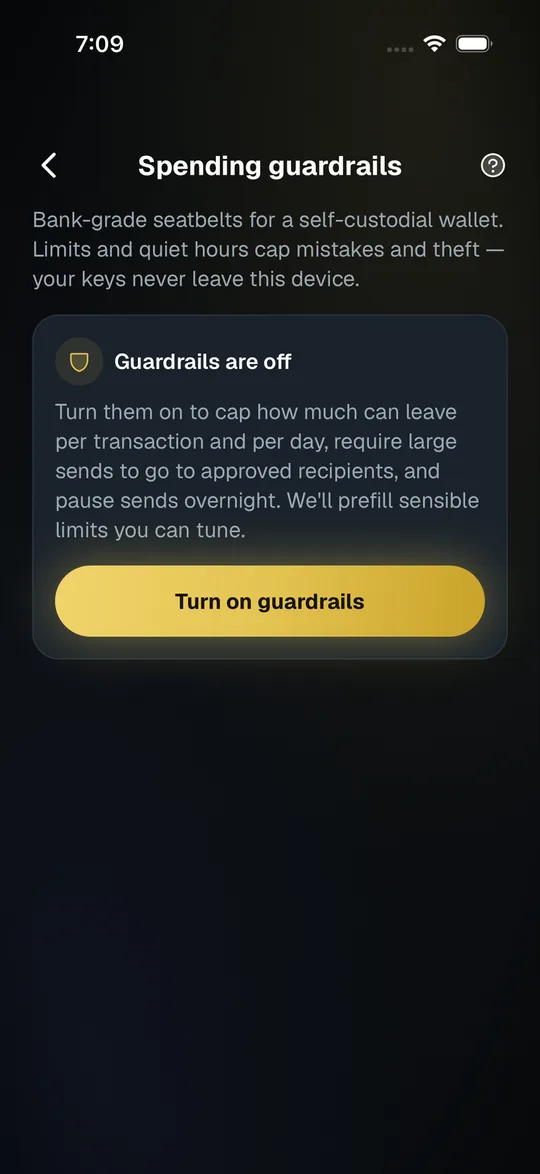
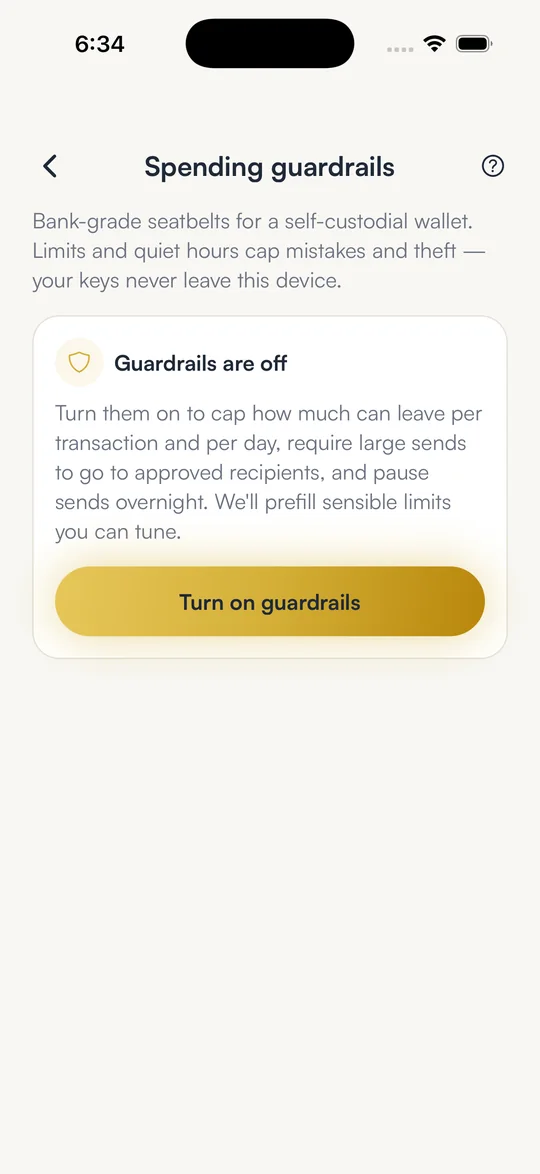
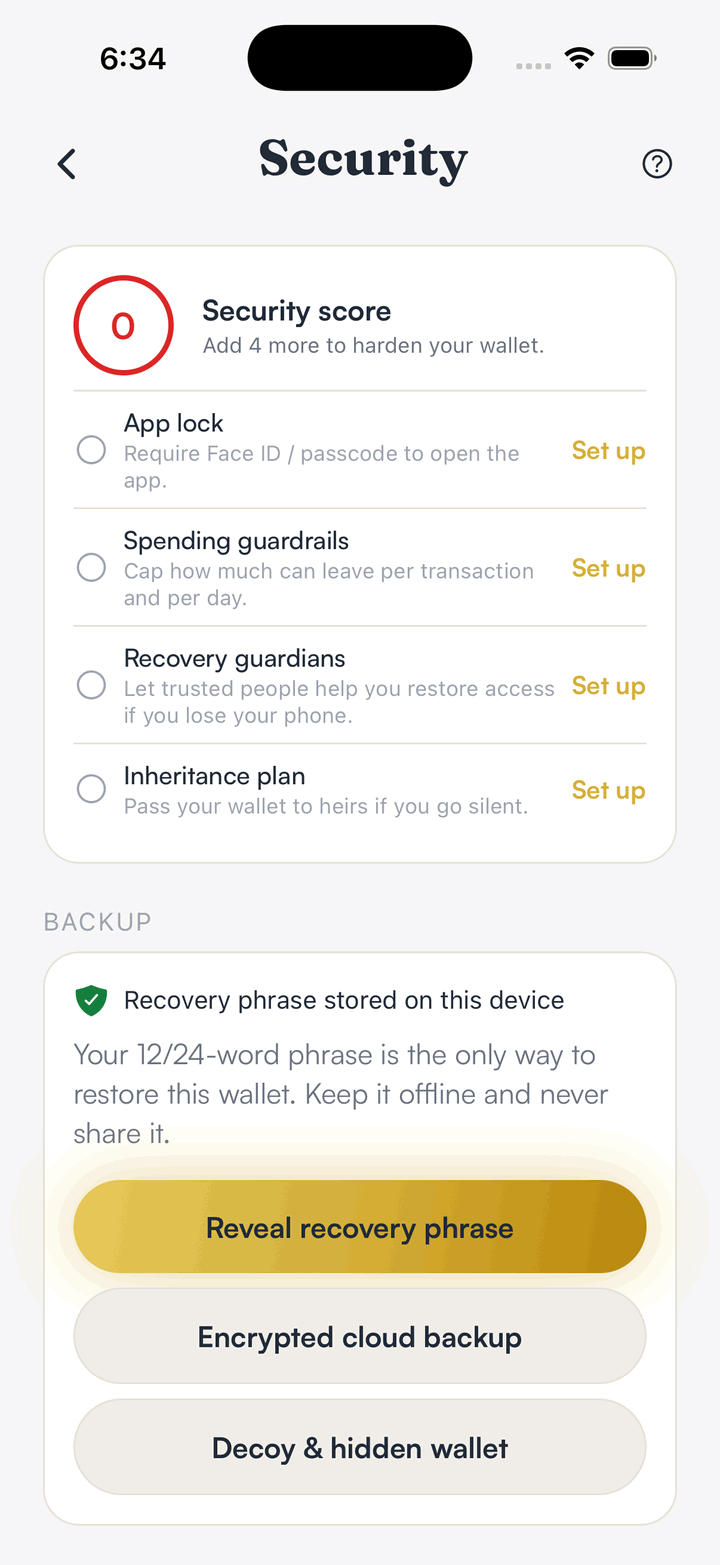
Spending guardrails set a per-send cap, a 24-hour cap and quiet hours for the owner's wallet. Loosening one waits behind a delay.
Freeze if you need to
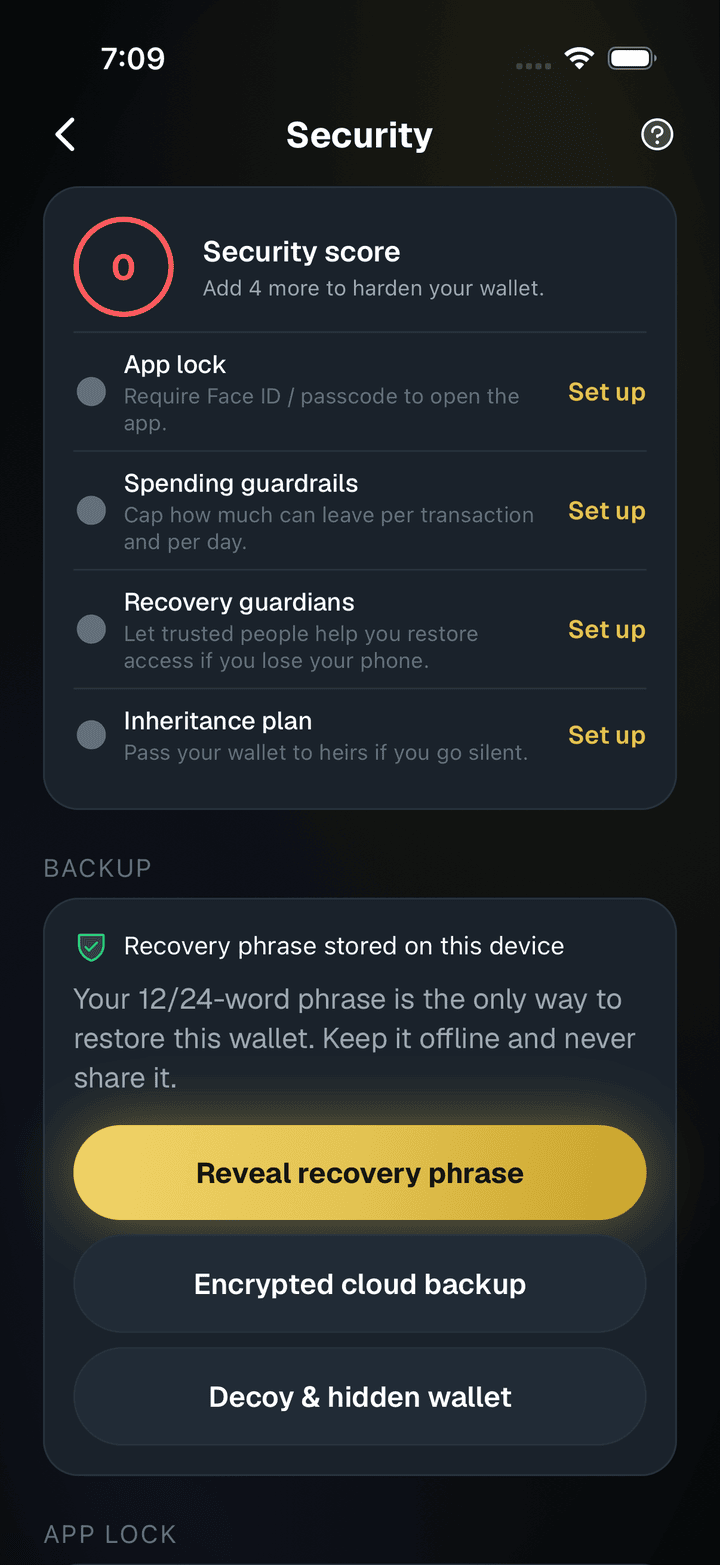
In Settings, then Security, Freeze blocks every outgoing send from your wallet until you unfreeze it on the device.
Hold your own keys, keep the yield, skip the middleman.
SpendTheBits is a fully non-custodial wallet for 13 chains, free on iOS and Android.