

Why nobody can freeze your keys
On a public blockchain, the network accepts any transaction that carries a valid signature. It does not ask which app made it. Ethereum's security guidance puts the stakes plainly: anyone who has your recovery phrase can access all of your accounts and drain every asset [1]. It also says a transaction sent on Ethereum is irreversible [1].
That is the price of self-custody, and it is also the point of it. Nobody can lock you out of your money. The flip side is that nobody can lock a thief out either, once they have your keys.
So a freeze in a self-custody app is not a lock on the money. It is a lock on one route to the money: the app on your phone. That is still worth a lot, because for most people, most of the time, the app is the only route.
What a freeze can block
A well-built freeze stops the app from sending anything out. That covers the realistic cases. Someone picks up your unlocked phone. Someone gets into a session they should not have. A tool you connected starts preparing payments you did not expect. In each case, the attacker is using your app, and the app says no.
Where the freeze is enforced matters. If it only hides the Send button, a clever attacker can go around the screen. If it is checked at the point where a signed transaction is handed to the network, nothing the app relays can slip past it. Ask any wallet you use where its freeze lives.
Unfreezing matters just as much. A freeze that anyone holding the phone can switch off in one tap is a speed bump. A freeze that needs the owner to prove who they are again, and that tells the owner each time it changes, is a real control.
A freeze also helps when you are simply unsure. Maybe a notification looked odd, or a payment appeared that you do not remember starting. Freezing costs you nothing but a short pause in your own spending, and it gives you time to look calmly. It is far easier to unfreeze after a false alarm than to recover funds after a real one.
Gap one: a leaked seed phrase
If someone has your seed phrase, a crypto wallet freeze does not help at all. They can type the phrase into any other wallet software, on any device, and sign whatever they like. Your app's freeze never hears about it.
This is why the seed phrase is the one secret that matters most. Ethereum's guidance is blunt: never, for any reason, share your recovery phrase or private keys [1]. The FTC adds that crypto payments typically are not reversible and do not come with the legal protections a card offers [5].
If you think the phrase itself is exposed, the freeze buys you nothing but a moment to think. The real fix is to create a new wallet with a new phrase and move your funds to it, quickly, before anyone else does. Our guide to backing up a seed phrase covers how to keep the new one safe.
Gap two: approvals you already gave
Token approvals are the gap most people never think about. Under the ERC-20 standard, approve allows a spender to withdraw from your account multiple times, up to the amount you set [2]. The spender then uses transferFrom to move tokens on your behalf [2]. Once granted, that spender does not need your signature again.
So if a contract you approved last year turns hostile, or its keys are stolen, it can pull your tokens without your wallet doing anything. A freeze in your app does not stop it, because your app is not involved. Ethereum's guidance warns against unlimited spend limits for exactly this reason: an unlimited approval could let a contract drain your wallet [1].
The fix is to revoke approvals you no longer need. That takes a transaction from your own address, which sets the allowance back to zero. Our explainer on revoking token approvals walks through it step by step.
Approvals pile up quietly. Every app that ever moved a token for you may still hold one. A good habit is to review them every few months, and always after you stop using an app, not only after a scare.
Gap three: signatures already in someone's hands
Some tokens let you authorize a payment or an approval with a signature alone, and let someone else submit it. EIP-2612 permits change an allowance using a signed message instead of a transaction from you, and the caller can be any address [3]. EIP-3009 lets anyone holding a signed transfer authorization submit it, within its validAfter and validBefore times [4].
A signature you gave before the freeze is still valid after it. If a phishing site collected a permit from you yesterday, the freeze cannot recall it. EIP-2612 lets the signer limit a permit's life with a deadline, and notes that a deadline set to the maximum value never expires [3]. EIP-3009 describes an optional function that attempts to cancel an unused authorization [4], but not every token offers it.
The lesson is simple. Read what you sign, and prefer short validity windows. After a scare, check your approvals and allowances as well as your balance.
The order that limits the damage
When something feels wrong, order matters more than speed. Here is a sequence that holds up. First, freeze, so nothing more leaves through the app. Second, decide what kind of problem this is: a lost or borrowed phone, a strange session, or a leaked seed phrase.
If the phone is lost but the phrase is safe, restore the wallet on a new device from your phrase, then lift the freeze. If the phrase may be exposed, set up a fresh wallet and move funds to it straight away, starting with the largest balances. Either way, review and revoke token approvals from the old address.
Write this plan down before you need it. Note where your recovery phrase backup is, which device you would restore on, and where you would move funds if the phrase leaked. Under stress, people skip steps. A short list on paper keeps you on track and stops you from rushing into the next scam, such as a fake support agent offering to help.
Finally, report fraud if money was taken. The FTC asks people who paid a scammer to report it at ReportFraud.ftc.gov and to the company used to send the money [5]. A report rarely brings crypto back, but it helps others avoid the same scam.
How Freeze works in SpendTheBits
SpendTheBits is fully non-custodial: the seed phrase and keys are generated and stored only on your device, and the backend cannot move, freeze or reverse your funds. Freeze in SpendTheBits is a one-tap kill switch that blocks every outgoing send, enforced before SpendTheBits relays a transaction. You are notified on every freeze and unfreeze, and unfreezing needs you to authenticate again on the device.
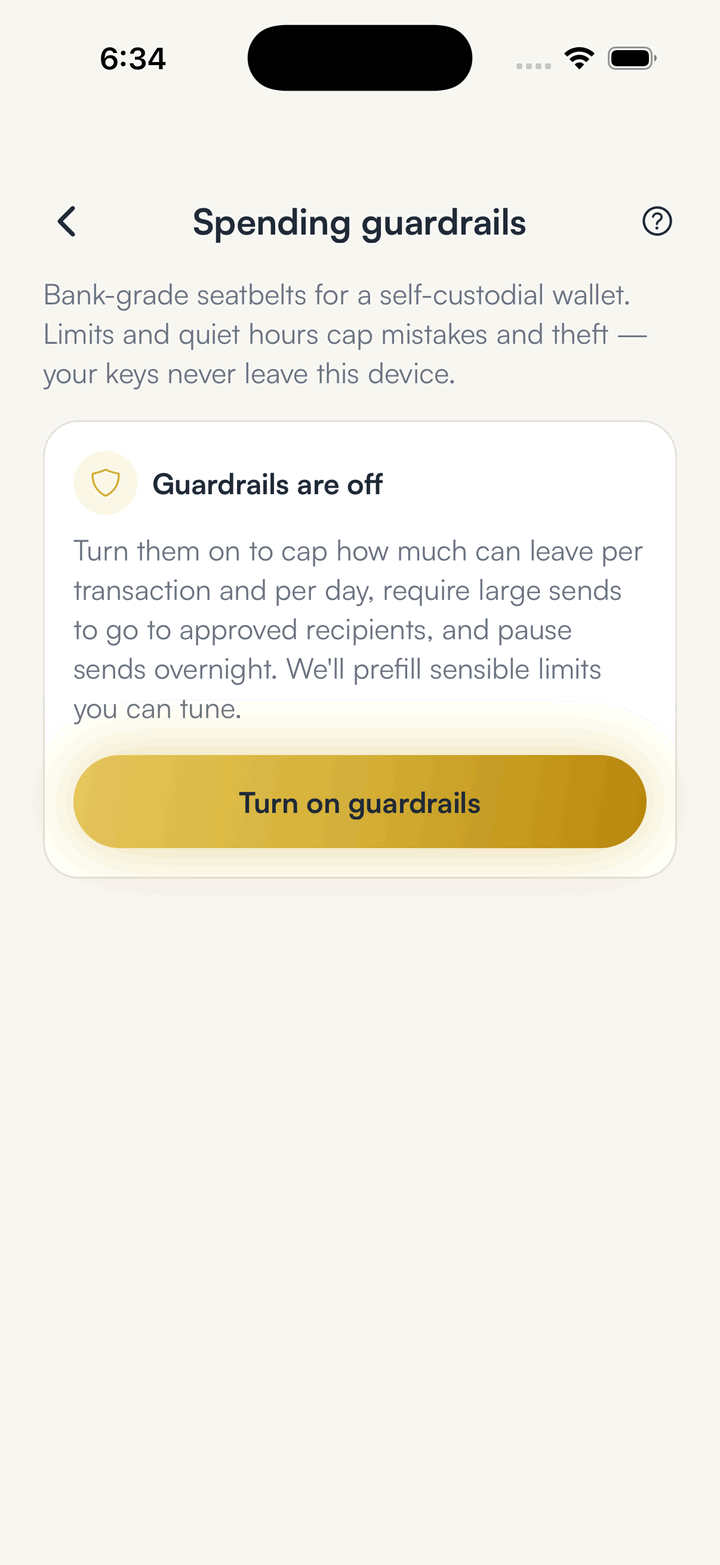
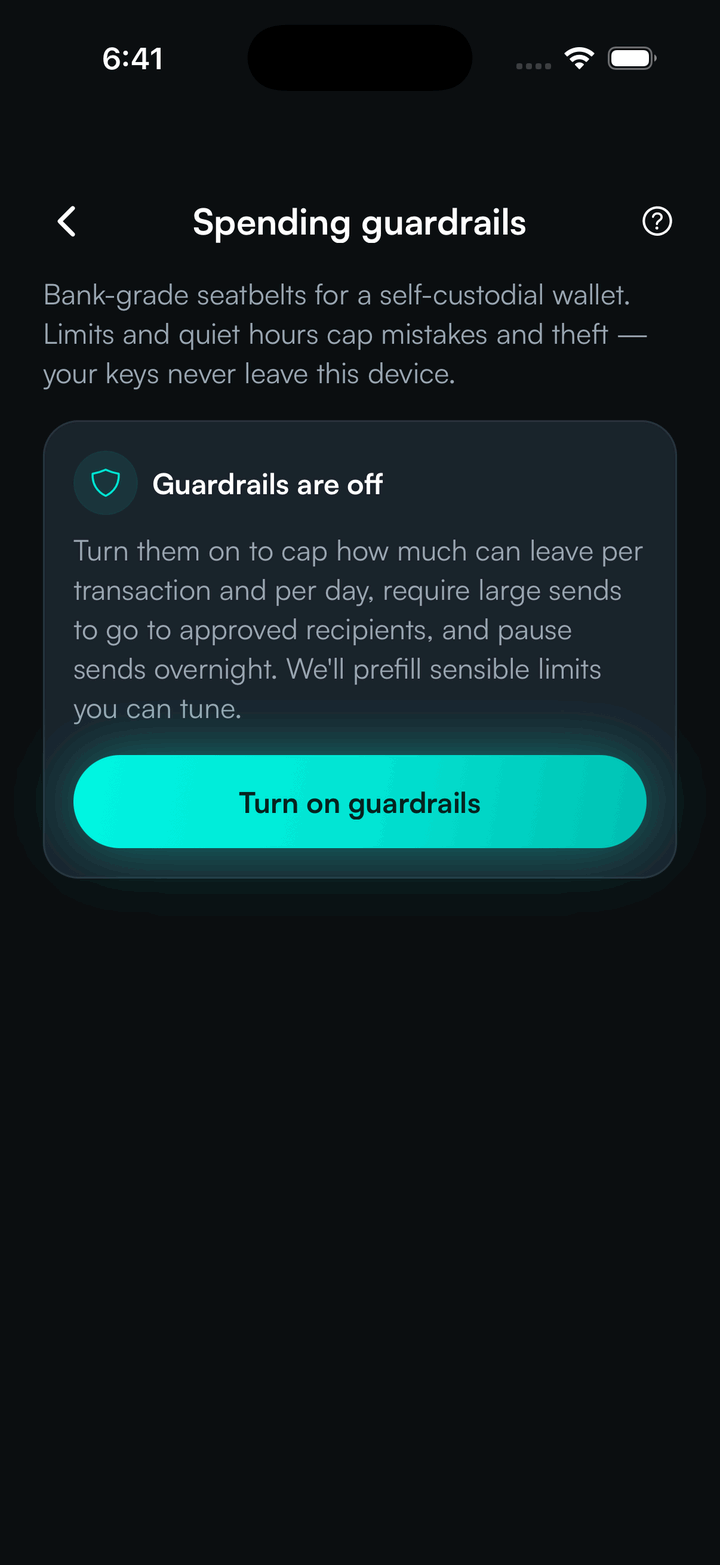
Freeze cannot stop someone who already has your seed phrase, because they could use it in another wallet. In SpendTheBits it sits beside spending guardrails, which are opt-in caps per send and per 24 hours, an allowlist for larger sends and quiet hours. In SpendTheBits, tightening a guardrail applies at once, while loosening one is queued behind a delay, 48 hours by default, so a thief with an unlocked phone cannot simply raise the limit.
One more distinction is worth knowing. Circle, which issues USDC, can block an address from sending or receiving USDC. That is the issuer's control, not yours, and it is separate from any freeze in your wallet. More on how the wallet protects sends is on the security page.
In the app · 3 steps
Find Freeze before you need it
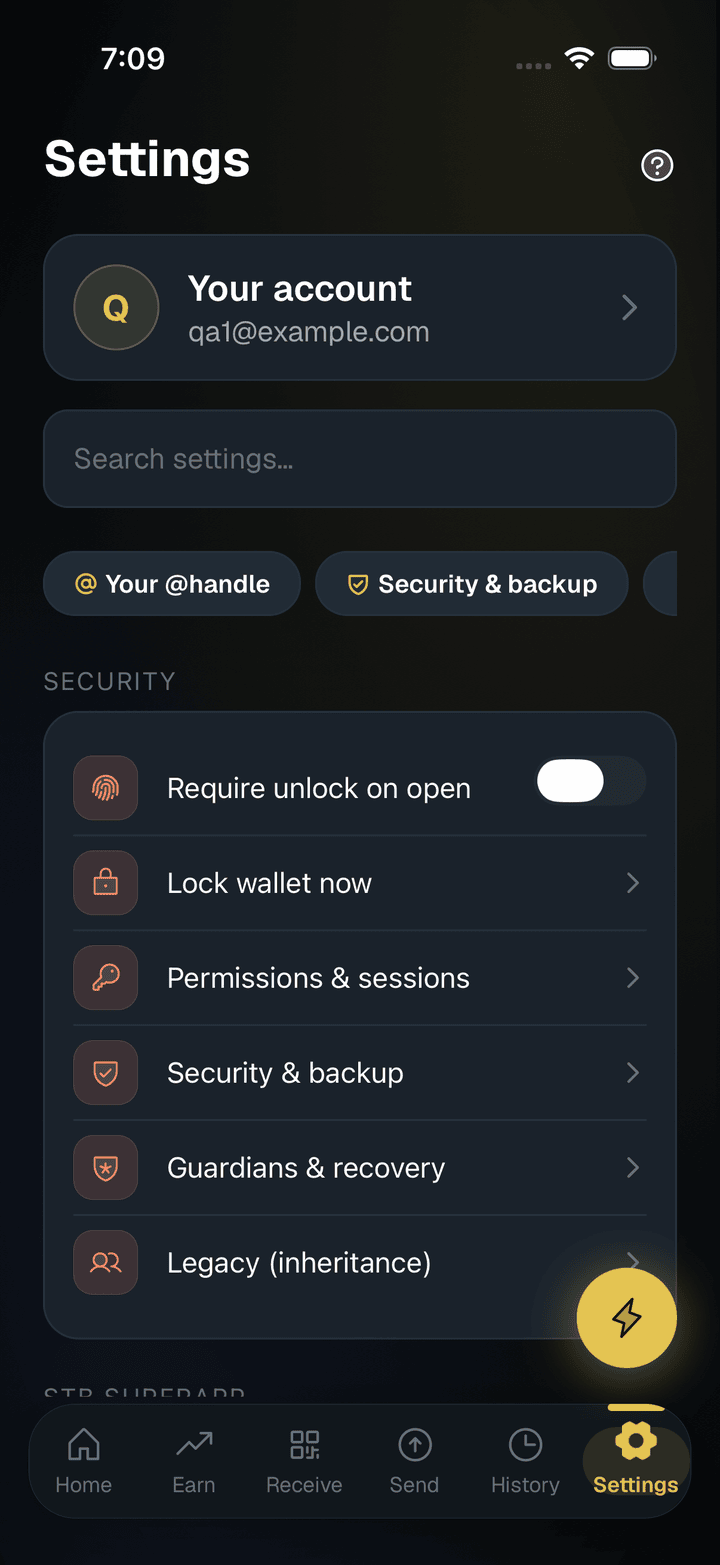
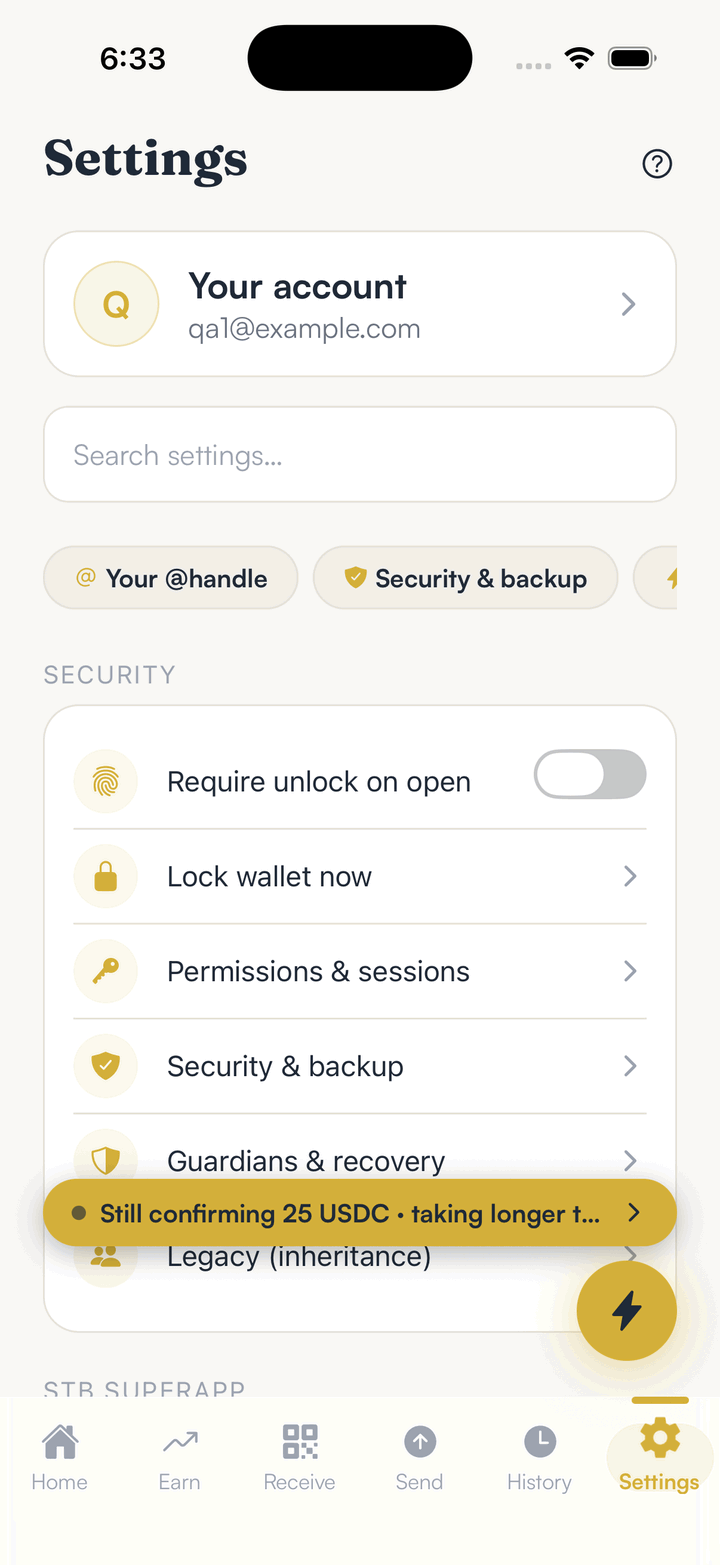
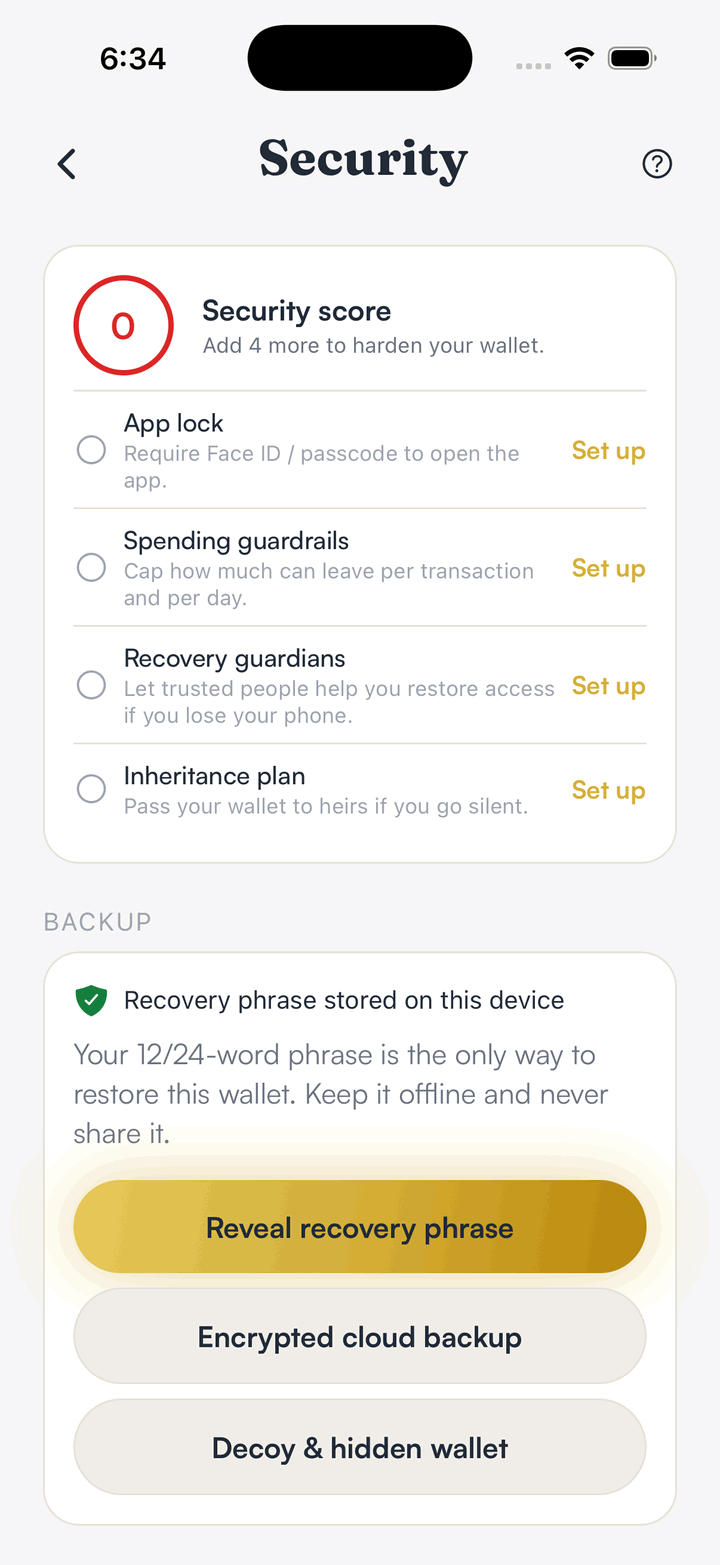
Freeze sits in Settings under Security. Find it on a calm day so you are not searching for it on a bad one.
Open Settings
From Settings, open Security. Freeze lives there.
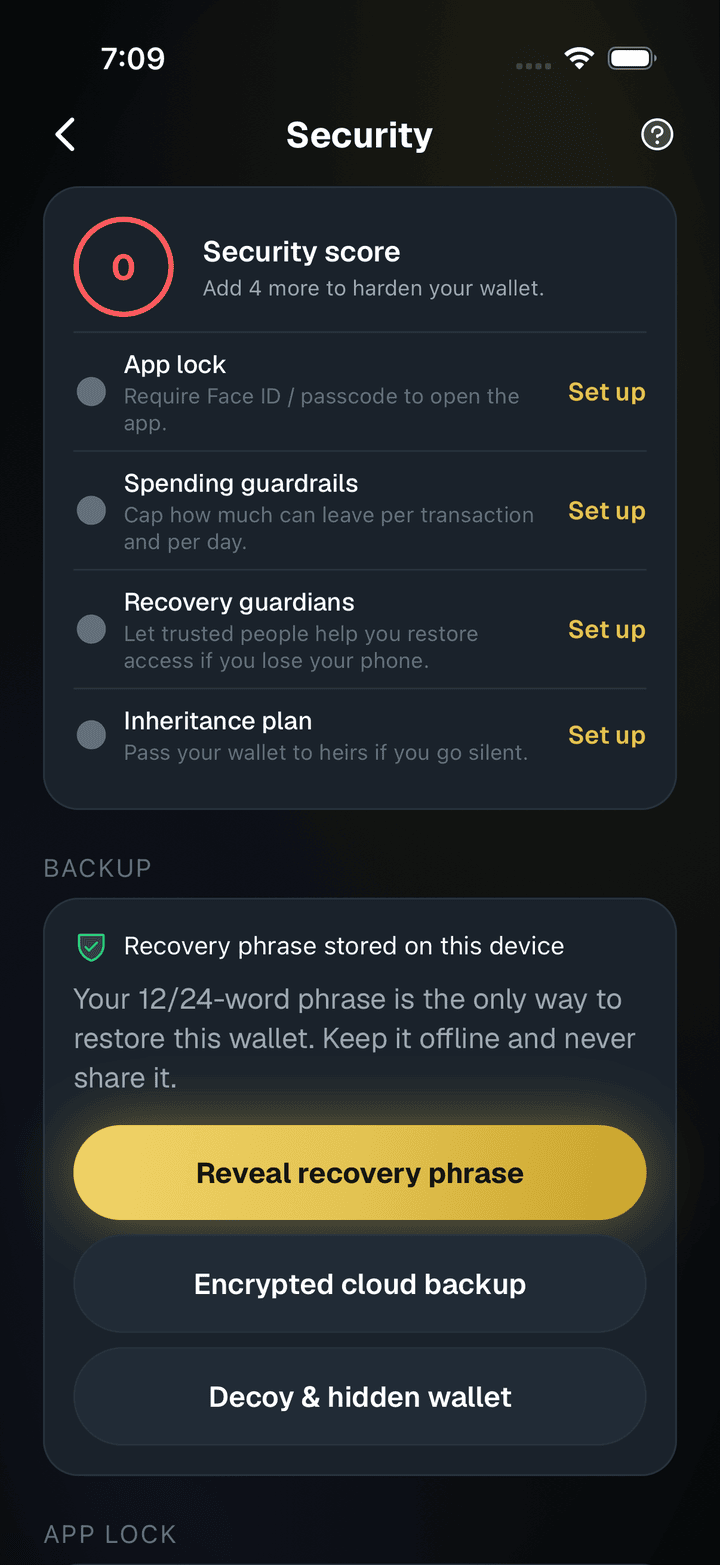
Harden the wallet
Security also lists app lock, spending guardrails, recovery guardians and your recovery phrase backup.
Set everyday guardrails
Caps per send and per day, an allowlist and quiet hours. Loosening a rule waits behind a delay.
Hold your own keys, keep the yield, skip the middleman.
SpendTheBits is a fully non-custodial wallet for 13 chains, free on iOS and Android.