
The Basics of the Firelight Protocol
Staking in a decentralized environment often sounds more complicated than it actually is. Firelight lets you put FXRP right into an ERC-4626 vault on the Flare network [2][6]. When you deposit tokens, the contract mints stXRP. This token shows your share of the pool [1][2]. This receipt token is completely non-custodial, meaning you retain absolute cryptographic ownership [2].
With the vault conforming to the ERC-4626 standard, your position is tracked as an on-chain vault share [2]. As rewards build up from fees and emissions, they add value directly to the vault shares [2][3]. This means that the total supply of stXRP in your wallet does not grow over time [2]. Instead, each single share is worth more of the main backing asset [2].
This design is highly efficient for long-term planning because it automates compounding. You do not need to manually claim and reinvest your rewards on a daily basis. The protocol manages the growth under the hood, and the rising redemption value reflects your earnings [2][3]. By using stXRP, stakers can maintain a liquid position while their underlying assets remain deployed [2][3].
Phase One Rewards and the Transition to Coverage
Firelight is starting its protocol in steps. This keeps it safe and stable for all users. In Phase 1, the protocol builds liquidity and gives rewards to early stakers [2][3]. If you deposit assets in this first phase, you will earn Firelight Points [3]. The protocol rewards stakers with base rate emissions from premiums alongside potential emission boosts [3].
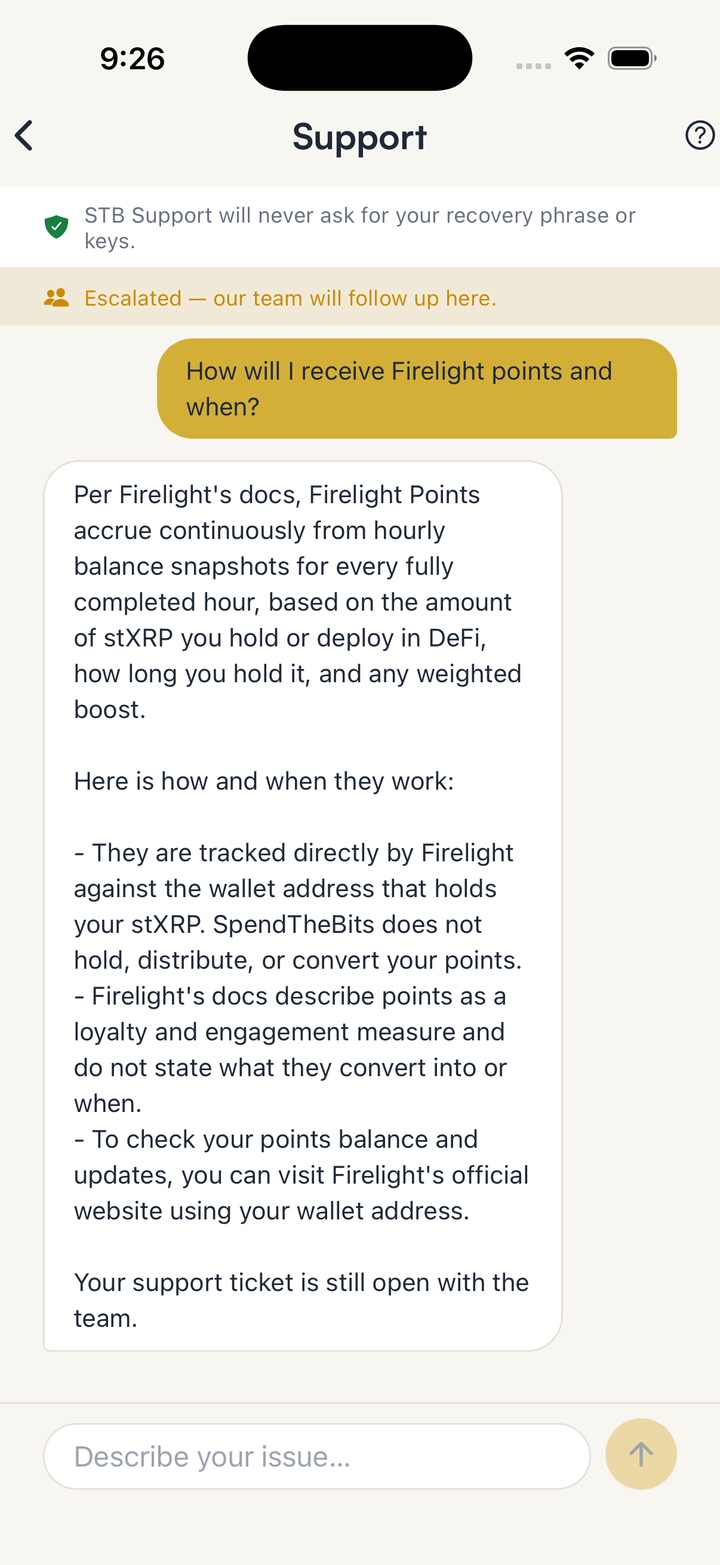
Because of this design, the SpendTheBits app intentionally shows an observed APY near zero for this pool. This is a deliberate reflection of the current reward structure, not a system error or a failure. Stakers receive loyalty points that build up over time based on the amount they have staked and the duration of their holding [3]. SpendTheBits does not hold, distribute, or have any power to modify these accumulated points.
As the system moves toward its next phase, the protocol will introduce active coverage backing and premium payments [1][2]. When phase two starts, old stXRP positions will turn into active backing positions in Firelight [2][4]. Stakers will not need to perform any manual migration steps to keep earning [2][4]. Premium payments stream into the vault regularly, which means your stXRP balance will continuously grow in redemption value [3].
How Firelight Points Are Calculated
For those participating in the early launch phase, understanding the points system helps you track your loyalty progress. Firelight tracks these points all the time. It uses a clear math rule with three main parts [3]. The first variable is the exact amount of stXRP you hold across different environments [3]. This has the funds in your self-custody wallet.
The second variable is the duration of your deposit, which rewards consistent, long-term participation [3]. The protocol takes an hourly snapshot on the last block of every hour to record user balances [3]. Points accrue for every fully completed hour that your assets remain in the protocol [3]. Finally, a weighted boost multiplier is applied to your balance to determine the final hourly accrual rate [3].
The boost multiplier is split between standard holdings and active deployments of stXRP in decentralized applications [3]. This helps incentivize a dynamic ecosystem where users can put their liquid tokens to work across Flare [3][6]. If you want to dive deeper into self-custody principles before starting, you can read our guide to self-custody. This resource helps explain how your keys keep your points and tokens secure on-chain.
Staking FXRP in the SpendTheBits App
To begin staking, a user must acquire some FXRP, obtain FLR for network gas, and deploy their FXRP through the Firelight interface [4]. Staking into the Firelight protocol requires FXRP, which is the trustless wrapped representation of XRP [2][6]. In SpendTheBits, you can mint FXRP easily under the Get FXRP section. The app prepares a single, secure XRP Ledger payment with the required memo to mint in whole ten-XRP lots.
You will also need a small balance of FLR to cover the basic network gas fees on Flare [4]. The app allows you to approve and deploy your assets in a fully non-custodial manner. The backend prepares the transaction context, but you sign it directly on your device.
To see how self-custody protects your family, read about what happens when centralized platforms collapse. Once your deployment transaction is confirmed, the vault records your new position in a single atomic action [4]. Your assets undergo compliance screening, and as soon as that clears, they become active in the protocol [4].
The self-custody wallet provides direct access to these features on iOS and Android devices. You keep full control of your assets. The app prepares the unsigned transaction context, but you sign every action on your device. To mint your tokens, the app structures a secure XRP Ledger payment with the exact required memo. It sets aside about two XRP to cover the minting and executor requirements on Flare. You can also redeem your wrapped assets back to native XRP whenever you choose.
Understanding Withdrawals and the Unstaking Window
Exiting the Firelight vault is a two-step process where you must first initiate an unstake and then withdraw [4]. First, you must initiate an unstake request in the SpendTheBits app to queue the withdrawal [4]. When you submit this request, the protocol snapshots the redemption value of your stXRP and halts reward emissions [4]. The assets then start the unstaking wait time. This window is structured so that capital cannot exit ahead of the active coverage obligations it backs [4].
Because staked cash backs coverage, the protocol cannot let you take your funds out fast [4]. The unstaking window spans one full cover period after the period in which you initiated the unstake [4]. During the initial launch phase, periods are set to one day, making the lockup last only one to two days [4]. However, when the full feature-complete launch is live, cover periods will extend to thirty days [4].
At that point, the effective unstaking window will range from thirty to sixty days depending on when you initiate [4]. Once this window closes, you must perform the second step by submitting a withdrawal transaction to claim your FXRP [4]. To learn how to manage coins on different chains, read our guide to supported networks.
You should also note that emissions stop immediately when you initiate your unstake request [4]. Because your tokens are redeemed at the start of this process, your position earns no rewards during the waiting window [4]. Once this period ends, your assets do not automatically return to your wallet [4]. You must submit a final withdrawal transaction to complete the transfer of your funds [4]. Also, the system uses a blocklist to stop banned addresses from moving or using assets [4].
How Coverage Backing and Slashing Risks Work
As Firelight grows, stakers will take on the risk of losses to get higher yields [2]. Stakers do not back a single isolated market; instead, they back the aggregate coverage book [5]. The protocol protects stakers from minor losses using a multi-layered loss waterfall [5]. The first layer of defense is the First-Loss Buffer, which is a protocol-owned stablecoin reserve [1][5].
This buffer takes the hit for small losses. Your staked assets stay safe unless a huge event occurs [5]. If a claim is too big for the buffer, the vault positions are cut to pay the rest [1][5]. Slashed assets are then routed to liquidators and converted into stablecoins [1][5]. To validate claims, an independent Risk Consortium reviews incident reports and votes on-chain [1].
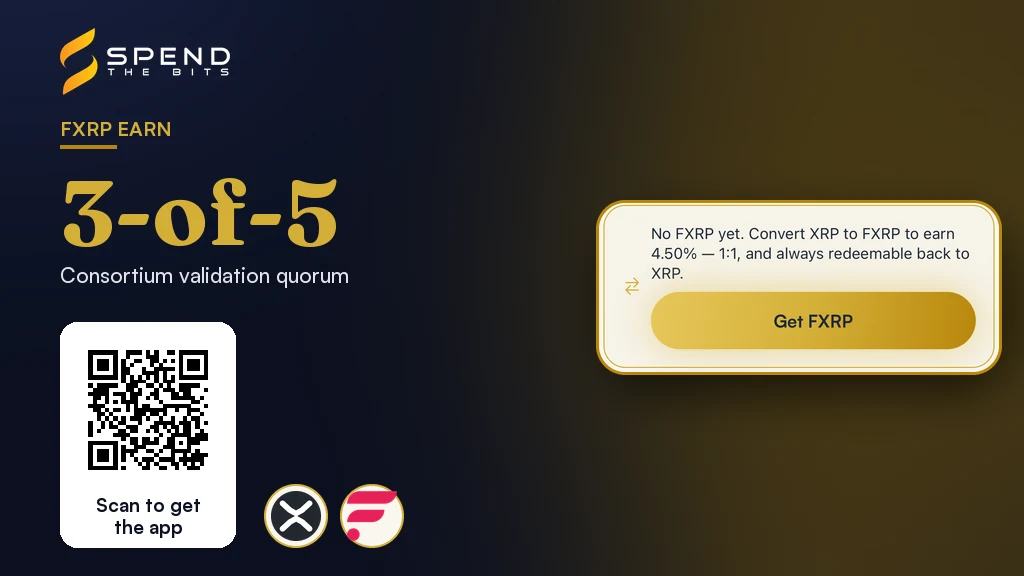
A quorum of three-of-five members is required to approve a payout and trigger a slash [1]. If you want to compare how different yield protocols manage risk, read our comparison of Aave and Morpho USDC yields. For those focused on stable assets, you can also check our analysis of RLUSD and USDC on the XRP Ledger. Both articles provide valuable context for managing risk.
Only an on-chain slash instruction from a validated claim reduces a staker's underlying balance [5]. For example, a short price drop of your tokens on a market is not a protocol slash [5]. Also, small drops in value after a big cash out are normal book changes, not losses [5]. If a real incident does trigger a slash, future emission streams will continue to flow into the vault [5]. This ongoing accumulation helps rebuild your redemption value over time while your assets remain deployed [5].
In the app · 6 steps
Stake FXRP in Firelight from SpendTheBits
During Firelight's Phase 1 the reward is Points, so the app shows an observed APY near zero. Here is what the flow looks like.
Open Earn and pick FXRP
Firelight is the FXRP venue. If you hold XRP but no FXRP, start with Get FXRP.
Read the vault card before depositing
The card shows the Yield Safety Score and the Points note. In Phase 1 Firelight pays Points, not FXRP, so the observed APY is shown honestly as near zero.
Deposit and receive stXRP
You sign the deposit on your phone and receive stXRP, which represents your stake. Points accrue to your own address; SpendTheBits does not hold or distribute them.
Withdraw in two steps
A Firelight exit is a queued unstake, then a claim once the withdrawal period has passed. The app walks you through both.
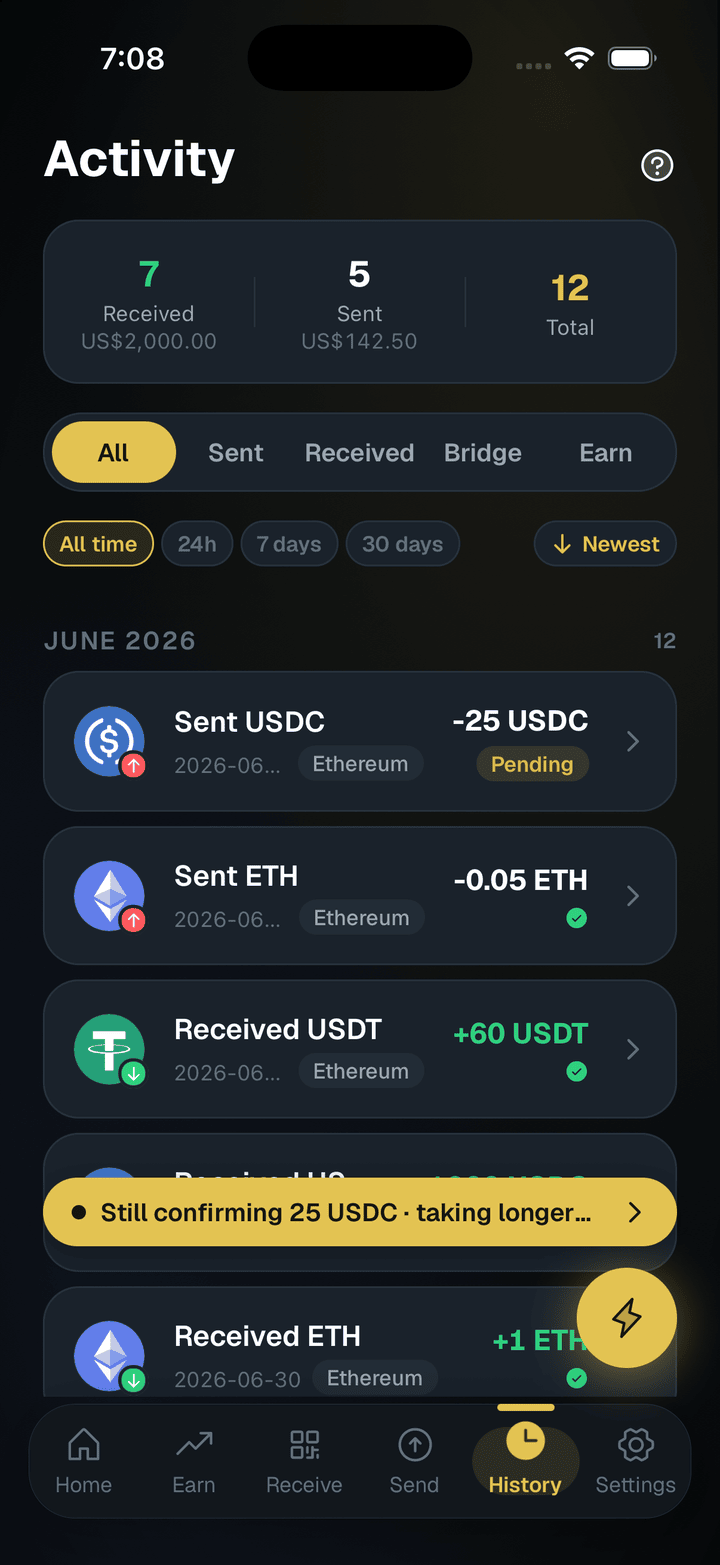
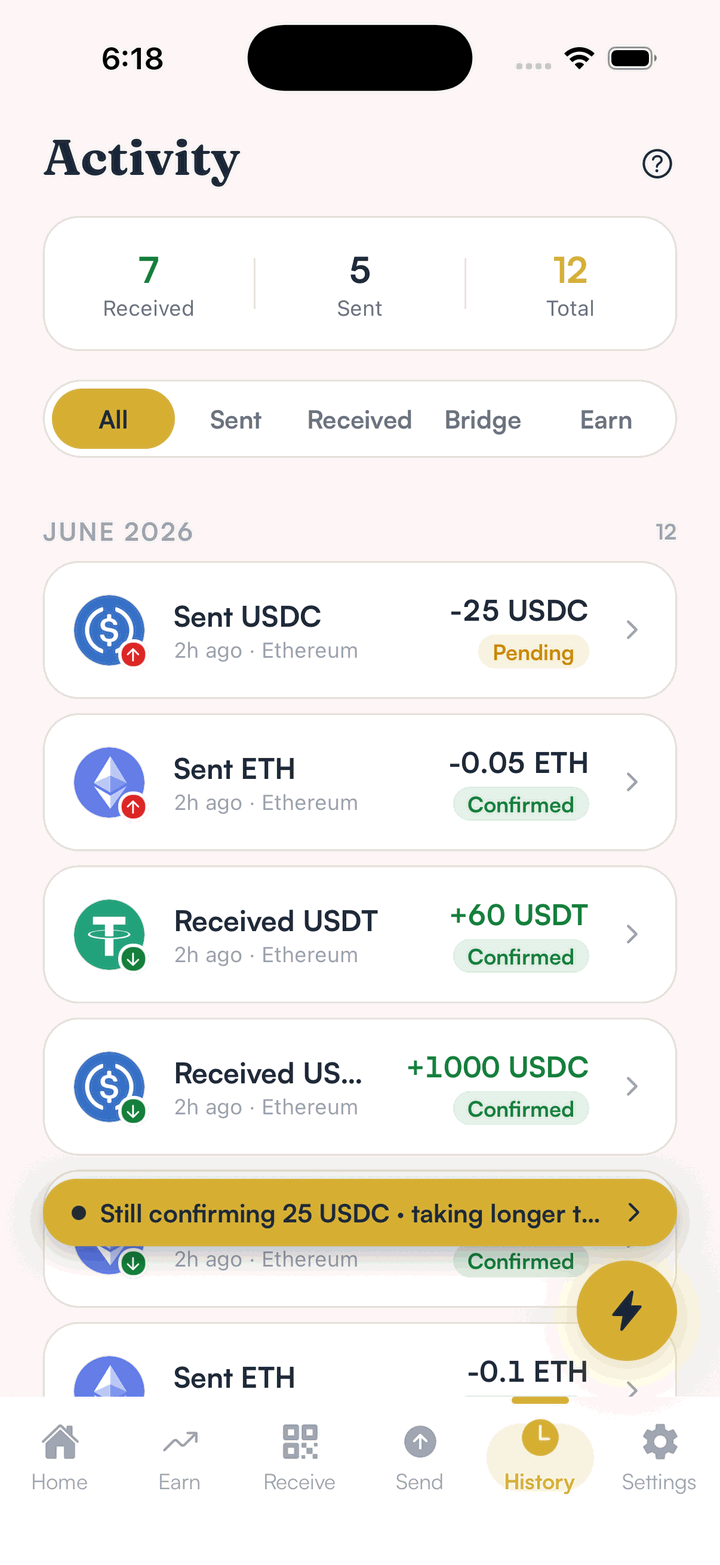
Follow it in Activity
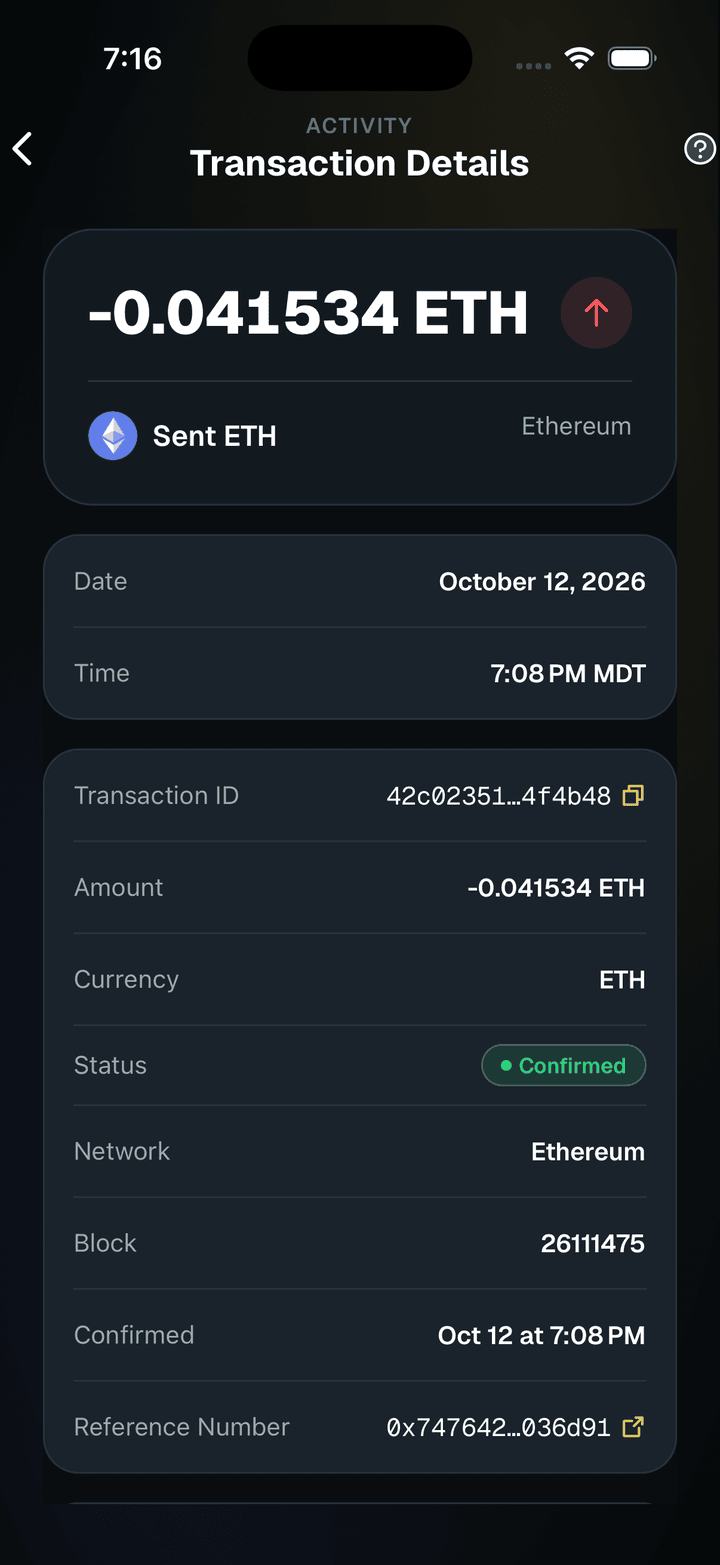
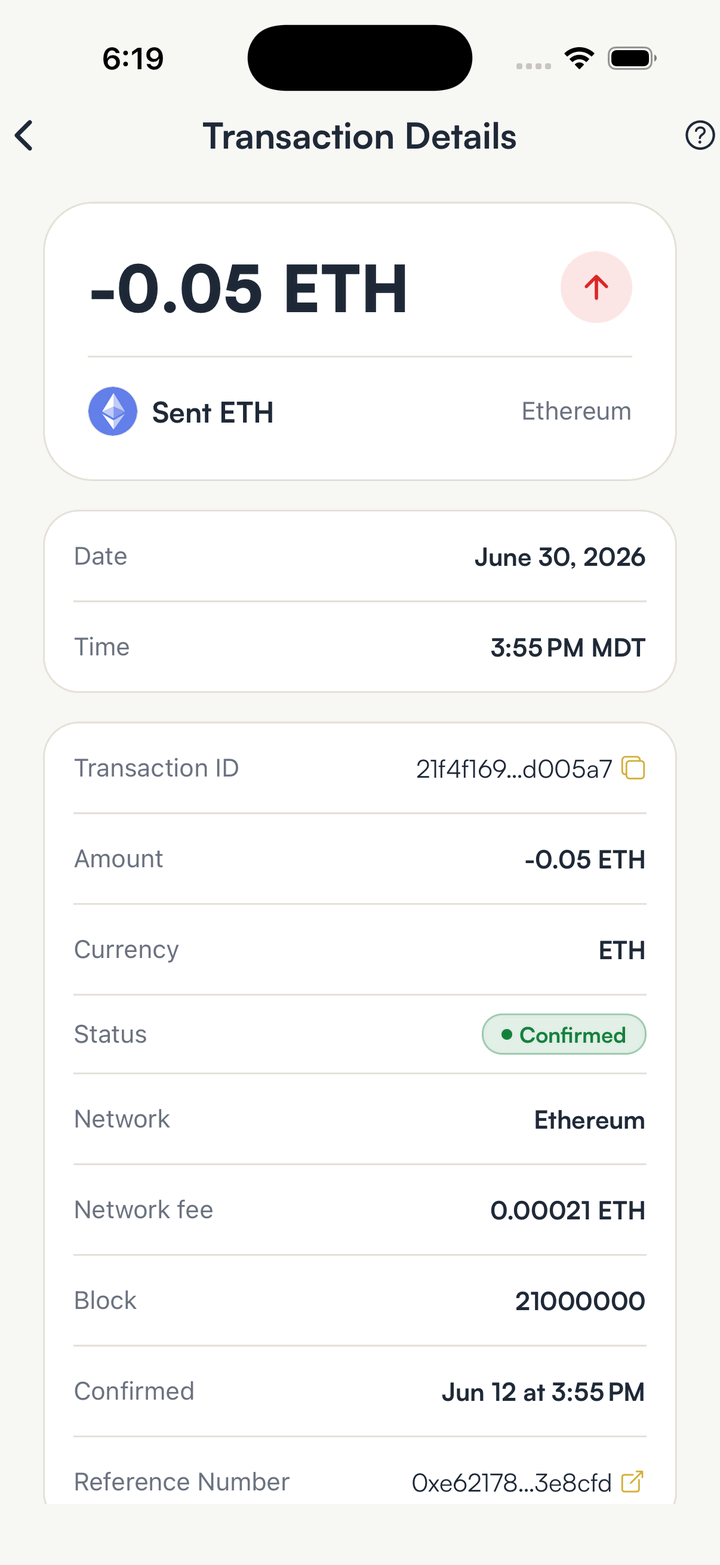
The deposit, the unstake request and the claim each appear as their own transaction.
Open the transaction for its details
Tap any row in Activity to see its status, the network, the network fee and the transaction ID.
Hold your own keys, keep the yield, skip the middleman.
SpendTheBits is a fully non-custodial wallet for 13 chains, free on iOS and Android.